
Download Facebook Posts: The Complete Practical Guide
You may need to preserve a Facebook post before it disappears, build a dataset from a public page, or move years of your own content into a searchable archive. Those sound like the same task, but they aren't. Facebook gives you different access paths for each situation, and choosing the wrong one can leave you with incomplete files, unusable formats, or data you weren't authorized to collect.
The practical question isn't how to download Facebook posts. It's whose posts you need, what evidence you require, and whether the workflow must run repeatedly. A personal archive, a research export, and a programmatic data service solve different problems. Treating them as interchangeable is where most failed projects begin.
Table of Contents
- The Three Ways to Download Facebook Posts and When to Use Each
- How to Download Your Own Facebook Posts Using the Archive Tool
- Downloading Public Facebook Posts Through Meta Content Library
- Using Social Media Data APIs for Programmatic Facebook Post Downloads
- Compliance, Rate Limits, and Ethical Boundaries When Downloading Posts
- Why Facebook Exports Are Never Fully Complete and How to Handle Gaps
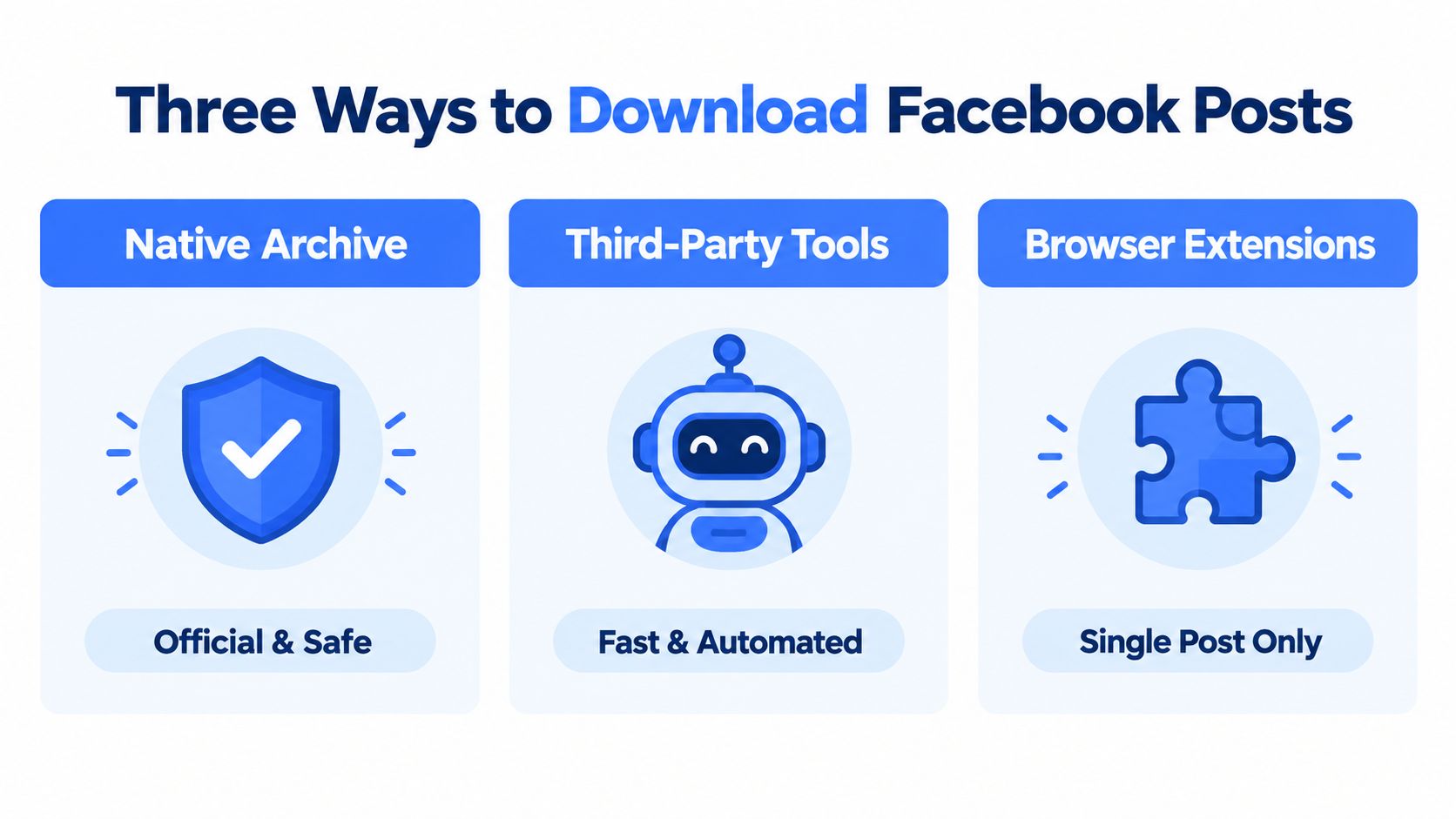
The Three Ways to Download Facebook Posts and When to Use Each
Before opening a scraper or writing an integration, identify the access scope. Facebook's native archive is designed for information associated with your own account. Meta's Content Library is intended for approved research access to public content. Third-party data APIs provide an automation layer, but they still depend on lawful, permitted access to the underlying data.
| Method | Access Scope | Best For | Scalability |
|---|---|---|---|
| Native Archive | Your own account and associated data | Personal backup, account review, evidence preservation | Low to moderate |
| Meta Content Library | Eligible researchers working with public content | Academic research, public-content analysis, controlled investigations | High within access limits |
| Third-Party Tools | Public or authorized data exposed through the provider | Repeatable collection, monitoring, structured pipelines | Depends on provider and permissions |
Match the workflow to the objective
Choose the native archive when the posts belong to you. Facebook introduced its Download Your Information feature in 2010 as a personal archiving mechanism, and the original output focused on a browsable HTML copy of content the user had posted, as documented in Facebook's account of the export system's evolution. The later addition of structured JSON made the archive more useful for software processing, but it didn't turn the tool into a general-purpose downloader for anybody's public posts.
Choose Meta Content Library when you're conducting qualifying research on public Facebook or Instagram content. The system is more appropriate for systematic investigation than a personal archive, but access is gated and the downloadable data is not an unrestricted public feed. A researcher must plan around eligibility, query design, file handling, and platform terms.
Choose a third-party API or extraction service when your application needs repeatable requests, normalized fields, pagination, and downstream processing. This route can reduce the maintenance burden of browser automation, but it doesn't remove the need to verify permissions, provenance, retention rules, and data quality. A useful overview of the broader collection is available in this guide to social media data gathering.
The decision rule is simple. Own the account, use the native archive. Conduct approved public-content research, evaluate Content Library. Need an automated application workflow, assess a compliant API provider. A browser extension may save what you can currently view, but it isn't equivalent to an official export or a durable dataset.
How to Download Your Own Facebook Posts Using the Archive Tool
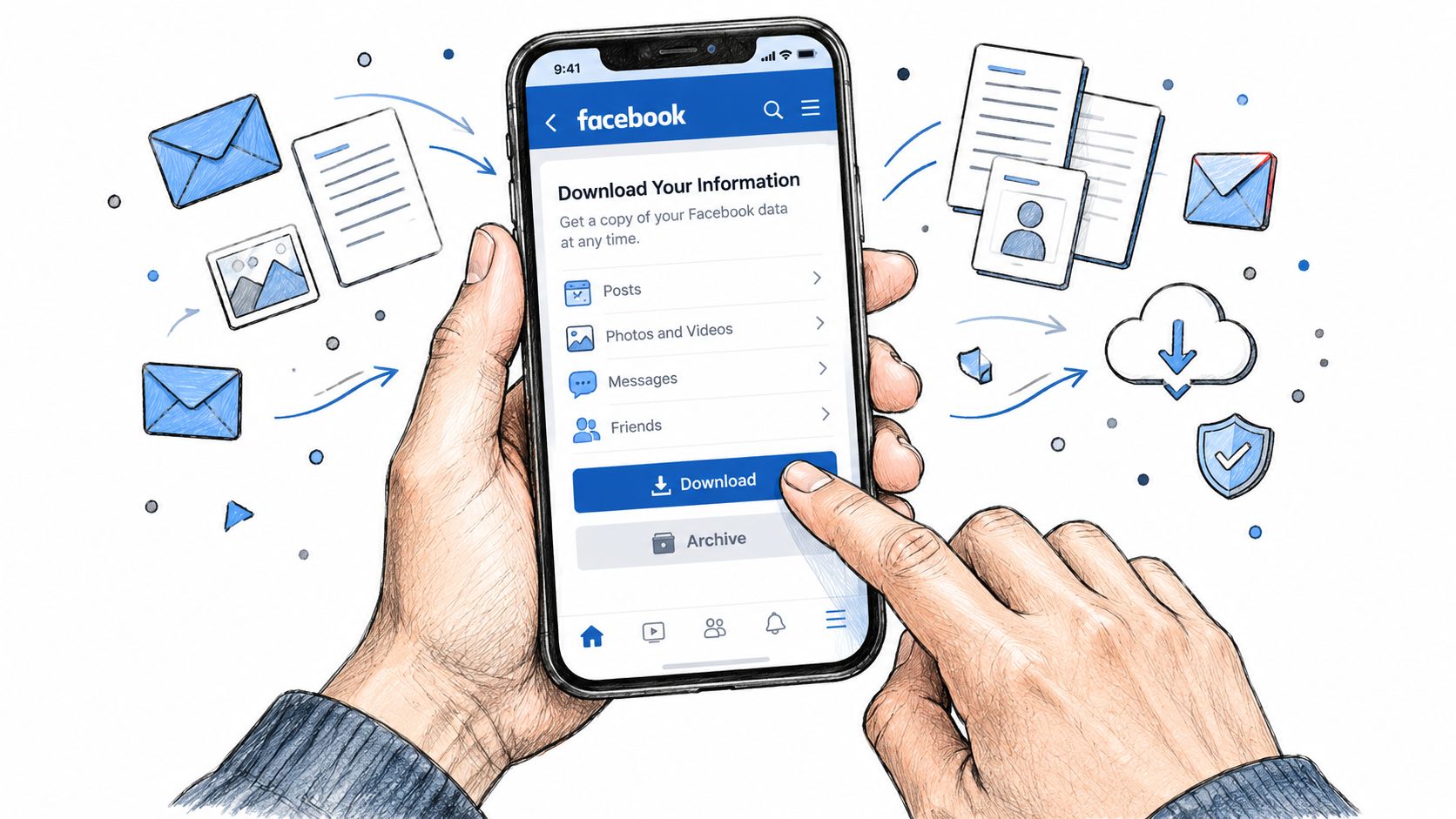
Facebook's native export is the right starting point for a personal backup. It lets you request data associated with your account, select the relevant profile and categories, define a date range, and choose a format that suits either human review or software processing.
Configure the request deliberately
Open Facebook's account settings and find Download Your Information. The exact menu labels can change, so use the settings search if the option isn't visible. Select the profile you want to export, then narrow the categories to the data your project requires. For a post archive, that commonly includes posts, comments, reactions, and media associated with your account.
Set the date range consciously rather than assuming that a broad selection guarantees a complete historical record. Record the selected profile, categories, date range, request date, and chosen format in a small manifest file beside the eventual download. That information becomes important when you repeat the request or compare two exports later.
Choose HTML if a person needs to browse the archive. Choose JSON if another application will parse, categorize, index, or migrate the records. Facebook's move from HTML toward JSON matters because a human-oriented archive and a machine-readable dataset have different operational properties. HTML is convenient for inspection, while JSON is better suited to ingestion and transformation.
Practical rule: Keep the structured files and their media together. A JSON record that points to an asset without the corresponding downloaded file isn't a complete working record.
When Facebook prepares the export, download it promptly and unpack it into a controlled directory. Don't edit the original files in place. Preserve an untouched copy, then create a working copy for normalization, deduplication, text extraction, or indexing.
Know what the archive doesn't prove
The export covers data associated with your account and permissions. It isn't a mechanism for downloading another person's private posts, and it won't provide a universal archive of every public post you can see elsewhere on Facebook. Content removed by its original poster won't necessarily be present either.
Validate the result before calling it complete:
- Check the profile: Confirm that the selected account or profile matches the intended archive.
- Check the filters: Record the date range and categories, then compare them with the request manifest.
- Open representative records: Inspect text, timestamps, comments, reactions, and linked media rather than checking only that files exist.
- Compare visible sources: Where practical, compare known posts on the live profile with records in the export.
- Preserve the original: Store the untouched HTML or JSON alongside media and your validation notes.
If your project also involves preserving live broadcasts or other platform archives, separate that workflow from Facebook's account export. A resource on how to save YouTube live content is useful for understanding why media preservation often requires its own capture and storage process.
Downloading Public Facebook Posts Through Meta Content Library
Personal exports and public-content research have different permission models. Meta's Content Library and Content Library API are designed to support eligible research involving public Facebook and Instagram content, including downloadable Facebook post datasets. They aren't a replacement for the ordinary account archive, and they aren't an open bulk-download portal for every page or profile.
Eligibility comes before query design
Meta describes access for qualifying researchers and organizations, with requirements that include approval through ICPSR and privacy-preserving research terms. The documented eligibility framework includes widely known individuals and organizations with a verified badge or at least 25,000 followers, as described in Meta's Content Library documentation. Those conditions mean that a public post's visibility doesn't automatically make it available for unrestricted bulk export.
The downloadable subset is available through the Content Library interface rather than treating the API as a universal file-delivery mechanism. Plan the work around the actual interface, approved account, search filters, and export process. Keep a query log containing the search terms, filters, collection date, and account context so another researcher can understand how the dataset was assembled.
Design around the file limits
Meta's documentation specifies a limit of up to 10 CSV files per day, with each CSV containing as many as 100,000 search results. At the stated maximum, that creates potential access to up to 1,000,000 search-result records per day, although actual output depends on eligibility, query results, filtering, and platform availability. These limits should shape the collection plan before anyone starts downloading files.
Use narrow, reproducible queries instead of trying to create one vague request for everything. Store each CSV with its query metadata, then validate row counts, duplicate post identifiers, timestamps, and empty fields. Build a process for pagination and retries around the documented boundaries, not around an assumption of unlimited throughput.
This is also why public-content research differs from an account archive. A personal export is tied to the user's account and permissions. Content Library downloads are structured files for approved investigation of public content. If your research concerns advertising or political content, keep the scope distinct from ordinary post collection and consult a focused resource such as this Facebook Ad Library guide.
Using Social Media Data APIs for Programmatic Facebook Post Downloads
A production pipeline needs more than a button that saves a file. It needs predictable inputs, structured outputs, pagination, retries, observability, and a clear answer to what happens when a post changes or disappears. A unified social media data API can provide that integration layer when the provider has a permitted way to retrieve the public or authorized data you need.
Start with a narrow request contract
Define the record before writing the collector. For Facebook posts, that might include the post URL, author or page identifier, publication timestamp, text, media references, comments, engagement fields, and collection metadata. Don't request every available field by default. Extra fields increase storage and validation work, and they can introduce personal data you don't need.
A generic request might look like this in an HTTP client:
GET /posts?source=facebook&target=<authorized-page>&from=<start-date>&to=<end-date>&cursor=<cursor>
The response should be treated as an external contract. Parse the response into your own schema, preserve the provider's raw payload separately, and record the collection time. If the service returns a cursor, continue until the cursor is empty or the provider signals completion. Don't use the number of returned records as proof that the source is complete.
A practical pagination loop follows this logic:
- Submit the first request: Store the request parameters and response status.
- Persist the page: Write raw data before transforming it, so a parser failure doesn't force recollection.
- Read the cursor: Request the next page only when the response provides a valid continuation token.
- Retry selectively: Retry transient failures with bounded backoff, but don't endlessly repeat authorization or validation errors.
- Deduplicate records: Use stable post identifiers or canonical URLs where available.
- Close the run: Store the final cursor state, completion status, and any skipped records.
Make the data useful downstream
A structured Facebook post feed can support competitive monitoring, internal search, content repurposing, or retrieval-augmented generation. For RAG, keep the original text, source URL, timestamp, and collection metadata with any generated summary. For monitoring, separate observed engagement fields from values calculated by your own system. For repurposing, retain media and attribution context instead of storing only a rewritten caption.
Caching is useful when the same record is requested repeatedly, but cached data needs a freshness policy. A retry system needs request logs. A production collector needs alerts for schema changes, authentication failures, empty results, and unusual drops in record volume. These controls matter more than a quick prototype that works once.
Teams planning an integrated content workflow can also review Facebook and newsletter best practices. For a provider comparison and implementation considerations, see this overview of a Facebook data API.
The boundary is straightforward. Use an API or service that clearly states what it collects and under what access conditions. Don't treat a browser session, hidden endpoint, or copied authentication token as a durable production interface.
Compliance, Rate Limits, and Ethical Boundaries When Downloading Posts
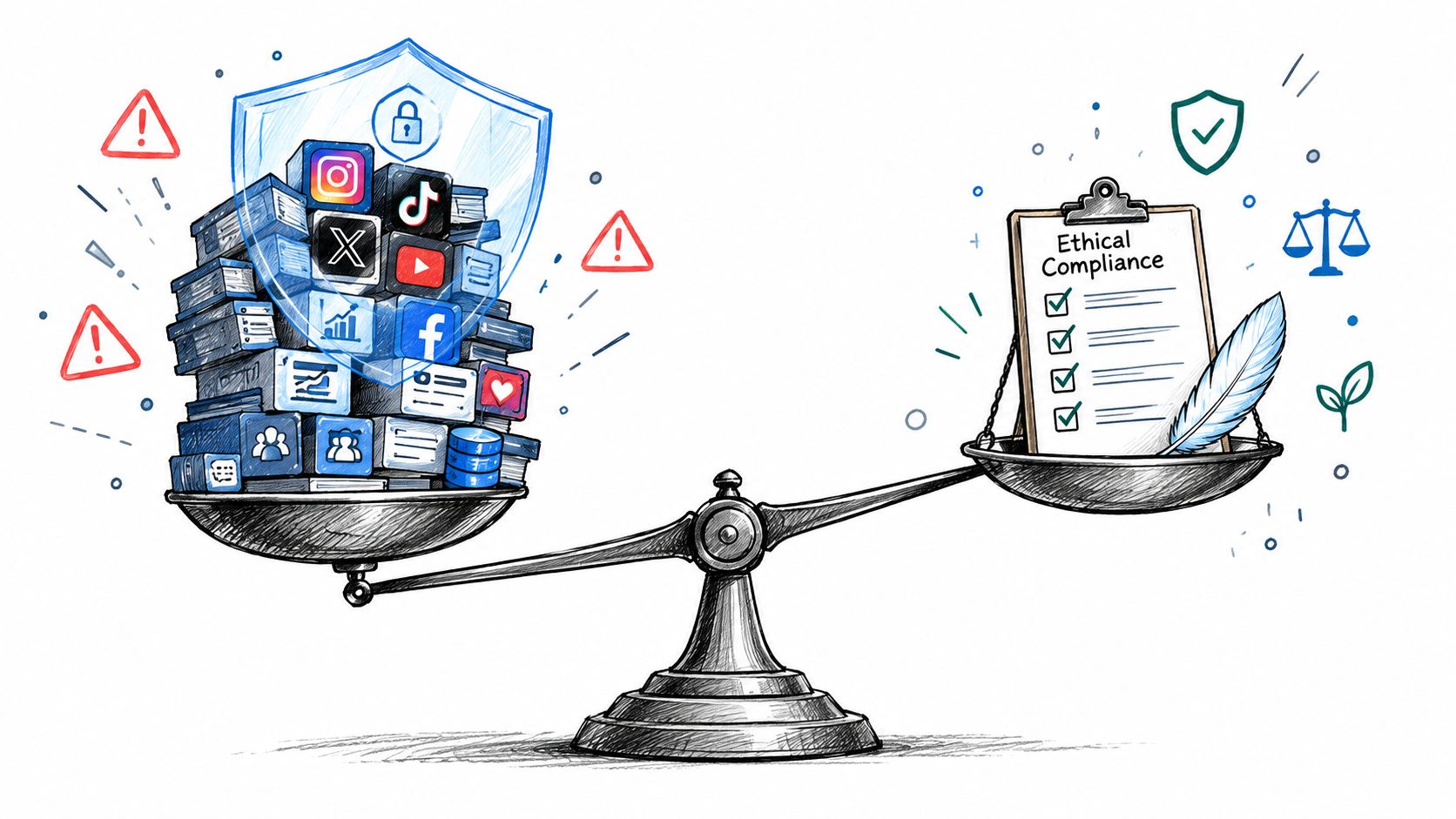
A post can be publicly visible and still create obligations when you copy, store, enrich, or redistribute it. Technical accessibility isn't the same as permission for every downstream use. Before collecting, identify the purpose, the people represented in the data, the retention period, and the audience that will receive the result.
Treat provenance as part of the dataset
Keep a provenance record with each collection run. It should identify the source, request parameters, access method, collection time, transformation steps, and any filtering decisions. If a record came from a public page, that doesn't mean you should retain every personal detail in its comments. Collect the minimum fields needed for the stated purpose and restrict access to raw data.
Platform terms still apply when content is visible without a login. Privacy rules may also apply to names, profile identifiers, comments, images, and inferred attributes. If the project involves journalism, research, legal discovery, or customer-facing analytics, obtain an appropriate review before collection rather than treating compliance as a cleanup task.
Rate limits affect both reliability and responsibility. Use the provider's documented request limits, avoid needless polling, cache responses where permitted, and schedule incremental collection instead of repeatedly requesting the same history. A system that overwhelms a source will eventually fail, and its failure can leave you with a partial dataset that looks complete.
Collection principle: Store enough metadata to explain where a record came from, but don't retain sensitive information merely because the system returned it.
A useful control checklist includes:
- Define purpose: Write down why the data is needed and what decisions it will support.
- Limit scope: Restrict pages, fields, comments, media, and date ranges to the project requirement.
- Review access: Confirm that the source and provider permit the intended collection.
- Protect raw data: Apply access controls, retention rules, and deletion procedures.
- Log transformations: Record redaction, deduplication, summarization, and enrichment.
- Test failure modes: Handle rate limits, revoked access, deleted posts, and changed schemas.
The social media compliance guide can help teams turn those principles into an operational review. Keep the review close to the pipeline, especially before sending downloaded posts into a language model, report, alerting system, or public product.
A short visual explanation can reinforce why public data still needs careful handling:
Why Facebook Exports Are Never Fully Complete and How to Handle Gaps
A team may request every available Facebook post, receive a downloadable archive, and still miss records that matter to the analysis. The right workflow depends on the evidence required. A personal archive supports account preservation, Meta Content Library supports eligible research access, and a third-party API supports repeatable programmatic collection. None should be treated as a complete historical record without validation.
Missing data changes the meaning of your analysis
A Facebook export is a user-controlled snapshot shaped by account permissions, post visibility, selected filters, storage behavior, and the platform state when Meta prepares the request. Deleted content will not appear. Media or related information may also be unavailable across parts of an account history. Meta notes that information connected to additional profiles, including some advertising data, may be accessed through the main profile's download process instead of a separate archive. Independent coverage of the export workflow documents these limitations in this guide to downloading Facebook information.
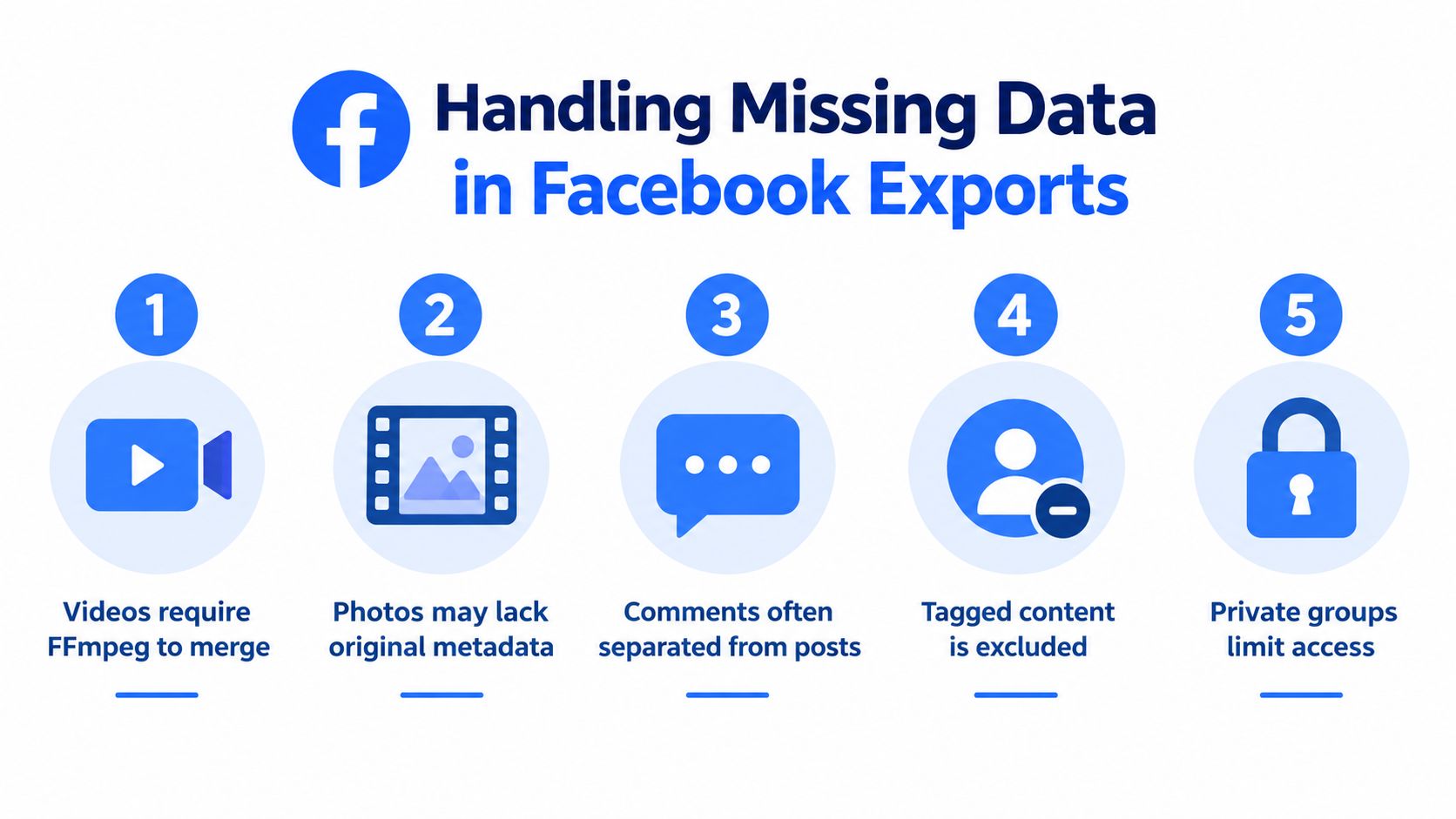
For OSINT, legal discovery, brand monitoring, and machine-learning datasets, these gaps create survivorship and sampling bias. A post may be absent because it was deleted, became unavailable, fell outside the chosen filters, or lost its media during export. Treating that absence as proof that the post never existed turns an unknown into a false fact.
Meta gives users only four days to download a prepared export. That short window creates a preservation risk for anyone who requests an archive without preparing storage first. Capture the archive, media, and request details promptly, and keep more than the expiring download link.
Use a validation routine
Record the request date, selected profile, date range, categories, format, and download status. Preserve the original archive and its media before parsing, deduplicating, or enriching the data. If a live source remains available, compare known post URLs and approximate counts. Describe that comparison as a validation check, not proof of completeness.
Use explicit status labels in the database:
- Present in export: The record and expected files were retrieved.
- Present without media: The post exists, but an asset is unavailable or failed validation.
- Not present in export: The requested archive does not contain the item.
- Not verified: No live source or historical evidence was available for comparison.
This vocabulary keeps evidence boundaries visible. A missing record describes the export result, not the original posting history. For ingestion checks, schema validation, and anomaly handling, follow this data quality assurance process.
For a high-stakes decision, preserve lawful screenshots or other independent evidence, retain the request manifest, and have a reviewer examine the assumptions. Downloading Facebook posts is only the collection step. Reliable use depends on knowing what the file contains, what it omits, and which conclusions the evidence can support.
Captapi provides developer-focused Facebook profile and group post endpoints that return publicly available post data as structured JSON. This gives teams a programmatic option for collection, pagination, and downstream analysis. Review the approach at Captapi and select the workflow that matches your access rights, evidence requirements, and production needs.