
Social Media Data Gathering: A Complete 2026 Guide

Social media data gathering gets far simpler once every platform's quirks sit behind one consistent pipeline. No more juggling separate logins, response shapes, and retry rules — you send a single request and get clean, standardized JSON back.
Table of Contents
- How Unified Social Data Pipelines Work
- What the Pipeline Handles
- Choosing a Practical Setup
- Match Sources to Your Research Goal
- Make the Decision Practical
- Build a Compliance Checklist
- Make Decisions Traceable
- Design a Schema That Survives Change
- Apply Data Across Teams
- Build One Shared Workflow
- What Counts as Public Social Data?
- How Much Does Social Media Data Gathering Cost?
- What Happens When Content Is Deleted?
- How Should You Handle Rate Limits?
How Unified Social Data Pipelines Work
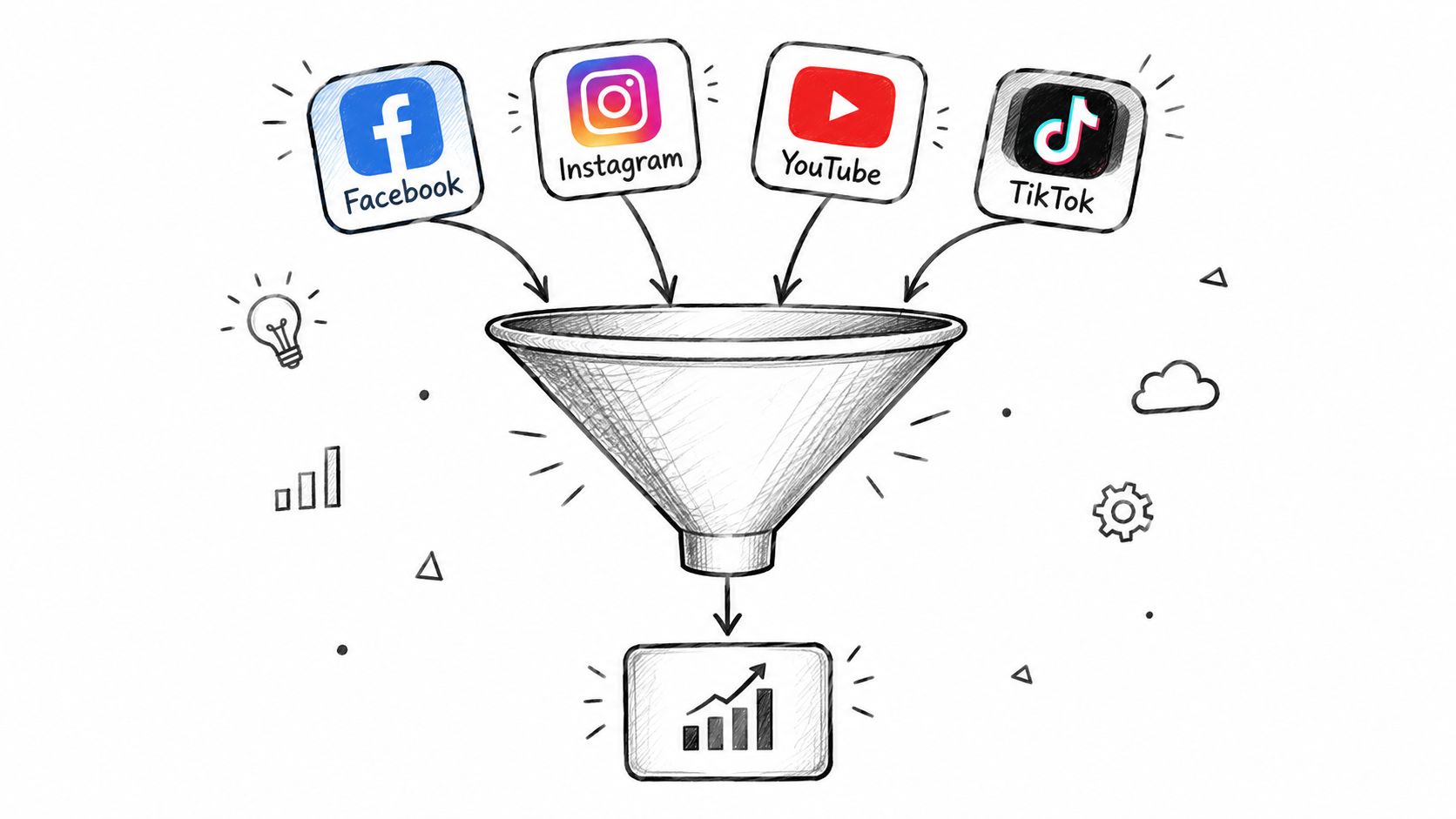
Think of a unified pipeline as a traffic controller for social media data gathering. It routes each request to the right source, normalizes fields like comments, transcripts, and engagement counts, then hands back data your app can store without an extra cleanup pass.
Why does that matter so much? Platforms almost never agree on naming, nesting, or pagination. One API calls it author, the next one says username, and a scraper may return both plus a handful of missing timestamps. Anyone who has stitched three integrations together by hand knows how fast the edge cases pile up. A centralized layer absorbs that friction and keeps your schema stable even as sources shift underneath you.
Scale-up gets calmer too. When a platform tightens rate limits or quietly renames an endpoint, the pipeline can retry, cache, or swap the upstream source — your team shouldn't have to rewrite every integration at 2 a.m.
What the Pipeline Handles
- Authentication, so each source skips its own hand-built connector.
- Pagination, so long comment threads and search results arrive in usable chunks.
- Caching, so repeated pulls don't burn credits or trip limits.
- Normalization, so one dataset can mix YouTube transcripts, TikTok comments, and Facebook page details.
The real win is consistency. Once every source lands in the same shape, downstream analysis turns into a data task instead of a repair job.
That consistency is also why developer-first APIs have earned their keep. If you want one interface covering several platforms, Captapi's guide to social media APIs breaks down the practical side nicely.
Choosing a Practical Setup
Say you're building a dashboard, a RAG feed, or a listening tool. Sketch out the fields you actually need first, then map them into a single schema before writing much code. Do that, and collection, storage, and reporting stay aligned from day one — which is precisely the job a good pipeline is meant to do.

Social media data gathering rarely works well when you're staring at just one platform. A single YouTube video can spawn a TikTok remix, ignite a thread on Instagram, and land as a hot take inside a half-dozen Facebook groups. If you're only watching where something started, you'll completely miss how the conversation shifts — the tone, the framing, the sentiment — as it hops from one audience to another.
And the numbers make it hard to justify a narrow lens. These four platforms alone account for a staggering chunk of global online activity.
| Platform | Estimated Monthly Active Users |
|---|---|
| Over 3 billion | |
| YouTube | Roughly 2.7 billion |
| TikTok | Nearly 1.9 billion |
| Nearly 1.9 billion |
Scale like this is exactly why your source selection should follow the question you're trying to answer — not whatever connector was easiest to set up first.
Match Sources to Your Research Goal
A brand-monitoring team will usually start with Instagram and TikTok since visual campaigns tend to spread fastest there, then layer in YouTube to dig into longer-form explanations and comment sections. A researcher studying public debate, on the other hand, might go straight for Facebook groups and YouTube discussion threads instead. Neither approach is wrong. The point is intentionality.
Cross-platform collection isn't about hoarding every data point in sight. It's about tracing how a message evolves as it moves between audiences.
Before you write a single line of collection code, sketch out a simple source matrix that covers four layers:
- Discovery: search results, hashtag feeds, and trending video surfaces.
- Context: captions, video transcripts, descriptions, and post metadata.
- Reaction: comments, reply chains, share counts, and engagement metrics.
- Comparison: a set of normalized fields that lets you line up data across every platform you're pulling from.
This last part is where most projects fall apart. Without normalized fields, you end up with a shelf full of incompatible datasets that technically "cover" four platforms but can't actually be analyzed together.
For a deeper look at why this fragmentation matters beyond just logistics, read how platform fragmentation reshapes social data analysis. Done right, a unified cross-platform dataset doesn't just tell you what went viral — it shows you where momentum started and how different audiences reshaped the message along the way.
Everything downstream — schema design, maintenance load, even your legal exposure — depends on where you pull social media data from. Roll your own scraper and you get total freedom, right up until a platform redesigns a page and your parser breaks overnight. There's also the terms-of-service question, which is easy to ignore until it isn't.
Native APIs are the safer route from a compliance standpoint. The catch: every platform handles authentication, schemas, and quotas its own way, so you end up maintaining four integrations instead of one.
A unified aggregator splits the difference. Captapi is a developer-first Social Media Data API that brings YouTube, TikTok, Instagram, and Facebook into a single REST interface with 34 endpoints. Transcripts, summaries, comments, engagement metrics — all through one setup, no juggling separate SDKs.
| Approach | Best fit | Main trade-off |
|---|---|---|
| Custom scraper | One controlled experiment | Fragile upkeep |
| Native APIs | Strict platform integration | Several connectors |
| Unified API | Cross-platform products | Provider dependency |
Under the hood, Captapi runs Apify-backed scrapers with automatic retries and a 24-hour shared cache. If someone on your team already pulled the same data that day, you get the cached copy back in seconds instead of hitting the platform again. In practice, that's the gap between a months-long integration project and a prototype you can demo the same afternoon.
Make the Decision Practical
Say you're building a competitor-monitoring dashboard. Don't try to cover every platform at once — start with the two or three where your target conversations actually happen. Then lock in a shared schema early: platform, content_id, author, published_at, text, and engagement as common fields, with platform-specific quirks tucked into a nested object so nothing gets lost.
Pick the access method that minimizes long-term maintenance, not the one that ships the first result fastest.
Before committing, work through the checklist: authentication effort, quota behavior, retry handling, cache policy, and terms of use. This social data toolkit for B2B has some solid ideas for capturing buyer signals if that's your angle. And for a deeper comparison, this breakdown of social media data access methods is worth a read.

Good social media data gathering starts with permission, not code. Collect only content that is genuinely public, document your purpose, and avoid private profiles, direct messages, restricted groups, precise location, device identifiers, or biometric signals unless you have a clear lawful basis and explicit authorization.
Platform risk differs, too. Privacy assessments often rate Facebook and TikTok lower than YouTube or Instagram, so treat every source independently rather than applying one blanket assumption.
Build a Compliance Checklist
Before production, verify:
- Purpose: Define the business or research question and collect nothing unrelated.
- Access: Prefer documented APIs or providers that explain their collection methods.
- Transparency: Record source, timestamp, processing purpose, and retention period.
- Minimization: Store stable content IDs and necessary text, not unnecessary personal details.
- Security: Encrypt credentials, restrict access, and separate raw data from analytics.
- Deletion: Create a process for removing content when the source deletes it or a valid request arrives.
- Review: Ask legal counsel to assess applicable privacy, copyright, and platform rules.
Publicly visible does not mean consequence-free. Visibility is a collection boundary, not automatic permission for every use.
For a practical policy review, read Captapi's guide to social media compliance. It also explains why customers remain responsible for handling extracted data appropriately.
Make Decisions Traceable
Keep an audit log showing the endpoint, query, response time, policy version, and deletion actions. If a marketing team gathers public comments for sentiment analysis, remove usernames unless identity is necessary, publish the retention period, and restrict exports.
Finally, test your pipeline with synthetic records before collecting real content. A short approval checklist and quarterly review can prevent an expensive shutdown later.
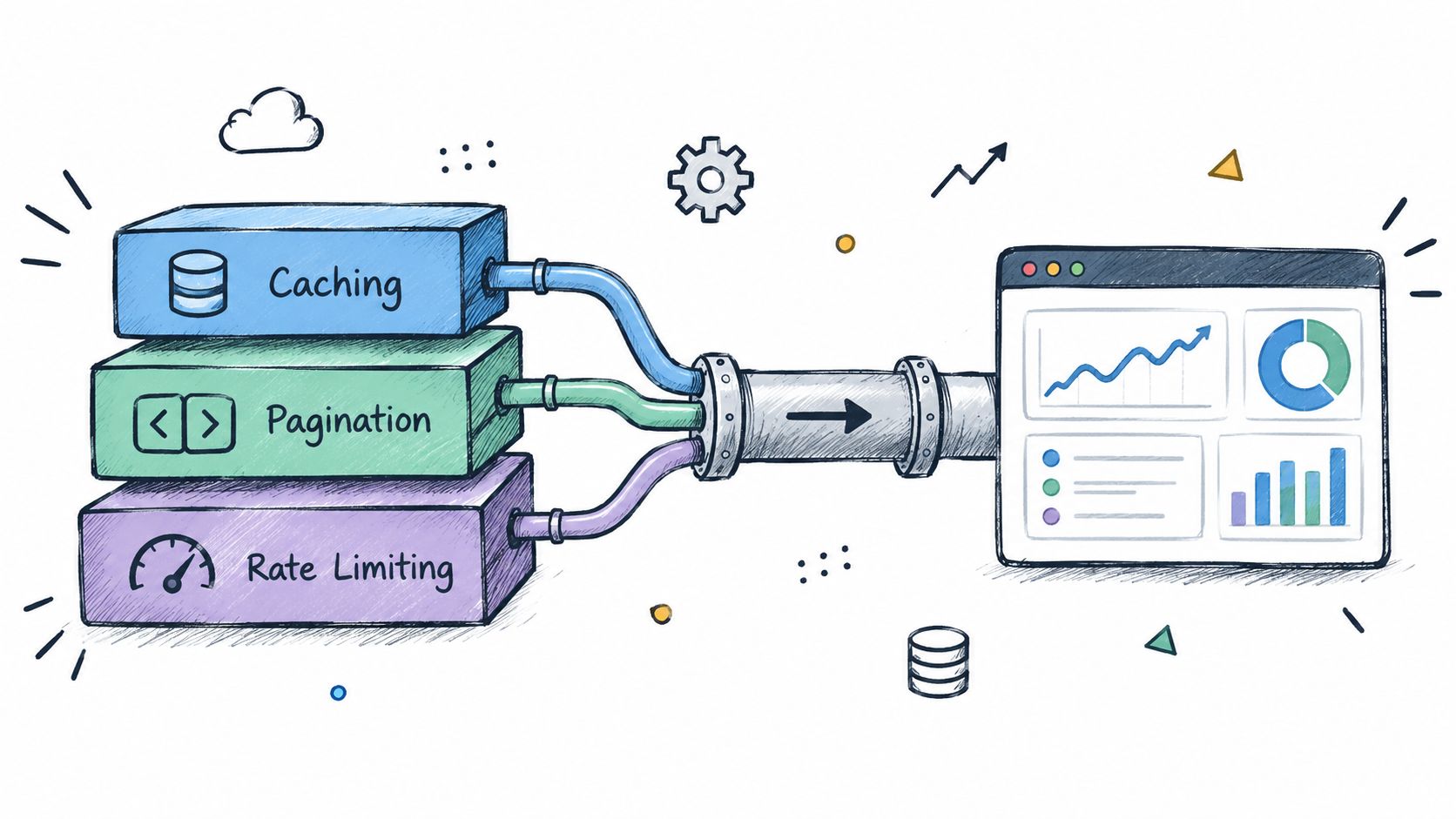
Reliable social media data gathering comes down to what happens after that first successful request. Build your ingestion around stable cursors or page tokens, persist the last completed position, and resume from there when a job fails. This prevents duplicate downloads when a comment thread spans hundreds of pages.
Rate limits demand the same discipline. Use exponential backoff for temporary failures, add jitter so workers don't retry simultaneously, and separate queues by platform or endpoint. A sudden campaign spike should slow one queue, not stop every dataset.
Treat pagination and rate limits as normal operating conditions, not exceptional errors.
Caching reduces both cost and pressure on upstream sources. Store responses by request parameters, expiry time, and schema version, then invalidate them when freshness matters. Captapi provides a 24-hour shared cache, sub-second repeat responses, and rate limits up to 600 requests per second, according to the product details supplied for this guide.
Design a Schema That Survives Change
Keep universal fields at the top level:
platform,content_id,author, andpublished_attext,language,engagement, andsource_urlretrieved_at,raw_payload, andschema_version
Place platform-specific values inside metadata. Store comments as linked records, transcripts as timestamped segments, and engagement as a time-stamped snapshot rather than overwriting historical counts.
For a RAG pipeline, export clean text plus source IDs. For dashboards, preserve numeric metrics and collection timestamps. For model training, add moderation status and deduplication hashes before bulk export. Learn more about automating social data pipelines before production deployment.
Finally, monitor success rates, latency, duplicate ratios, empty responses, and retry counts. Dead-letter failed pages for review, and test recovery by interrupting a running job. A robust ingestion layer makes downstream analysis dependable instead of merely fast.
A social media data gathering pipeline earns its keep only when it's tied to a decision someone actually has to make. Consider an AI startup that pulls public YouTube transcripts and comments, then indexes the text so a Retrieval-Augmented Generation assistant can field questions about product tutorials or recurring customer complaints. That's a concrete use case, not a data lake looking for a purpose.
Video QA work runs on the same collection. Timestamped transcripts plus metadata give an ML engineer exactly what's needed to test whether a system identifies claims, speakers, or demonstrations correctly. One habit worth adopting early: store the original URL, retrieval time, and content ID beside each chunk. When a generated answer needs checking, traceability saves hours.
Apply Data Across Teams
Marketing sees value almost immediately. Competitor launches, engagement patterns, brand mentions caught before a trend spreads wide: all of it runs on the same normalized feed. A consistent schema also makes it painless to line up a TikTok clip against its YouTube explainer or Instagram repost.
Content teams can mine high-performing videos for captions, summaries, timestamps, and short-form scripts. Captapi covers this with endpoints for transcripts, summaries, comments, downloads, and search across YouTube, TikTok, Instagram, and Facebook, all through a single REST interface.
Researchers and journalists bulk-export public comments and metadata for OSINT investigations or academic trend analysis. The caveats matter here. Strip personal information down to what's strictly necessary, keep collection records intact, and read the platform rules before publishing anything.
A good pipeline answers several questions well without collecting more data than any single question justifies.
Build One Shared Workflow
Left to their own devices, departments build separate datasets and the numbers stop matching. Brand safety flags emerging complaints in one spreadsheet while product managers track recurring questions in another. One shared schema ends that.
Run a narrow pilot first:
- Pick one platform and one question you can actually measure.
- Store the content, authorship context, timestamps, and engagement snapshots.
- Test the downstream output against real examples, not synthetic ones.
- Expand only after accuracy, retention, and access controls clear review.
When you're ready to build, explore Captapi's social media data API and wire its responses straight into your warehouse, RAG index, dashboard, or export process.
What Counts as Public Social Data?
If a post, comment, or profile is intentionally set to open visibility, it generally qualifies as public data. Direct messages, private accounts, and closed groups do not, and your pipeline should never attempt to access them without clear, documented permission.
Public visibility is a boundary, not automatic permission for every possible use.
A photo with thousands of likes might feel like fair game, but combining it with location tags and cross-referencing across platforms can still raise legal and ethical issues. When in doubt, treat anything behind an authentication wall or privacy control as off-limits.
How Much Does Social Media Data Gathering Cost?
Costs vary a lot depending on which sources you pull from, how fresh the data needs to be, and how long you store it. Many teams start with a patchwork of subscriptions, custom scrapers, and internal maintenance, which quietly becomes one of their biggest operational expenses.
Switching to a unified API can replace several of those moving parts with a single integration. For instance, Captapi uses credit-based pricing, including 100 lifetime credits on its free tier, with larger plans for products and enterprise pipelines. Pricing may shift over time, so check the latest numbers before you build a budget around it.
What Happens When Content Is Deleted?
Most aggregators cache responses for about 24 hours, which means repeat requests within that window are fast and cost nothing. But once a post or account disappears from its original source, no amount of retrying will bring it back.
That’s why it’s worth storing fields like retrieved_at, stable source IDs, and a deletion-status flag. Your team will quickly lose trust in the pipeline if it can’t tell the difference between “content no longer exists” and “something broke on our end.”
How Should You Handle Rate Limits?
Platforms love to change their limits without warning, so your collection code needs to be defensive. Exponential backoff works well, but only for temporary errors, and adding some jitter prevents a stampede of retries the moment the limit resets.
A setup I’ve seen work reliably in production includes:
- Persistent cursors so pagination can resume exactly where it left off
- Dead-letter queues to capture failed pages instead of silently dropping them
- Metrics tracking retries, latency, and empty responses
Also consider caching identical queries before they ever hit the upstream API. Captapi supports rate limits up to 600 requests per second, depending on your plan, but hitting that ceiling gracefully still requires solid client-side logic.
Captapi helps teams gather public social data through one API. Explore Captapi and start building your pipeline.