
Search for Instagram Post

You remember the post: a useful diagram, a restaurant recommendation, or a caption you meant to send someone. You search Instagram, scroll through loosely related results, and still can't find it. The practical way to search for an Instagram post is to follow the strongest available clue, not keep feeding broader keywords into the same search box.
Table of Contents
- Why Finding One Specific Instagram Post Is Harder Than It Looks
- What Instagram Lets You Search and Where the Limits Are
- Finding a Post With the Tools Inside Instagram
- Building a Reliable Post Search With the Instagram API
- Measuring What Your Search Actually Returns
- Failure Modes That Quietly Break Every Post Search
- Quick Checklist Before You Run Your Next Instagram Post Search
Why Finding One Specific Instagram Post Is Harder Than It Looks
Suppose you remember a creator posting a diagram about composting, but you've forgotten their handle. Searching for compost brings up relevant content, yet none of it is the diagram you remember. Adding another keyword changes the results without necessarily bringing you closer.
That's a retrieval problem, not proof that you're using the wrong words. Discovery, recovery, and bulk retrieval need different approaches: discovery asks for relevant content, recovery asks for a particular item, and bulk retrieval asks for a collection you can analyze.
A ranked surface isn't an archive
Instagram uses distinct algorithms, classifiers, and processes for Feed, Explore, Reels, Search, and other surfaces, rather than one complete, globally ordered index, as described in this Instagram ranking and hashtag-search overview. A post's absence from one surface doesn't establish its absence from the platform.
For recovery, the strongest evidence is usually an identity clue: an account, a permalink, or an unusual caption fragment. A broad topic is weaker because it describes many possible posts. Treat the search box as a source of candidates, not an exhaustive lookup.
These obstacles explain why repeated scrolling can feel productive without resolving the search.
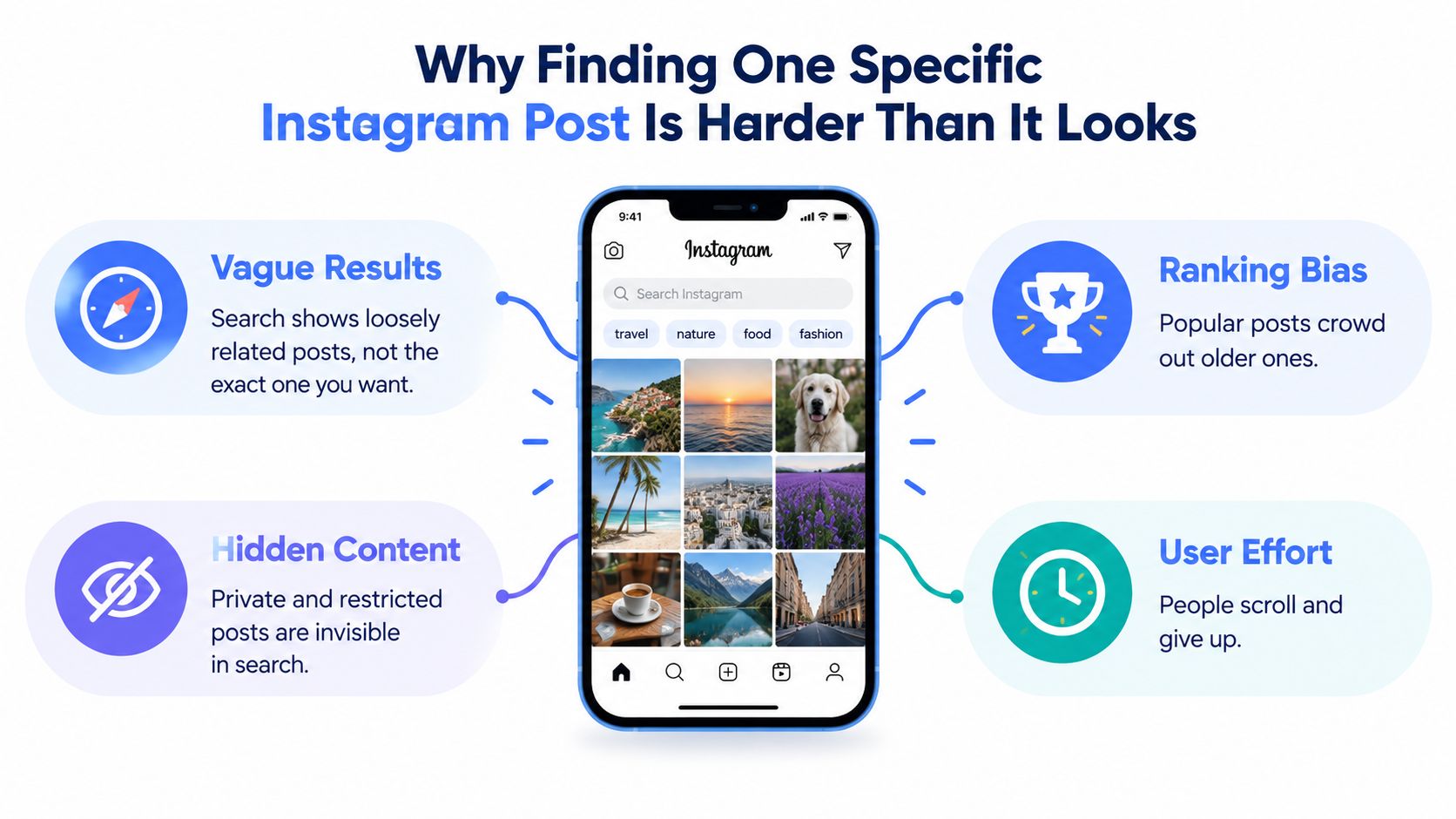
Recovery principle: Prefer evidence that identifies the post over evidence that merely describes its topic.
Define success before continuing. For a personal search, success means opening the original post or establishing that you can't currently access it. For research, success means producing a documented sample with clear boundaries, not claiming to have found everything.
That distinction also provides a stopping rule. If your remaining evidence is only a common topic and a vague memory, further scrolling may add candidates without adding confidence. Keep the uncertainty explicit rather than declaring that the post never existed.
What Instagram Lets You Search and Where the Limits Are
Choose the search surface before choosing the query. The app is useful for following recognizable clues. An API is useful when you need structured responses, pagination, and repeatable collection. Neither choice automatically provides a complete archive.
Inside Instagram, account, hashtag, and place signals are useful starting points. Don't build a recovery workflow around database-style controls such as Boolean operators, guaranteed exact-phrase matching, account-scoped caption queries, date filters, or chronological sorting. Those aren't dependable controls for the post-search task described here.
Search surface trade-offs
| Surface | Best for | Limits |
|---|---|---|
| Instagram app | Recovering a post through an account, remembered text, hashtag, or place | Ranked results rather than an exhaustive database query |
| Official Instagram Hashtag Search | Approved public-content discovery using hashtags | Hashtag-oriented access, application approval, and a rolling unique-tag quota |
| Third-party REST endpoints | Integrating supported search and account-post retrieval into applications | Provider-specific fields, pagination, freshness, and coverage |
The official route should be understood as hashtag discovery, not arbitrary caption or brand-mention search. Before designing a pipeline, separate the operation you want from the operation an endpoint supports. A search endpoint and an account-post endpoint may answer different questions even when their responses contain similar media objects.
The Instagram public data API overview is a useful starting point for evaluating that distinction. Check the documented request parameters and returned fields before committing to an integration, especially if your requirement includes older posts or account-specific recovery.
For app-based searches, the Gainsty search suggestions article offers additional context when you're investigating suggestions rather than collecting post records.
Choose tools by their retrieval contract, not by whether their names contain the word “search.”
A developer evaluating an endpoint should ask concrete questions: Does it accept a hashtag, an account, or free text? Does it return a continuation cursor? Can you preserve media identifiers and permalinks? Without those answers, a polished response can conceal a poor fit for the job.
Finding a Post With the Tools Inside Instagram
Start with the account if you remember it. Open the profile directly and inspect plausible posts using your remembered visual details. This narrows the candidate pool without depending on a broad topic query.
That's manual account narrowing, not a claim that Instagram offers a dependable account-scoped caption-search operator. If you only remember part of the handle, first resolve the account identity, then inspect its content. Don't confuse finding a similarly named account with finding the original publisher.
Use distinctive clues rather than broad topics
Try unusual caption terms: a product model, a named venue, or a technical expression. Avoid spending all your effort on common words such as travel or fitness. If you try quotation marks, treat them as a query experiment, not a guaranteed exact-phrase command.
Next, compare hashtag and location clues. If you remember a cafe and a distinctive event tag, inspect both candidate sets and look for the same account or image. This is a manual intersection of evidence, not a Boolean query that Instagram promises to execute.
Account identity → distinctive caption terms → hashtag and location clues → saved or shared permalink.
Check the places where you may have preserved the original reference: saved items, conversations, an email containing a shared link, or browser history. A recovered permalink removes much of the ambiguity involved in keyword matching. It doesn't, however, guarantee that the destination remains accessible.
- Account clue: Confirm the creator's identity before inspecting their posts.
- Text clue: Try a distinctive phrase and plausible spelling variants.
- Context clue: Compare place and hashtag candidates against the remembered image.
- Link clue: Follow the original reference and record whether it opens.
For hashtag-led searches that need to move beyond manual inspection, review the Instagram Hashtag Search endpoint. Use it when the tag itself is meaningful evidence, rather than converting every remembered word into a hashtag.
Keep a short search note as you work: candidate account, query wording, remembered visual features, and whether you found an original link. That prevents circular searching and helps distinguish a recovered post from a merely similar one.
Building a Reliable Post Search With the Instagram API
A reliable pipeline separates discovery from retrieval. Discovery resolves the query into a supported identifier. Retrieval requests media, follows pagination, and stores enough context to explain what came back.
The interface below provides a visual reference for the API-oriented workflow.
Normalize before making requests
Normalize hashtag tokens to lowercase, remove the leading hashtag marker where the endpoint expects a bare token, and deduplicate the query set. Preserve the original user input separately so you can inspect normalization mistakes later.
Resolve each hashtag to its platform identifier, then request both recent and top media where supported. Follow continuation cursors until you reach your sampling target, exhaust available pages, or hit a documented stopping condition. Record which condition ended collection.
Meta's official Hashtag Search requires business verification and App Review, and permits a maximum of 30 unique hashtags in a rolling seven-day period, according to the official Hashtag Search reference. Maintain a rolling quota ledger before submitting new tags, rather than discovering quota exhaustion halfway through a collection.
Use the Instagram Graph API reference guide as an implementation companion, while checking request details against the official documentation.
- Resolve: Convert each supported query token into the identifier required by the provider.
- Retrieve: Request the available media collections and retain continuation cursors.
- Persist: Save responses before transforming them into your application schema.
- Resume: Checkpoint completed pages so a retry doesn't restart the whole job.
Keep request syntax provider-specific
A copy-ready implementation contract can be expressed without inventing an endpoint path:
GET {documented media endpoint}?{documented identifier parameter}={resolved identifier}&{documented pagination parameter}={continuation cursor}
Treat that as a template, not executable syntax. Map each placeholder to the provider's documentation, and request supported fields such as media ID, permalink, caption, publication time, media type, and visible engagement counts.
For account-led collection, use an account retrieval operation such as the Instagram Channel Posts endpoint, rather than forcing an account hunt through hashtag discovery.
Batch independent requests within documented limits, cache reusable responses, and use exponential backoff for transient failures. More concurrency won't repair unsupported query semantics or missing content. Verify any provider's cache behavior, access requirements, and rate limits before relying on them.
The accompanying video provides another view of the integration workflow.
Measuring What Your Search Actually Returns
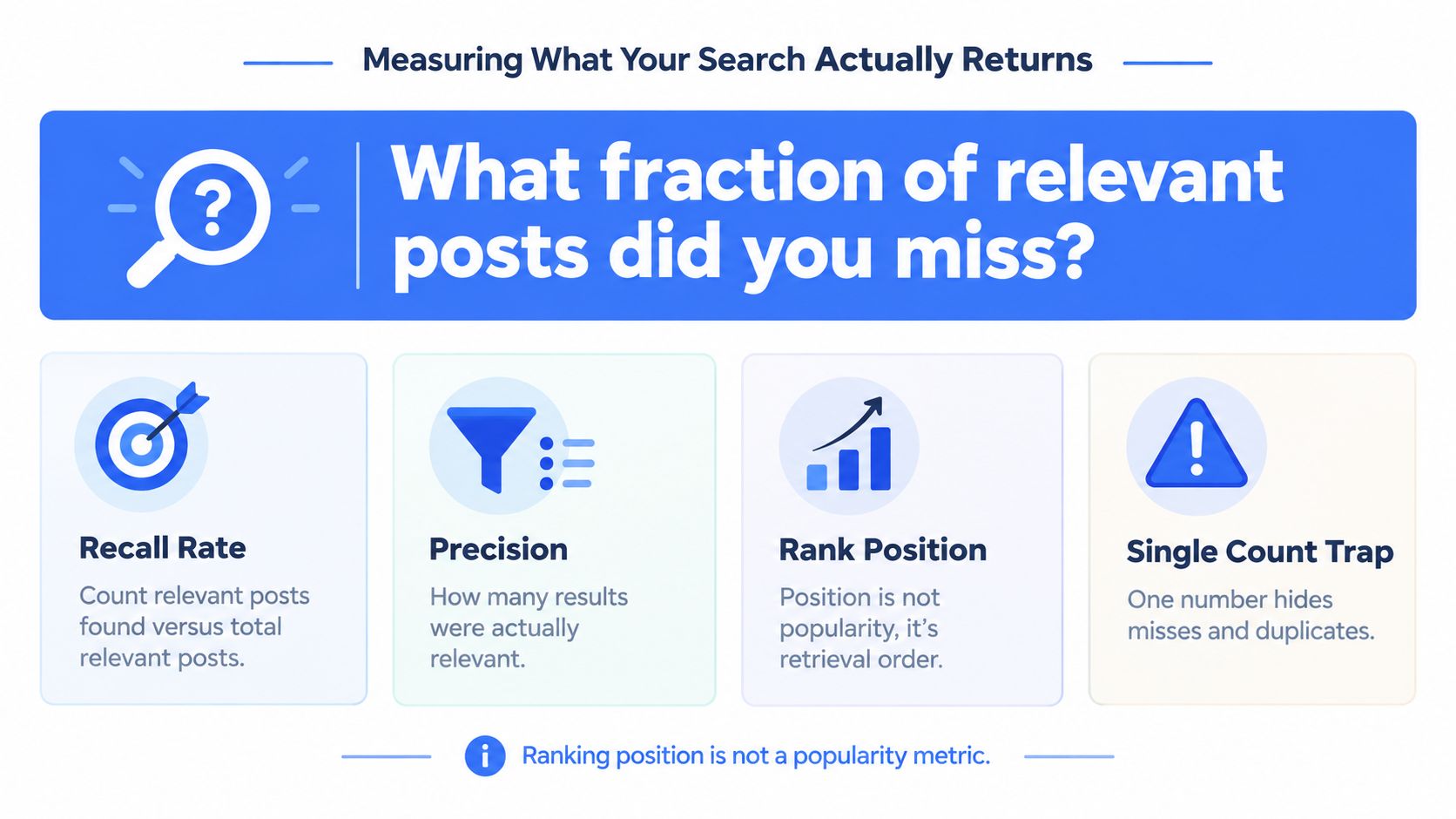
A nonempty response isn't evidence of good coverage. Evaluate whether the returned posts answer your question, not whether the endpoint successfully produced JSON.
Keep retrieval order separate from popularity. As established earlier, different surfaces use different ranking systems, so position is a property of that retrieval event. Likewise, a single result count can't support a trend claim without comparable collection conditions.
This checklist highlights the distinction between finding results and evaluating them.
Store evidence before calculating metrics
A practical collection record should retain media_id, permalink, publication_timestamp, query_tag, deduplication_key, retrieved_at, result_position, pagination_depth, exclusions, and the raw response. Keep account, caption, media type, and available engagement fields alongside that record.
- Precision@k: Manually label relevance among the leading returned results.
- Recall on a known set: Compare retrieval against a labeled reference set, not an unknowable platform-wide total.
- Duplicate rate: Measure repeated records separately from distinct posts.
- Median latency: Track typical response time for each query family.
- Failure rate: Separate request errors from successful but empty responses.
Repeat collection at fixed intervals under consistent settings. This lets you examine sample stability and known-set coverage, although it still doesn't prove that you captured every relevant post.
The guidance to match Instagram analytics tool to question is relevant here: retrieval evaluation and audience analytics answer different questions. For engagement analysis, use the Instagram engagement metrics guide to frame a separate measurement task.
Calculate ratios only when the required denominators and timestamps are available. Likes per follower requires a usable follower count; comments per day requires a defensible time interval. Missing inputs should produce a missing metric, not an assumed value.
Failure Modes That Quietly Break Every Post Search
Empty results need a diagnosis, not a story. Don't label a post deleted because a keyword search failed, or infer a policy restriction because it appeared in one collection but not another.
Access restrictions are especially important when recovering a remembered post.

Separate unavailable content from collection errors
Instagram says search uses query text, account, hashtag, and place signals alongside activity and popularity; content that violates recommendation or community guidelines may be demoted or removed from search, according to Instagram's explanation of how Search works. That establishes possible causes, not a diagnosis for an individual missing post.
- Private or inaccessible content: Test a known permalink using authorized access. Log “unavailable” when you can't distinguish privacy, removal, or another restriction.
- Sensitive-tag restrictions: Record the queried tag and any explicit response message. Don't interpret restricted retrieval as evidence that nobody posted about the topic.
- Spelling and language variants: Preserve original text alongside normalized text, and test plausible variants separately.
- Emoji and punctuation: Inspect normalization before expanding collection. Overaggressive cleanup can discard a distinctive clue.
- Syndicated content: Deduplicate repeated media IDs, but flag similar content across accounts separately so you don't erase provenance.
If a collection encounters a CAPTCHA, rate limit, or access challenge, classify it as an operational failure and pause appropriately. It's not an empty content sample, and bypassing an access control isn't a legitimate coverage strategy.
Apply the checks in the data quality assurance guide before publishing conclusions. Retain failure reasons per query family, and leave uncertain cases unresolved.
Public visibility also doesn't settle downstream responsibilities. Review platform policy, minimize unnecessary personal data, and define retention and access rules before storing or redistributing collected material.
Quick Checklist Before You Run Your Next Instagram Post Search
A useful runbook separates the retrieval job from the evidence needed to evaluate it. Use this checklist before a personal recovery attempt or an automated collection.
- Define the surface: Choose app recovery, hashtag discovery, or account retrieval.
- Preserve the clue: Keep original wording, account identity, and known permalinks.
- Normalize carefully: Deduplicate queries without discarding meaningful text.
- Capture context: Store retrieval time, result order, and pagination depth.
- Set stopping conditions: Distinguish exhausted pages, quota stops, and request failures.
- Repeat comparable samples: Don't claim a trend from an isolated response.
- Log failures by query family: Keep inaccessible content separate from transport errors.
- Confirm compliance: Review access permissions, retention, and downstream handling.
The right output may be an original permalink, a documented sample, or an honest unresolved result. Choose the app, official API, or a third-party provider according to that outcome, not according to how many results you can request.
Captapi offers a consistent REST interface for supported Instagram hashtag search and channel-post retrieval, making it one option alongside the app and official API. Visit Captapi to inspect the relevant endpoints, test a query you can manually verify, and compare the returned records with your recovery or collection requirements.