
LinkedIn Ad Library: A Guide to Ad Strategy Insights
Understanding the LinkedIn Ad Library
The LinkedIn Ad Library serves as a transparent repository, providing valuable insights into the advertising strategies employed on the LinkedIn platform. Its primary purpose is to offer users a comprehensive view of active promotions, allowing researchers, marketers, and analysts to dissect and understand the dynamics of LinkedIn ads. By accessing the Ad Library, users can explore a wide array of advertisements deployed across different sectors, enhancing their awareness of marketing tactics and trends.
The basic functionality of the LinkedIn Ad Library includes the ability to search for ads based on various filters such as advertiser, industry, and ad format. This feature allows users to narrow down their search and focus on specific advertising campaigns relevant to their interests. The library catalogs not only the ads themselves but also provides crucial metadata such as the date of launch, duration, and demographic targeting insights, offering a detailed contextual understanding of each campaign.
In addition to general browsing, the Ad Library supports specific use cases, such as competitive analysis. Users can monitor competitors' marketing strategies, evaluate the effectiveness of their ad content, and identify potential opportunities for differentiation. This data-driven approach empowers businesses to optimize their own advertising efforts by learning from the successes and failures of others.
- Key Features: Ad search filters, campaign metadata, targeting insights.
- Use Cases: Market research, competitive analysis, trend identification.
The LinkedIn Ad Library is a crucial tool for individuals and businesses aiming to understand and leverage advertising strategies within this professional network, thereby facilitating more informed and strategic marketing decisions.
Exploring the LinkedIn Ad Library Features
The LinkedIn Ad Library offers several features designed to enhance transparency and facilitate advertising strategy analysis. One of the primary features is the advertiser search. This tool allows users to search for specific advertisers, enabling a detailed view of their ad activity on LinkedIn. Users can uncover the ads currently running from any organization, gaining insights into the advertiser's strategy and outreach.
Another essential feature is ad targeting information. The LinkedIn Ad Library provides detailed data on the target audience for each ad. This includes demographics such as age, gender, location, and professional details. Understanding these parameters can help businesses better tailor their marketing strategies by learning what competitors focus on in their campaigns.
Ad impressions are another integral feature. LinkedIn displays the number of impressions each ad receives, offering insight into how wide the ad's reach is. This feature is invaluable for assessing the efficacy of advertising efforts on LinkedIn. By analyzing impression data, marketers can understand which campaigns perform well and which require adjustment.
These features collectively make LinkedIn's Ad Library a potent tool for competitive analysis and advertising insights. However, accessing this data programmatically can be complex. For an efficient approach to collect and analyze LinkedIn ads data, consider utilizing APIs like those available at Captapi. With APIs, you can seamlessly integrate such insights into your marketing intelligence systems, enabling more agile decision-making.
How to Use LinkedIn Ad Library for Competitive Analysis
Leveraging the LinkedIn Ad Library for competitive analysis involves several systematic steps to uncover insights into your competitors' advertising strategies. Begin by identifying your main competitors and collecting their LinkedIn profiles for detailed examination.
Once you have your list, search for these competitors in the LinkedIn Ad Library to access their active and previous ad campaigns. Carefully study the ad creatives, observing the visual elements and textual content used. This will help you understand their messaging styles and how they position themselves in the market. Pay close attention to patterns in ad copy and imagery that correlate with branding themes or specific promotions.
Beyond visuals, analyze the targeting strategies by looking at the demographic and firmographic data these ads aim at, if available. Consider the frequency of their ads and their engagement metrics if visible. This can provide insights into which audience segments are prioritized and what type of user response is being targeted through these campaigns.
- Compare ad versions to identify A/B testing methods and gauge what variations are being optimized.
- Look for changes in advertising over time to spot adjustments in strategy, which may indicate shifts in market or competitive pressures.
- Evaluate ad types and formats such as video, carousel, or sponsored content for clues on their preferred engagement formats.
By systematically analyzing these elements, you can understand not just the content of your competitors' campaigns, but also derive insights into their broader advertising strategies and potential future moves. This knowledge can help in crafting your advertising endeavors to achieve a competitive edge.
LinkedIn Ad Library vs. Other Ad Libraries
When comparing the LinkedIn Ad Library to other ad libraries such as Facebook and TikTok, it is crucial to consider the unique features and limitations of each platform. LinkedIn has positioned its ad library to provide insights into the business-focused advertising campaigns that target a professional audience. This is distinct from platforms like Facebook and TikTok, where ads are often aimed at a broader and more diverse user base.
LinkedIn’s Ad Library provides data that is more aligned with B2B marketing strategies, given its focus on professional networking. In contrast, Facebook's Ad Library offers a vast array of data due to its larger user base, making it a valuable tool for B2C campaigns. TikTok’s Ad Library, on the other hand, appeals to a younger demographic with ads primarily focused on entertainment and lifestyle.
Each platform has varied capabilities when it comes to transparency and targeting options. While LinkedIn tends to offer detailed professional metrics, Facebook provides insights into demographic and interest-based targeting on a global scale. TikTok, although offering less depth in targeting, excels in creative ad formats that encourage engagement through trends and viral content.
| Feature | LinkedIn Ad Library | Facebook Ad Library | TikTok Ad Library |
|---|---|---|---|
| User Base | Professional | Broad | Youth-centric |
| Ad Focus | B2B | B2C | Entertainment |
| Targeting | Professional Metrics | Demographics & Interests | Trends & Viral |
| Data Depth | Detailed | Extensive | Moderate |
| Transparency | High | High | Moderate |
Accessing LinkedIn Ad Library with APIs
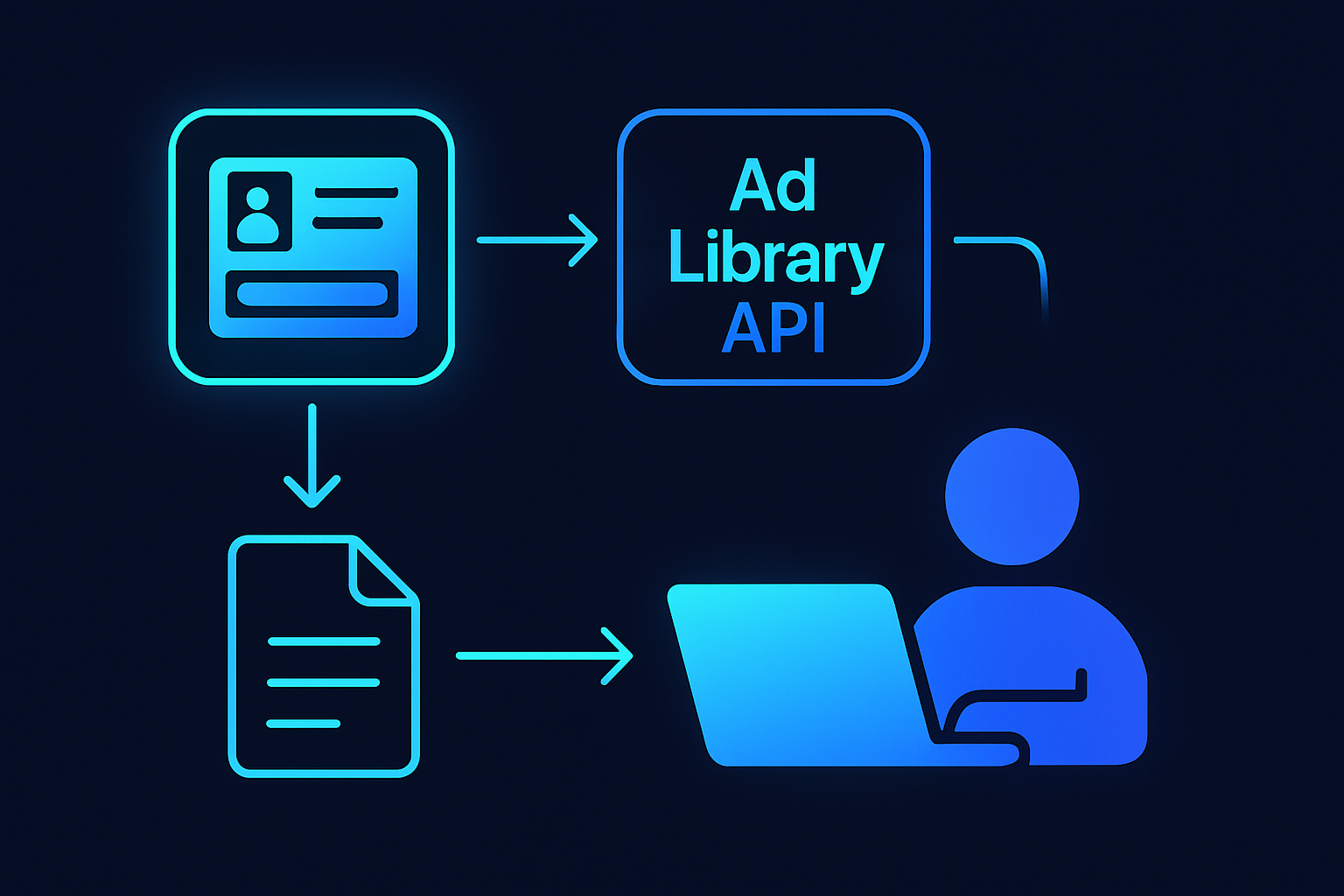
Accessing the LinkedIn Ad Library programmatically enables developers to automate the retrieval of ad data for analysis. While LinkedIn does not offer a dedicated public API for its Ad Library, you can make authenticated requests to their general Advertising API to obtain ad information. This requires setting up a LinkedIn Developer application and procuring OAuth 2.0 credentials.
Below is an example of making an API request to LinkedIn using curl and Python. The request retrieves sample ad information using the LinkedIn Advertising API, assuming you have already set up access credentials.
curl -X GET "https://api.linkedin.com/v2/adAnalyticsV2?q=analytics" \
-H "Authorization: Bearer YOUR_ACCESS_TOKEN" \
-H "X-Restli-Protocol-Version: 2.0.0"
import requests

url = "https://api.linkedin.com/v2/adAnalyticsV2?q=analytics"
headers = {
    "Authorization": "Bearer YOUR_ACCESS_TOKEN",
    "X-Restli-Protocol-Version": "2.0.0",
}

response = requests.get(url, headers=headers)
print(response.json())
When the API is called successfully, you will receive a JSON response similar to this:
{
    "elements": [
        {
            "activity": 123456,
            "dateRange": {
                "start": {
                    "year": 2023,
                    "month": 1,
                    "day": 1
                },
                "end": {
                    "year": 2023,
                    "month": 9,
                    "day": 30
                }
            },
            "impressions": 1000,
            "clicks": 150
        }
    ]
}
These examples demonstrate how to pull ad metrics from LinkedIn. Ensure you replace YOUR_ACCESS_TOKEN with a valid token. Capturing ad data programmatically allows for scalable integration into analytics workflows.
Best Practices for Leveraging LinkedIn Ads Data
Effectively utilizing LinkedIn Ads data requires methodical approaches to ensure optimal insights. Start by exploring the targeting options available in LinkedIn Ads, which offer segmentation by industries, job titles, and company sizes. Familiarize yourself with these features to fully exploit audience insights.
Consistently track engagement metrics such as clicks, impressions, and interaction rates. Analyze patterns in successful ads to identify elements that can be replicated or enhanced. A/B testing ad creatives and calls to action can provide additional insights into what resonates with different audience segments.
Leverage LinkedIn’s built-in analytics to gather insights about audience demographics and behaviors. Examine which types of content and formats drive the most engagement for your specific targets. These insights are integral to refining your content strategy and ad spend allocation.
Integrate competitive analysis as part of your strategy. Monitor how competitors are positioning their brands and identify potential gaps in your approach. This can offer strategic ideas for content that might appeal to your target audience.
- Regularly review and adjust campaign metrics to align with overall business objectives.
- Utilize LinkedIn’s advanced filtering options to deep dive into specific data points.
- Document your findings and create benchmarks for future campaigns.
Finally, consider leveraging third-party analytics APIs, like Captapi, to supplement LinkedIn’s native reports, providing a more comprehensive view of multi-platform campaigns. Proper data integration can generate nuanced insights and enhance cross-platform alignment. Avoid data silos to maintain a cohesive marketing strategy across various social media channels.
Frequently asked questions
What information is available in LinkedIn Ad Library?
LinkedIn Ad Library provides information about active ads on the platform including ad content, impressions, engagement metrics, and the entities behind the ads. It may also contain targeting information and ad spend data where applicable.
How can I search for specific ads in the LinkedIn Ad Library?
To search for specific ads in the LinkedIn Ad Library, users can typically use keywords, company or entity names, and other relevant filters to narrow down results. The library interface often provides options to sort and filter search results based on specific criteria.
Is there an API available for LinkedIn Ad Library?
As of the latest information available by October 2023, LinkedIn does not offer a public API specifically for accessing its Ad Library. Data extraction may require using LinkedIn’s standard API offerings or third-party services like Captapi for additional data availability from LinkedIn.
How can I analyze competitor ads using LinkedIn Ad Library?
Competitor ads can be analyzed using LinkedIn Ad Library by examining their ad content, engagement, and targeting strategies. Users can gain insights into the performance and creative approaches competitors utilize, which can inform their own advertising strategies. Manual analysis or integration with services that provide summaries or analytical tools can assist in this process.