
Best Web Scraping Tools: 10 Options Compared
The popular advice to choose one “best” web scraper misses the actual decision. A tool that works beautifully for a static product catalog may be the wrong choice for a JavaScript-heavy application, a protected marketplace, or public social-media data. Separate the job first: general website crawling, browser interaction, managed extraction, no-code collection, or structured access to social and video platforms. The comparison below weighs reliability, integration effort, rate-limit strategy, pricing structure, maintenance, operating control, and compliance. Captapi deserves special attention for unified public social-media and video extraction, but it isn't the default answer for every scraping project. The wider market is now substantial, estimated at roughly USD 1.34 billion in 2025 and projected to reach about USD 3.49 billion by 2031, according to Global Growth Insights' web scraping tools market analysis. That growth makes tool selection an operating decision, not just a developer preference.
Table of Contents
- 1. Captapi, one API for social media videos, posts, comments and more
- 2. Apify
- 3. Zyte, formerly Scrapinghub
- 4. Bright Data
- 5. Oxylabs Web Scraper API
- 6. Scrapy
- 7. Playwright
- 8. Puppeteer
- 9. Web Scraper from webscraper.io
- 10. Octoparse
- Top 10 Web Scraping Tools: Core Features Comparison
- Choose by target, team, and operating model
1. Captapi, one API for social media videos, posts, comments and more
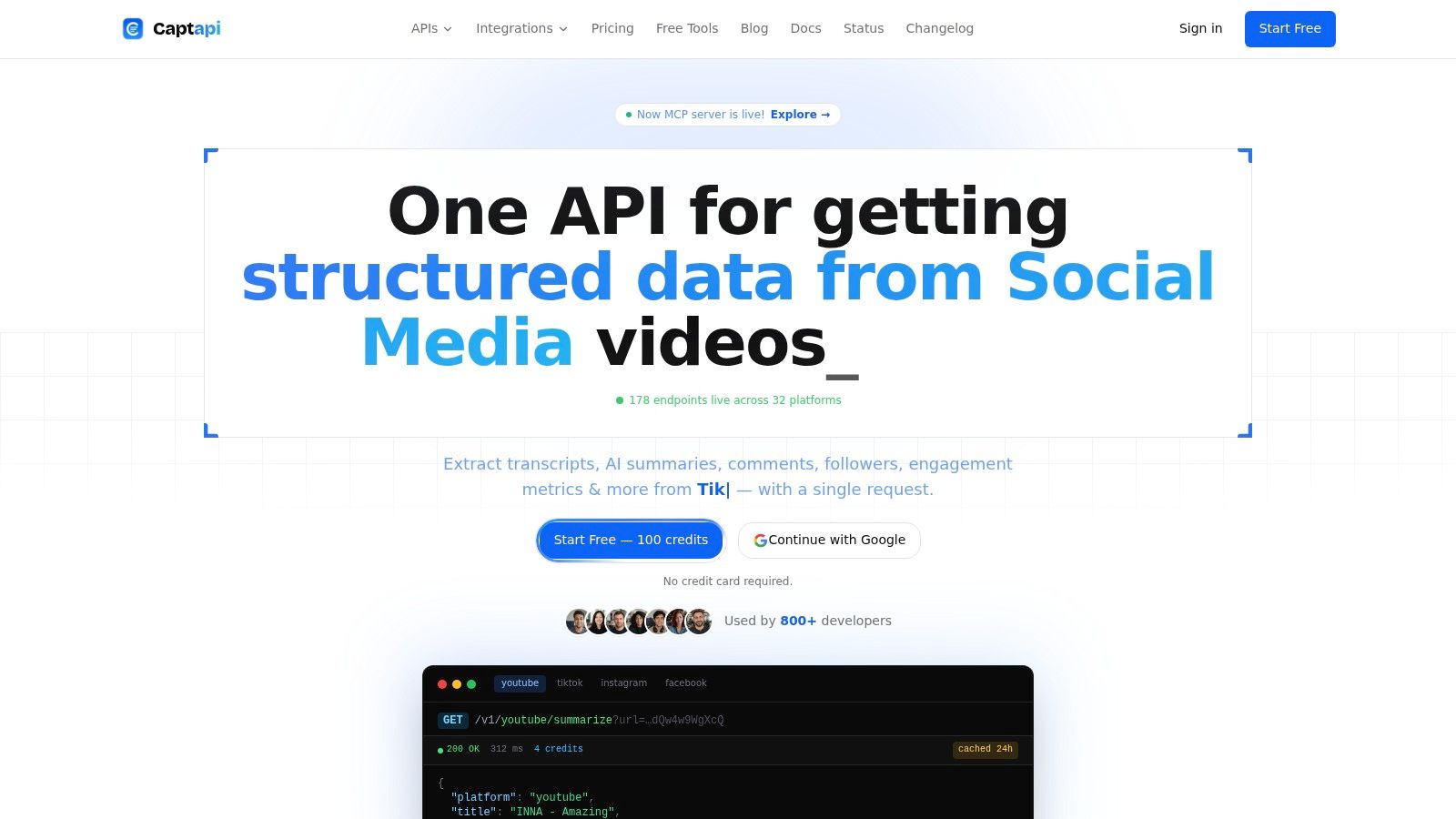
Captapi is built for a narrower job than a general crawler, and that focus is its advantage. It provides one developer-first REST interface for extracting public data from supported social and video platforms, including transcripts, comments, engagement metrics, profiles, channel details, search results, downloads, and summaries. Instead of maintaining separate parsers for YouTube, TikTok, Instagram, or Facebook, a team can call consistent endpoints and receive structured JSON.
That output fits practical workflows. An AI team can send timestamped transcripts into a RAG pipeline, a marketing team can track public competitor activity, and a researcher can export comments for analysis. GPT-4o-mini powered summaries also reduce the distance between extraction and downstream content processing. Developers can sign up, copy an API key, and call an endpoint such as /v1/youtube/summarize without building an OAuth flow or operating a headless browser fleet.
Where Captapi fits best
Captapi uses Apify-backed scrapers with retries and a shared cache that can make repeat requests faster and reduce unnecessary extraction work. Its credit-based model includes 100 free credits without a credit card, while higher plans support rate limits of up to 600 requests per second, as described on the Captapi platform. Those details make it practical for prototypes and production pipelines, although customers still own their data governance and downstream use.
Practical rule: Choose Captapi when the output must be structured social or video intelligence, not when you need to crawl an entire unrelated website.
The trade-off is scope. Captapi extracts public data and can't replace platform-native access to private or privileged information. Scraper-based access can also be affected by platform changes, so teams should monitor response quality and maintain a compliance process for each source. For social listening, transcript analysis, caption generation, OSINT, and competitor tracking, however, one consistent API can remove more operational friction than a general-purpose framework.
2. Apify
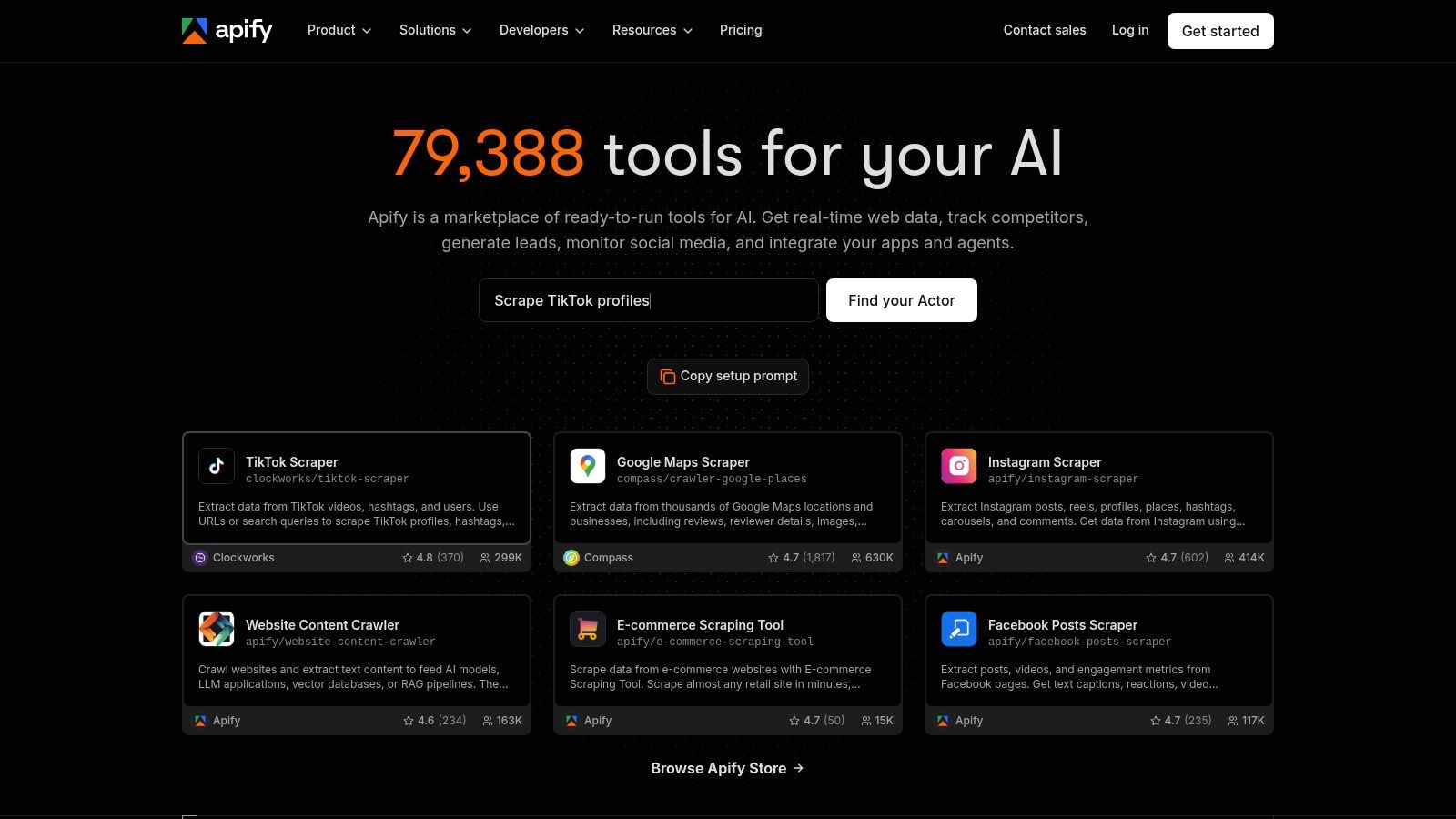
Apify is a managed cloud platform for teams that need to build, run, schedule, and publish scrapers without assembling every infrastructure component themselves. Its serverless Actors can handle custom extraction jobs, while the marketplace offers prebuilt scrapers for popular websites. That combination makes Apify useful when a team wants to test an idea quickly but still needs a path toward recurring production runs.
The platform includes storage for datasets, key-value stores, and request queues, plus webhooks and exports to formats such as JSON, CSV, and Excel. Managed proxy rotation, retries, scheduling, and integrations reduce the amount of platform engineering required around a scraper. The Apify platform is especially attractive when the target already has a credible marketplace Actor.
The operating-model trade-off
Apify gives teams more control than a narrow extraction API, but that control comes with more decisions. You need to assess the quality and maintenance history of marketplace Actors, understand compute and storage consumption, and monitor proxy usage as workloads grow. A prebuilt Actor can accelerate a pilot, but it doesn't remove the need for validation when the data feeds a business-critical system.
Its cloud model also changes the cost calculation. The software isn't the only expense. Compute, storage, proxy traffic, retries, and browser execution can all affect the final bill, especially for JavaScript-heavy targets. Teams comparing platforms should test a representative workload rather than relying on a simple feature checklist.
For readers assessing alternatives, this comparison of Apify alternatives is useful when the project needs a more specialized API, a different pricing model, or less infrastructure ownership. Apify is strongest when the job is “run and operate a scraper,” rather than “return one narrowly defined data object.”
3. Zyte, formerly Scrapinghub
Zyte is designed for teams that treat scraping as a production data service. Its offering combines the Zyte API, managed browser rendering and unblocking, Scrapy Cloud, and structured data extraction. That makes it a natural fit for Python teams that already understand spiders and want to move execution, scaling, and difficult-target handling into managed infrastructure.
The Zyte API can handle proxy rotation, browser rendering, and anti-bot challenges, while Scrapy Cloud provides a place to run and manage spiders. Its pricing model is tied to the target site and extraction technique, which is more informative than a flat promise that every page costs the same. Teams can test the service before committing, and a migration path exists for users moving from the legacy Smart Proxy Manager.
Reliability versus spend control
Zyte makes sense when target difficulty justifies managed browser and unblocking infrastructure. It can be excessive for a simple, lightly protected site where a small Scrapy job would be cheaper and easier to understand. Result-metered pricing also requires budget controls, alerts, and careful testing, because a crawler that encounters more expensive techniques can change its cost profile.
Choose Zyte when: your team wants to keep the Scrapy development model but doesn't want to own the full production runtime.
The Zyte web scraping service comparison helps position Zyte against other managed providers. The important distinction isn't the number of features. It's whether the provider can absorb browser, proxy, and retry operations while your team retains the Python logic that defines the data model.
4. Bright Data
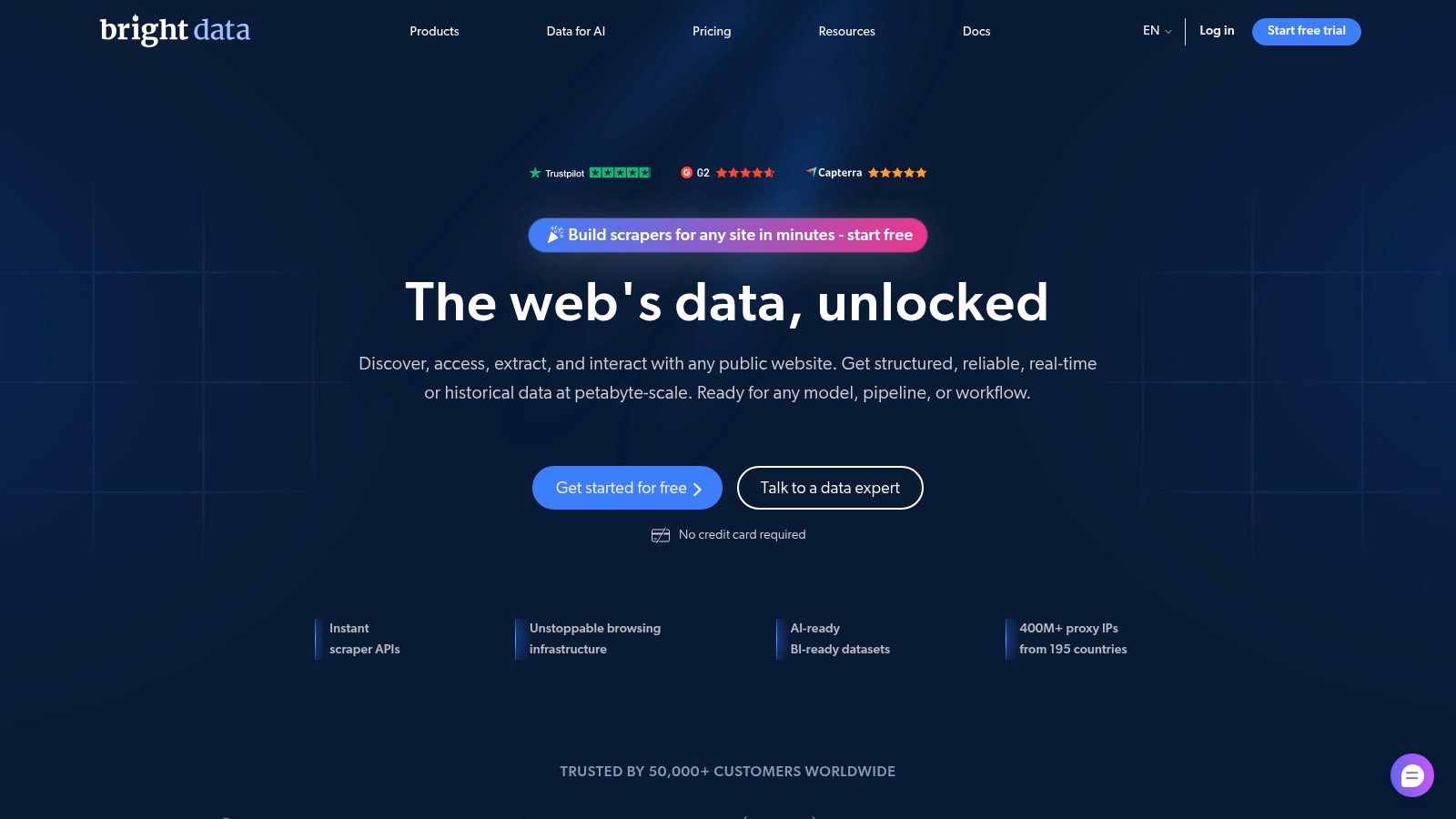
Bright Data covers several layers of the scraping stack in one account. Its Web Scraper IDE supports point-and-click building alongside code, while managed unblocking, proxy networks, prebuilt scrapers, scheduling, and result delivery serve teams that want less operational work. Data can be delivered through APIs, webhooks, or cloud storage such as S3, Azure, and GCP.
That breadth is useful when a project changes shape. A marketer may begin with a visual scraper, a developer may fork a prebuilt scraper, and a data team may later consume scheduled results through a webhook. The Bright Data platform also separates its Web Scraper API from the IDE, giving technical teams a programmatic route when visual workflows become limiting.
A broad stack needs disciplined selection
Bright Data's main weakness is product complexity. Proxies, web access services, scraper products, browser workers, and dataset delivery can create a confusing cost model if a team chooses the wrong component. Harder JavaScript targets may require more expensive browser execution, so buyers should separate simple HTTP collection from browser-based workloads before estimating spend.
The platform is better suited to organizations that value delivery flexibility and managed access across many target types. It may be unnecessary for a single static domain or a narrowly defined social-media endpoint. The Bright Data versus Apify comparison is relevant for teams deciding whether they need a broad data infrastructure provider or an Actor-centered operating model.
5. Oxylabs Web Scraper API
Oxylabs Web Scraper API takes a request-based approach. A developer sends a target and receives extracted data through an API, with automatic JavaScript rendering, anti-bot handling, and specialized vertical endpoints for areas such as e-commerce, jobs, and search results. That structure is helpful when the application needs predictable integration rather than a visual builder or a full crawler framework.
The service emphasizes enterprise operation, including documented rate-limit behavior, throughput information, success monitoring, and reliability commitments. A commerce team can use a vertical endpoint instead of building every product-page parser, while a search-data project can use a specialized route rather than operating browsers directly. The Oxylabs Web Scraper API is therefore strongest when the target category and expected output align with its managed endpoints.
Guardrails matter more than raw throughput
Result-metered pricing can become expensive when requests repeatedly trigger browser rendering, retries, or difficult-target handling. Teams should set request budgets, log response status, validate field completeness, and distinguish failed extraction from an empty but valid result. Rate limits also need to be designed into the client, not treated as a detail to solve after launch.
Oxylabs is likely more infrastructure than a small team needs for a straightforward crawl. It becomes more defensible when reliability, support, specialized vertical coverage, and service commitments matter more than minimizing the number of moving parts. Residential and backconnect proxy choices can also affect architecture, which makes this guide to residential backconnect proxies relevant during implementation planning.
6. Scrapy
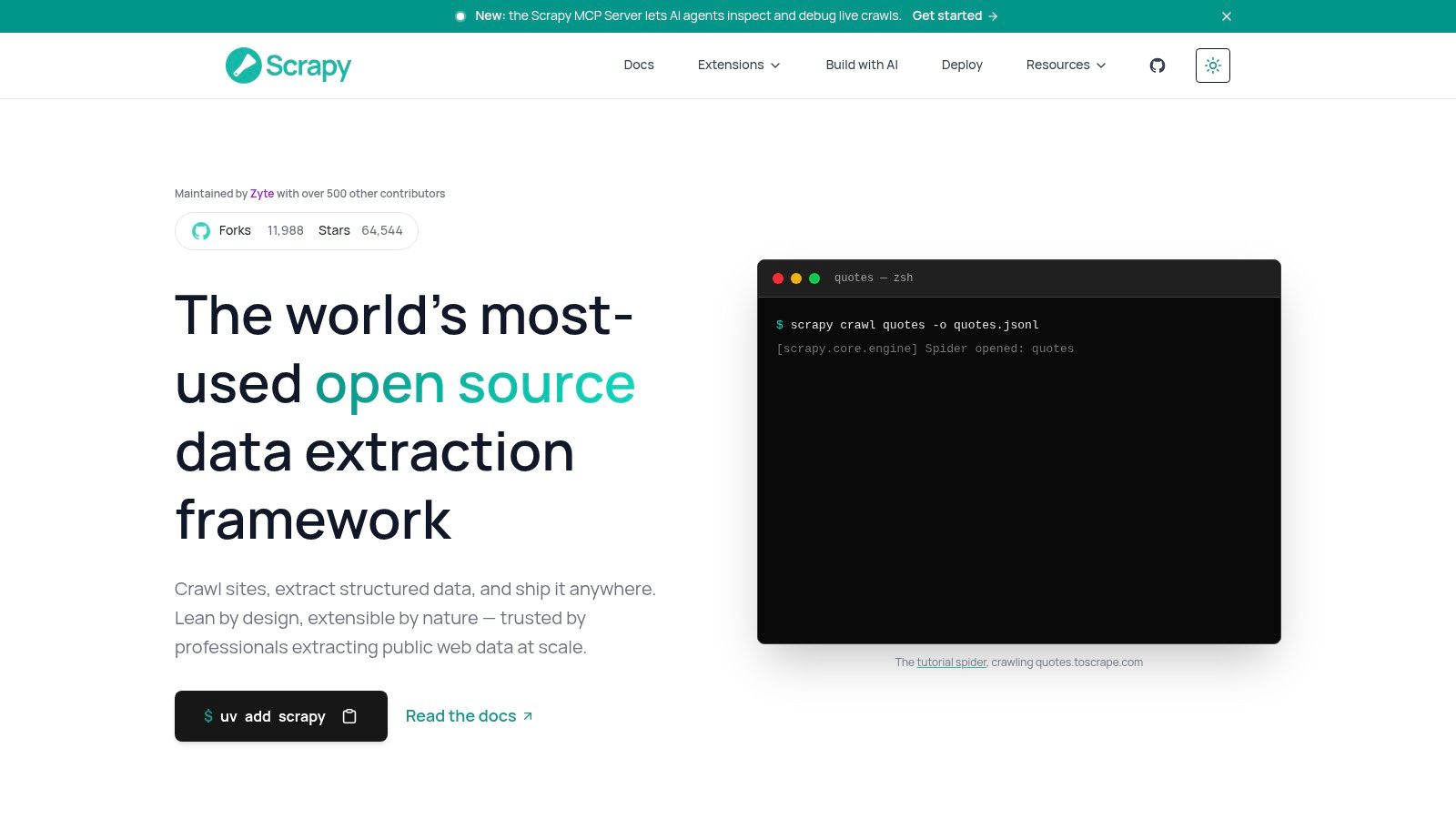
Scrapy remains the strongest choice in this list for teams that want maximum Python control over crawling. It provides spiders, downloader middleware, item pipelines, feed exports, queues, and extensions such as AutoThrottle. Developers can define exactly how requests are scheduled, how fields are normalized, and where results are stored.
That control is valuable for large, repeatable crawls with a known data model. A team can keep extraction logic in version control, write tests around selectors, add custom retry rules, and route different item types to different pipelines. Scrapy is free and open source under a permissive license, so the software itself doesn't impose a vendor bill. The Scrapy project has extensive documentation and a mature Python ecosystem.
You own the difficult parts
Scrapy doesn't automatically solve proxy procurement, browser rendering, anti-bot handling, deployment, observability, or data retention. A team may integrate a managed provider, but doing so means operating two systems and understanding where failures occur. JavaScript-heavy pages also need an additional browser or a different extraction route.
The free framework is not the free system. Infrastructure, proxy traffic, engineering time, monitoring, and maintenance still have operating costs.
Scrapy suits engineers who need precise behavior and can own maintenance. It isn't the fastest route for a nontechnical analyst who needs a spreadsheet today. Teams comparing Python options can also review these Python web crawler patterns before deciding whether a framework is justified by the crawl's size and longevity.
7. Playwright
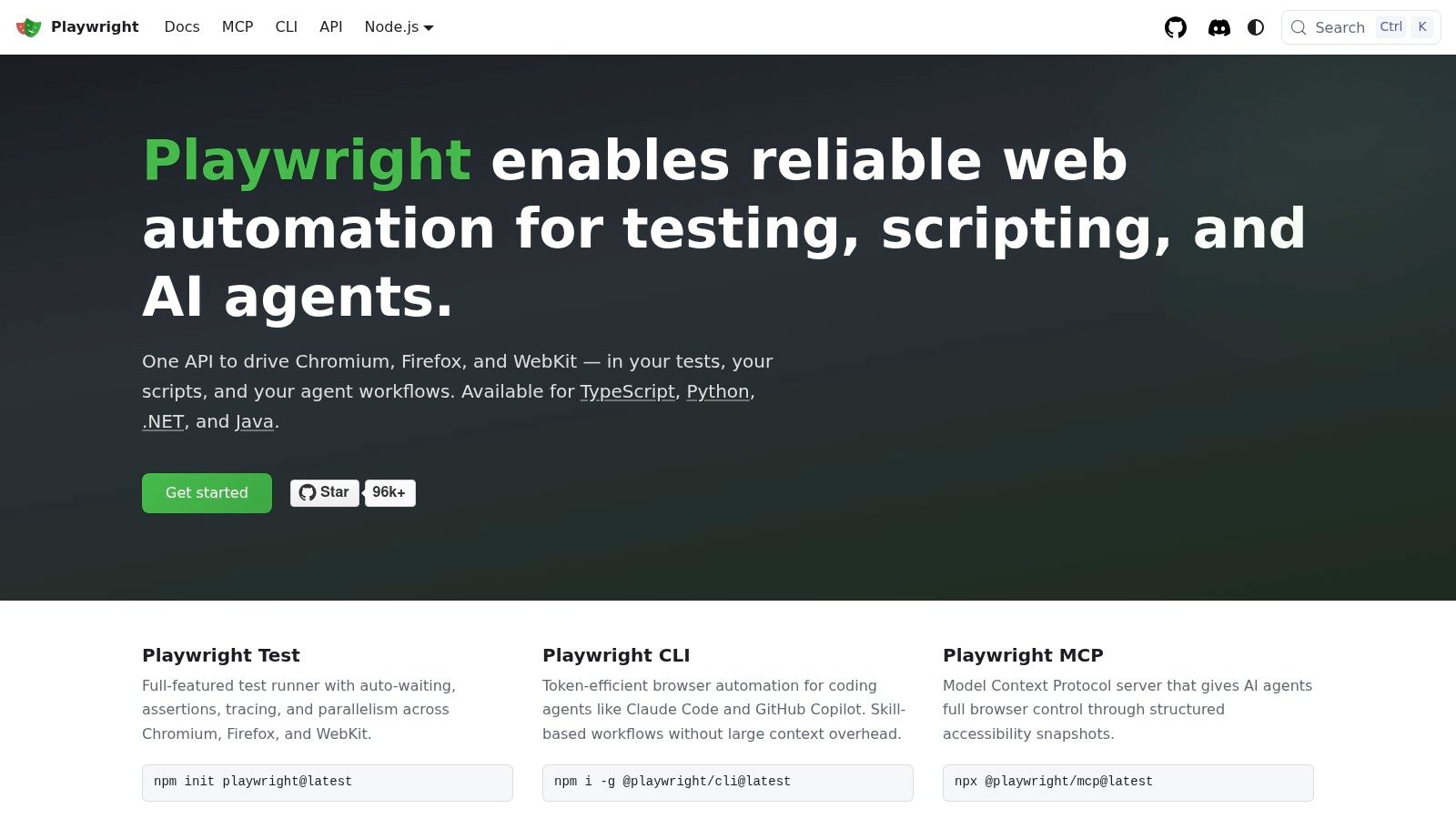
Playwright is the most broadly capable browser automation framework in this selection. It controls Chromium, Firefox, and WebKit through one API, supports JavaScript and TypeScript, Python, .NET, and Java, and provides waits and locators designed for dynamic interfaces. That makes it a strong fit for single-page applications, authenticated sessions, file downloads, scrolling, and workflows where extraction depends on interaction.
A Playwright scraper can open a page, wait for a component to render, click a filter, fill a form, and capture the resulting data. It can run headless in a deployment environment or headed during debugging. The Playwright project is free and open source, with documentation that supports both testing and automation use cases.
Browser realism has an infrastructure bill
A browser downloads and executes far more than a lightweight HTTP client. Teams must plan for browser images, memory, concurrency, session storage, CI execution, proxy strategy, and failure recovery. Playwright's locators can make scripts more resilient to UI changes, but they don't eliminate maintenance when the workflow itself changes.
It also doesn't grant access to private data or make compliance automatic. Authenticated scraping requires clear authorization, secure credential handling, and careful retention rules. Choose Playwright when clicking, waiting, logging in, or downloading is central to the job. If the target only exposes stable HTML, Scrapy or a simpler parser will usually give the team tighter cost and resource control.
8. Puppeteer
Puppeteer is a practical browser automation choice for Node.js teams. Its high-level API controls Chrome and Chromium, supports navigation and element interaction, and includes capabilities for screenshots, PDFs, tracing, and device emulation. A developer who already works in JavaScript can move quickly from a prototype to a custom browser workflow.
The puppeteer-core package also lets teams connect to an externally managed browser rather than downloading and operating the browser locally. That separation can be useful when the application owns the automation logic but a hosted provider owns browser capacity. The Puppeteer documentation covers the APIs needed for navigation, extraction, and browser control.
A good fit for focused Node workflows
Puppeteer is less language-flexible than Playwright, so it fits best when Node.js is already the team's standard. It also leaves proxy selection, unblocking, orchestration, retries, and monitoring to the implementer. Those responsibilities can be manageable for a controlled internal workflow, but they become significant when a scraper must run continuously across difficult targets.
The choice between Puppeteer and Playwright should follow the interaction requirements, language environment, and browser coverage. Puppeteer is attractive for Chrome-centered automation, PDF generation, and fast Node.js prototyping. Playwright is the safer default when cross-browser support, multiple language bindings, or more varied browser behavior matters.
9. Web Scraper from webscraper.io
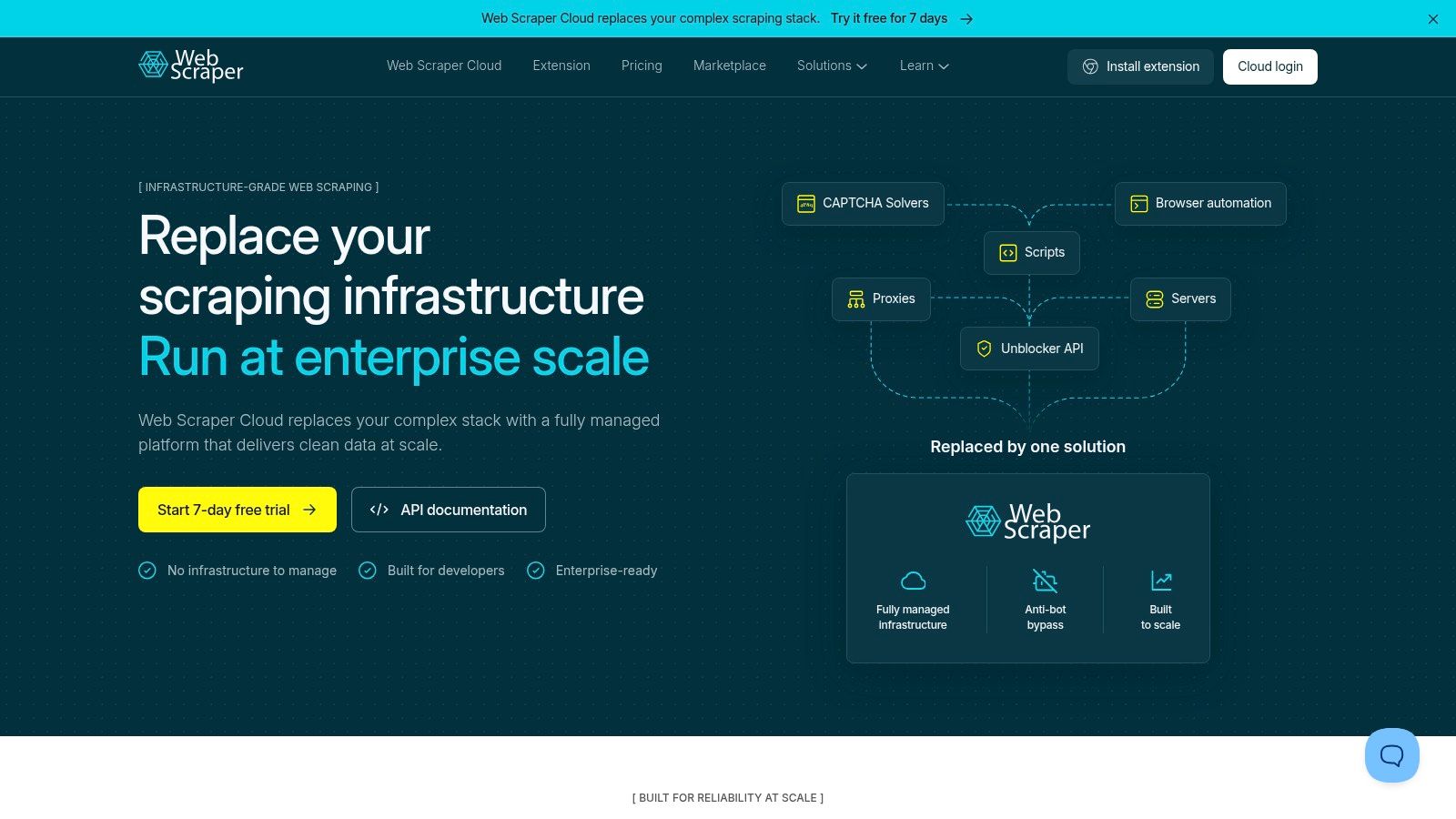
Web Scraper from webscraper.io is designed for users who want to define extraction visually. Its Chrome extension lets users create sitemaps and scrape locally without code, while the optional Cloud service adds scheduling, proxies, retries, API access, webhooks, and hosted exports. That creates a useful progression from a quick manual collection to a recurring workflow.
The visual approach is particularly effective for straightforward pages with predictable lists, links, pagination, and fields. A researcher or analyst can inspect the page, define selectors, and export data without building a Python project. The Web Scraper extension and Cloud platform also provide documentation and a community forum for setup and troubleshooting.
Low setup does not mean low maintenance
Visual sitemaps still depend on page structure. A redesign, changed class name, altered pagination pattern, or newly dynamic component can cause missing fields or incomplete runs. The tool lowers the barrier to creation, but someone still needs to inspect results and update the sitemap.
The local extension is a sensible choice for a one-off or low-risk task. The Cloud layer becomes more valuable when a team needs scheduling, retries, delivery, and shared execution. It isn't the right fit for complicated browser journeys or a data product that needs custom validation logic. In those cases, a framework or managed API will usually provide better control.
10. Octoparse
Octoparse is a no-code desktop and cloud platform for users who want visual workflow creation without building a scraper from scratch. Its templates and workflow builder support common extraction patterns, while cloud execution adds scheduling, concurrent runs, API access, and delivery options. Teams can start with a desktop task and move toward hosted operation as the process becomes recurring.
The platform also offers optional residential proxies for more difficult targets and managed data services for organizations that want a turnkey dataset rather than a self-operated workflow. The Octoparse platform is therefore positioned between a visual desktop tool and a managed collection service.
Templates accelerate the start, not every exception
Octoparse is a strong choice for nontechnical teams collecting familiar page types, especially when templates cover the target and the output can be reviewed by an analyst. It becomes less predictable when a site relies on complex JavaScript, unusual interactions, frequent redesigns, or custom validation.
The main cost risk comes from the layers around the base plan. Cloud execution, proxy traffic, concurrency, and managed services can change the economics of a workflow. Buyers should test the exact target, measure completeness, and decide who will repair the task when the site changes. A visual builder is valuable, but it doesn't remove ownership of quality assurance.
Top 10 Web Scraping Tools: Core Features Comparison
| Product | Key features | Quality (★) | Value (💰) | Audience (👥) | Unique (✨) |
|---|---|---|---|---|---|
| Captapi, Unified Social Media API 🏆 | Transcripts, comments, engagement, downloads, GPT‑4o‑mini summaries; 34+ social endpoints; Apify scrapers + 24h cache | ★★★★☆ sub‑second responses, retries | 💰 100 free credits; credit‑based scaling; up to 600 RPS | 👥 Developers, startups, RAG & analytics teams | ✨ Single REST across platforms; no OAuth/headless; AI summaries |
| Apify | Serverless Actors, scheduling, storage (datasets/kv/queues), proxy rotation, marketplace | ★★★★☆ production‑grade | 💰 Pay-per-run; costs vary with compute/proxy | 👥 Teams needing platform + prebuilt scrapers | ✨ Marketplace of ready Actors; managed storage & webhooks |
| Zyte (Scrapinghub) | Zyte API with browser rendering, Scrapy Cloud, adaptive per-site pricing | ★★★★☆ strong on hard targets | 💰 Per-result/site pricing; test credits | 👥 Enterprises & Python/Scrapy shops | ✨ Managed unblock/browser stack; Scrapy ecosystem |
| Bright Data | Web Scraper IDE, managed proxies/unblocking, scraper library, cloud delivery | ★★★★☆ broad capabilities | 💰 Multiple product tiers; can be expensive | 👥 Teams needing proxies, IDE, and delivery | ✨ Point‑and‑click IDE + large prebuilt scraper library |
| Oxylabs | Scraper API with JS rendering, vertical endpoints (e‑commerce/ SERP), SLAs | ★★★★☆ enterprise reliability | 💰 Result‑metered; enterprise pricing | 👥 Enterprises requiring SLAs & throughput | ✨ Documented performance, vertical APIs |
| Scrapy | Open‑source Python framework: spiders, middlewares, pipelines, feed exports | ★★★★☆ mature & extensible | 💰 Free OSS; infra/proxy costs apply | 👥 Python developers building custom crawlers | ✨ Highly extensible, production‑proven |
| Playwright | Cross‑browser automation (Chromium/Firefox/WebKit), robust locators, multi‑lang | ★★★★☆ ideal for SPAs/auth flows | 💰 Free OSS; infra & proxy costs | 👥 Devs automating complex JS sites | ✨ Realistic cross‑browser automation; resilient waits |
| Puppeteer | Node.js headless Chrome/Firefox automation; screenshots, PDFs, puppeteer‑core | ★★★☆☆ reliable for Node | 💰 Free OSS; infra & proxy costs | 👥 Node.js devs prototyping scrapers | ✨ Rich browser APIs (PDFs, tracing, emulation) |
| Web Scraper (webscraper.io) | Chrome visual sitemap extension + Cloud for scheduling/proxies/delivery | ★★★☆☆ beginner‑friendly | 💰 Free local; Cloud paid plans | 👥 Non‑developers & quick pilots | ✨ No‑code visual sitemaps; low barrier to entry |
| Octoparse | No‑code desktop + cloud execution, templates, scheduling, optional proxies | ★★★☆☆ good for non‑technical teams | 💰 Tiered plans; proxies/Cloud add cost | 👥 Non‑technical teams & businesses | ✨ Visual workflows + managed data services |
Choose by target, team, and operating model
There isn't one universal winner among the best web scraping tools. The right choice depends on the target's accessibility, the kind of interaction required, the team's technical control, and whether the data must feed a recurring production system.
Choose Captapi when the requirement is public social-media or video data through one REST interface. It is the clearest fit for transcripts, comments, profiles, engagement data, search results, summaries, RAG inputs, social listening, caption generation, and competitor monitoring across supported platforms. It isn't a general website crawler, and it shouldn't be used to imply access to private or privileged data.
Choose Scrapy when the team needs maximum Python control. It makes sense for custom crawl logic, structured pipelines, predictable domains, and workloads where engineers are prepared to own proxies, deployment, retries, browser integration, and maintenance. The framework's flexibility is its strength, but it also means the team must build the operating environment around it.
Choose Playwright or Puppeteer when browser interaction is central. Use Playwright when cross-browser coverage, multiple language bindings, and complex dynamic interfaces matter. Use Puppeteer when a Node.js team primarily needs Chrome or Chromium automation, screenshots, PDFs, or tightly controlled navigation flows.
Choose Apify, Zyte, Bright Data, or Oxylabs when difficult targets and managed infrastructure justify the cost. Apify is a strong platform choice when Actors, storage, scheduling, and a marketplace accelerate delivery. Zyte fits Python and Scrapy-oriented teams that need managed rendering and unblocking. Bright Data suits broad proxy, IDE, scraper, and delivery requirements. Oxylabs is appropriate when specialized endpoints, documented throughput behavior, and enterprise operating expectations matter.
Choose Web Scraper or Octoparse for visual, no-code workflows. Web Scraper is a direct path from a Chrome extension to hosted scheduling. Octoparse adds desktop workflows, templates, cloud execution, and managed service options. Both still need result checks and maintenance when the target changes.
Before implementation, confirm the following:
- Target accessibility: Verify that the data is public or that you have explicit authorization for any authenticated workflow.
- Expected volume: Separate one-off collection from continuous extraction, then test representative pages rather than estimating from a homepage.
- Rate limits: Design concurrency, backoff, and request spacing before production traffic begins.
- Retries and failures: Record timeouts, blocked responses, empty results, and schema failures separately.
- Caching: Cache repeat requests where the data's freshness requirements allow it, especially for transcripts, profiles, or unchanged pages.
- Monitoring: Alert on drops in item counts, missing fields, abnormal response times, and repeated status errors.
- Data delivery: Decide whether results should arrive through JSON, CSV, a database, webhooks, cloud storage, or a downstream API.
- Maintenance ownership: Name the person or team responsible for selector changes, provider changes, credential rotation, and quality review.
- Compliance responsibilities: Document permitted sources, retention rules, privacy requirements, terms of use, and how downstream users may handle the collected data.
The best tool is the one whose operating model matches the job. Paying for managed infrastructure can be sensible when reliability and maintenance time matter more than maximum control. Running open-source software can be sensible when the team has the engineering capacity and needs custom behavior. The wrong choice is usually the tool selected before the target, output, and ownership model are clear.
Captapi gives developers one REST interface for public social-media and video extraction, including transcripts, comments, profiles, engagement data, search results, downloads, and GPT-4o-mini powered summaries. If that matches your data pipeline, visit Captapi to test the API and connect structured social data to your application.