
How to Return YouTube Dislike Counts Easily
How to Restore YouTube Dislikes
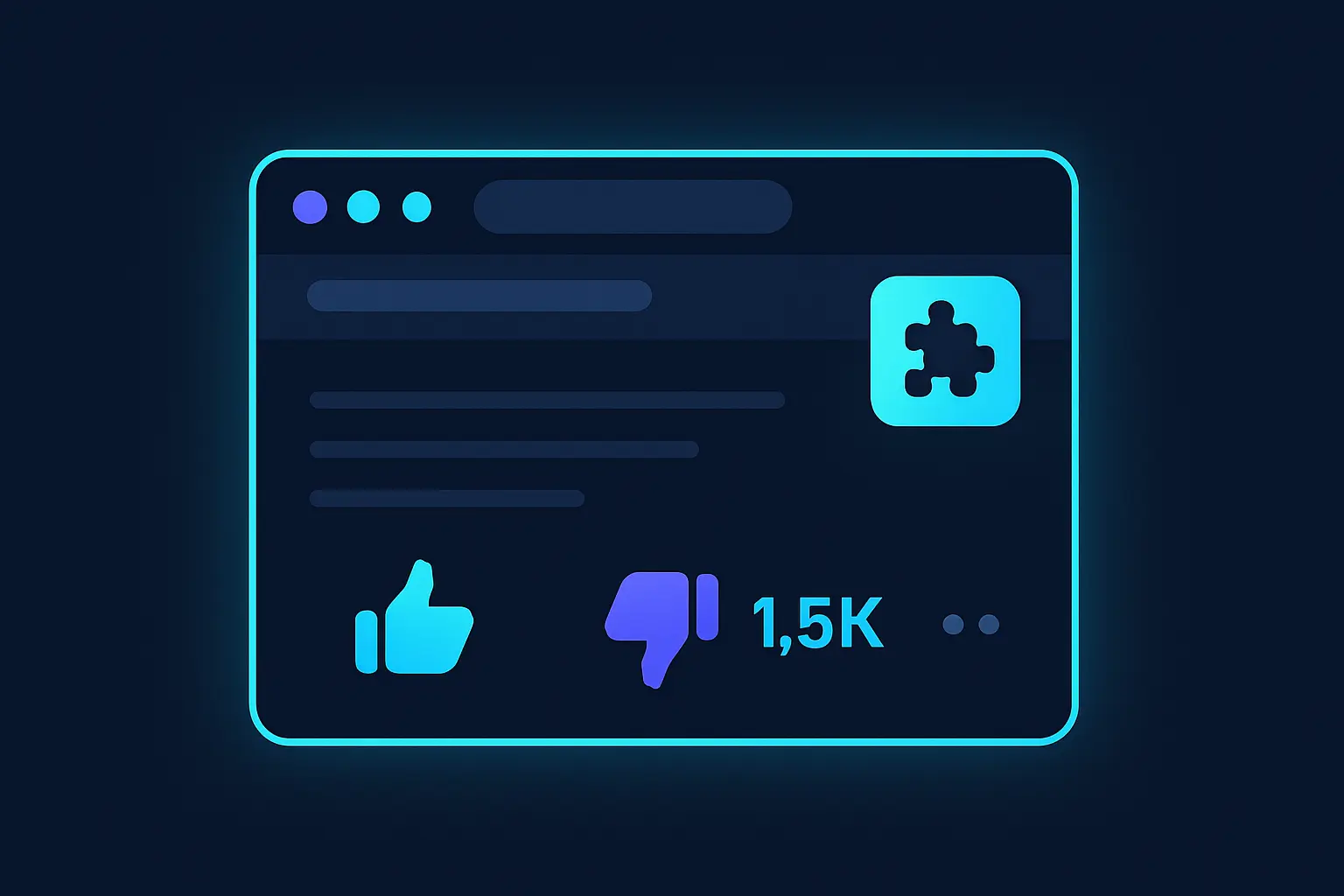
After YouTube removed public access to dislike counts, users seeking to restore this functionality have turned to third-party solutions. Browser extensions and external APIs have emerged as popular methods to view dislikes on YouTube videos. These tools aim to estimate or retrieve the number of dislikes, enabling users to gain insight similar to previous public metrics.
One common approach is using browser extensions like "Return YouTube Dislike." These extensions leverage a combination of publicly available data, such as user interactions and archives, and community-sourced statistics to estimate dislike counts. The extensions often require installation from web stores or direct download and typically support browsers such as Chrome and Firefox.
Furthermore, some developers use unofficial APIs that aggregate dislike data collected from users who share their data voluntarily. These APIs can offer more accurate dislike counts by pooling data across a larger user base. It is important to note that these methods depend on user participation, meaning the data might not perfectly match previous public counts.
For those more technically inclined, accessing dislike information through scraping techniques remains an option. Although this requires some programming knowledge, tools like Puppeteer or Selenium can automate the data gathering process from YouTube pages. However, these methods need to be employed carefully to comply with YouTube's terms of service.
- Use extensions like "Return YouTube Dislike" for estimates.
- Explore community-driven APIs for diverse data sources.
- Consider web scraping if you're familiar with coding.
Current Solutions for Viewing Dislikes
After YouTube decided to hide dislike counts, several third-party solutions emerged to display them. While these tools don't perfectly replicate the original functionality and rely on indirect methods to estimate dislikes, they offer a way to gauge video reception.
Return YouTube Dislike is a popular browser extension available for Chrome, Firefox, and Edge. It uses a combination of archived dislike data, user-generated reports, and machine learning to estimate dislike numbers. Another tool, VidIQ's Like:Dislike Ratio, provides access within the broader suite of YouTube analytics, adding dislikes alongside additional performance insights. It offers integration into YouTube's interface for a seamless experience.
The YouTube Dislike Viewer tool from Captapi offers a server-side method to access dislike data through a REST API. It provides JSON responses for easy integration into custom applications, and it supports multiple platforms beyond YouTube.
When choosing a solution, it's important to consider factors such as accuracy, ease of integration, and supported platforms.
| Tool/Extension | Platform | Method | Integration |
|---|---|---|---|
| Return YouTube Dislike | Browser (Chrome, Firefox, Edge) | Estimation using machine learning and user data | Direct into YouTube's interface |
| VidIQ's Like:Dislike Ratio | VidIQ's suite | Ratio estimation | YouTube interface |
| YouTube Dislike Viewer (Captapi) | Server-side API | REST API retrieval | JSON for custom applications |
How Dislike Extensions Work
Dislike extensions are browser add-ons designed to reveal the number of dislikes on YouTube videos, which YouTube no longer displays publicly. These extensions primarily leverage the YouTube API and crowd-sourced data to reconstruct an approximation of dislikes for users.
The main mechanism involves the use of YouTube's public API to obtain video metadata. Although YouTube's official API does not provide dislike counts, it furnishes other valuable metrics, such as view counts, like counts, and video IDs. Armed with this information, dislike extensions employ crowd-sourced data collected from users who have opted to share their interaction metrics. This data is typically aggregated in external databases maintained by the extension developers.
Dislike extensions fetch real-time data from these databases every time a user navigates to a YouTube video page. They retrieve stored dislike statistics and inject this metadata back into the page, allowing the user to view an approximate dislike count. This process is made seamless through the use of JavaScript, which dynamically updates the video page's HTML to include the dislike data next to the like count.
- Access video metadata using YouTube API calls.
- Leverage user-provided interaction data for dislikes.
- Integrate crowd-sourced data with live video pages.
While these extensions can provide a useful approximation of dislikes, the crowd-sourced nature of the data means the precision is contingent on the quantity and reliability of the shared information. This approach typically ensures a practical representation, albeit not an exact one.
Code Example: Getting Dislike Data
To obtain YouTube dislike data using extensions, you can employ Captapi's endpoint for structured JSON responses. Below are examples using curl and Python to request dislike data. Captapi offers a robust interface to interact with YouTube APIs, providing likes, dislikes, and other social interactions.
First, make sure you have your Captapi API key. Replace <YOUR_API_KEY> with your actual API key in the examples below.
curl -X GET "https://api.captapi.com/youtube/videoMetrics?videoId=VIDEO_ID" \
-H "Authorization: Bearer <YOUR_API_KEY>"
This curl command sends a GET request to Captapi's YouTube endpoint, fetching video metrics, including dislikes, for the specified VIDEO_ID.
import requests

url = "https://api.captapi.com/youtube/videoMetrics"
headers = {
    "Authorization": "Bearer <YOUR_API_KEY>"
}
params = {
    "videoId": "VIDEO_ID"
}

response = requests.get(url, headers=headers, params=params)

print(response.json())
In Python, the requests library facilitates HTTP requests. This script will fetch the same video metrics, including the disliked count, using the provided VIDEO_ID. Ensure that the API key is valid to retrieve data successfully.
The response you'll receive is in JSON format. This allows you to easily parse and manipulate the returned data:
{
    "videoId": "VIDEO_ID",
    "likes": 1200,
    "dislikes": 300,
    "views": 54000
}
This JSON response displays the like and dislike counts, along with the total views for the video. Integrating this functionality can help re-enable visibility of dislike metrics on YouTube.

Limitations and Accuracy of Dislike Restoration
The restoration of YouTube dislike counts relies heavily on third-party tools and browser extensions. These tools use varied methods, typically involving estimations based on community engagement data. However, it's important to recognize that these figures are not retrieved directly from YouTube's servers and may lack precision.
Most dislike restoration tools aggregate user-reported data alongside public metrics like views and comments to infer dislike counts. The primary limitation here is that this approach assumes consistent audience behavior across videos, which can lead to inaccuracies. For instance, videos with niche audiences or those rapidly gaining views may present skewed results due to the variability in user interaction types.
Furthermore, the data is often crowdsourced, which introduces a dependency on user participation. When fewer users contribute dislike data, the restoration tools struggle to provide accurate counts. This limitation is amplified in less popular content where user interaction is minimal. Additionally, the accuracy of dislike estimations diminishes over time if the algorithms aren't updated regularly or if user trends shift.
Here are a few common sources of inaccuracies in dislike restoration:
- Fluctuations in user-reported data
- Discrepancies due to bot activities
- Time lags between data capture and user interaction
While these tools offer valuable insights, developers and users need to understand their inherent limitations and accept that the reported dislikes are an estimate rather than a definite count. The reliance on non-official data feeds means that the only fully accurate measure was the original count provided by YouTube before it was made private.

Alternatives to Browser Extensions
Browser extensions have become a popular tool for getting a sense of video sentiment on YouTube after dislikes were hidden, but they are not the only option available. For those seeking alternatives, several methods can provide a more comprehensive understanding of audience feedback.
One effective approach is to analyze the comments section. While subjective, comments can offer valuable insights into viewer opinions, especially when examining recurring themes or sentiments. By using a combination of manual review and text analysis tools, you can obtain a qualitative measure of how a video is being received.
Another option is to leverage existing API services that provide social media data. Services like Captapi allow you to access YouTube data, including comments and other engagement metrics, in a structured JSON format. This data can be used to generate insights into audience sentiment using natural language processing (NLP) techniques.
Additionally, social media platforms where videos are shared could offer clues about a video's reception. Engagement metrics such as shares, mentions, likes, and retweets on platforms like Twitter and Facebook can serve as proxies for the overall public sentiment about a YouTube video.
- Analyze video comments with sentiment analysis tools.
- Use APIs like Captapi for structured engagement data.
- Monitor social media mentions and shares for indirect feedback.
These alternatives not only provide different perspectives on audience sentiment but can also complement each other when combined, offering a more nuanced view of audience feedback beyond simple like or dislike counts.
Frequently asked questions
How do I bring dislikes back on YouTube?
While YouTube itself does not provide a native option to view dislike counts on videos, third-party browser extensions and APIs like Captapi can be used to retrieve this data. Captapi's REST API can fetch YouTube video statistics, including dislikes, as part of its social media data services.
Does Return YouTube Dislike still work?
Return YouTube Dislike is a browser extension that aims to restore the ability to view dislike counts on YouTube. It continues to work by leveraging publicly available data and estimates based on user interactions, although its accuracy may vary since it does not have direct access to YouTube’s internal metrics.
Why did YouTube remove dislikes?
YouTube removed the public dislike counts from videos to protect creators from targeted attacks and reduce harassment. This decision was made as part of YouTube's initiatives to create a more inclusive and positive experience for content creators.
Is there a way to see YouTube dislikes on mobile?
Most methods to view YouTube dislikes, such as browser extensions, generally apply to desktop browsers. However, APIs like Captapi that can provide data including dislikes can be accessed from mobile applications through custom implementations.