
10 TikTok Transcript Generator Tools Compared
The best TikTok transcript generator depends on what you'll do with the text afterward. Extracting public TikTok content for an automated research or RAG pipeline is a different job from editing captions inside a browser, styling animated subtitles on mobile, or ordering a reviewed transcript for multilingual publication.
That distinction changes the shortlist. Developers need API access, predictable response structures, rate limits, caching, and compliance controls. Editors care more about timeline editing, caption styling, hard-burned exports, and collaboration. Accessibility, archival, legal, and localization workflows need stronger review paths because an automatically generated caption track isn't automatically a complete or verified transcript.
The comparison below evaluates each tool by workflow fit, automation potential, export formats, pricing structure, collaboration, integrations, and practical limitations. It starts with Captapi, an API-first service for public social data, then moves through browser editors, creator-focused caption apps, text-based video editing, human transcription, and enterprise approval systems. Captapi isn't the universal winner. It's the strongest match when the requirement is programmatic extraction rather than conventional video editing.
Table of Contents
- 1. Captapi
- 2. VEED.IO
- 3. CapCut
- 4. Descript
- 5. Kapwing
- 6. Happy Scribe
- 7. Rev
- 8. Trint
- 9. Zeemo
- 10. Flixier
- Top 10 TikTok Transcript Generators: Feature Comparison
- Choose the Workflow Before the Tool
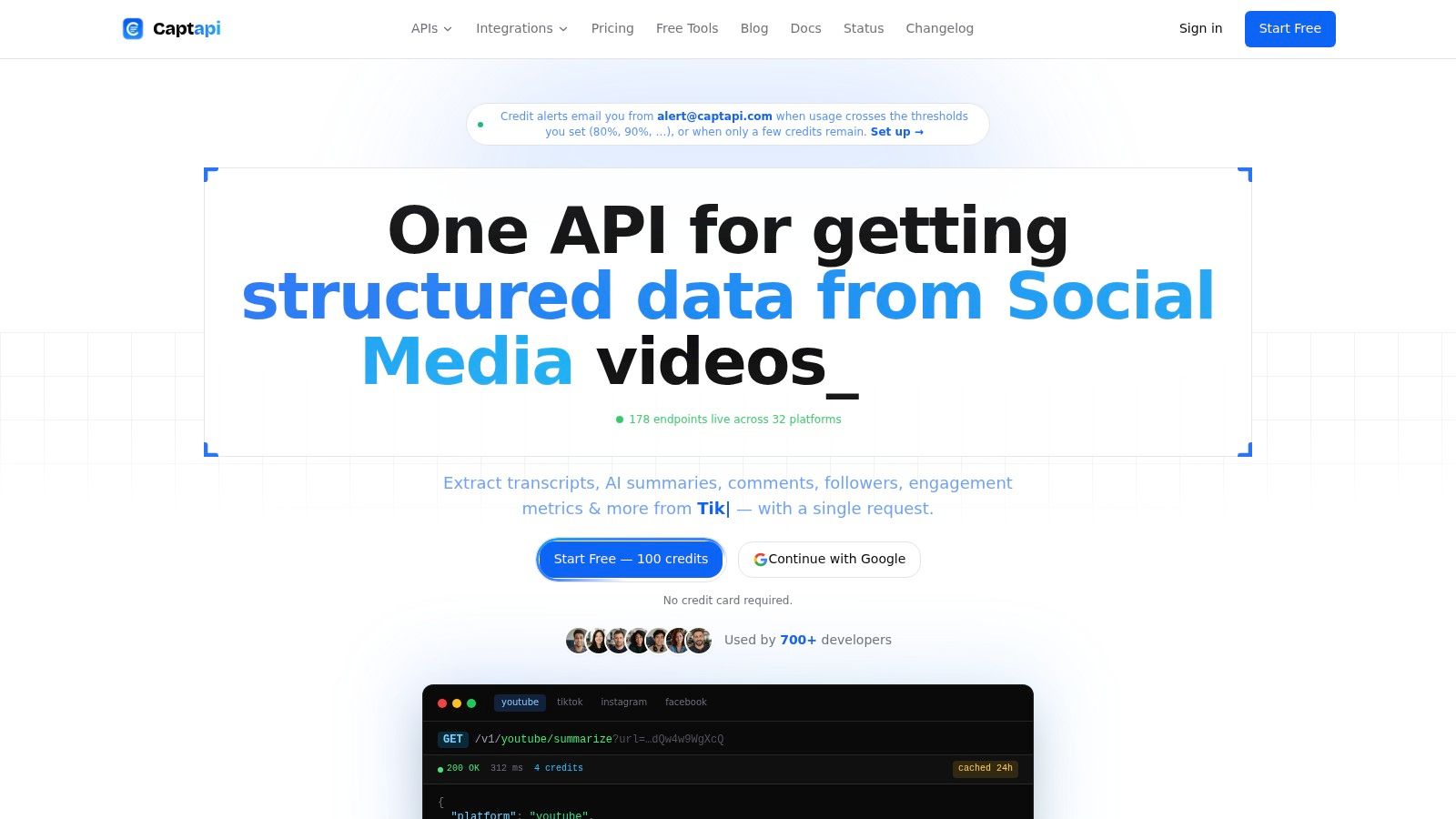
1. Captapi
Captapi addresses the extraction problem that caption editors leave open: moving public TikTok transcript data into software through a repeatable workflow. Its developer-first Social Media Data API provides one REST interface for public data from TikTok, YouTube, Instagram, Facebook, and other major networks. The product is therefore an API-first option for research and data pipelines, not a substitute for visual caption production.
For a public TikTok video, Captapi can return transcript text, while its TikTok Transcript API provides timestamped transcript data in JSON through an authenticated request. Developers can send that output to a search index, RAG pipeline, analytics dashboard, research database, or content-repurposing system without opening a video editor. The trade-off is equally clear: Captapi handles acquisition and structured output, while editing, caption styling, and video export require another tool.
Where Captapi fits best
Captapi uses a credit-based pricing model. The free tier includes 100 lifetime credits. Listed paid plans include Starter at $9 per month for 2,000 credits, Pro at $27 per month for 6,000 credits, and Business at $90 per month for 20,000 credits. Business rate limits reach 600 requests per second, and cached requests can be free when the shared 24-hour cache returns the result. Teams should check the credit cost for each endpoint before forecasting bulk-processing spend, since usage varies by endpoint.
Its infrastructure uses Apify-backed scrapers with retries and fallbacks. That reduces the need to maintain separate platform integrations, although public-data extraction still depends on changing access conditions. Captapi is read-only and focused on publicly accessible data. Customers remain responsible for compliant storage and downstream processing.
Best fit: Choose Captapi for structured public TikTok data and automated ingestion, not for editing captions on a finished video. Start with the TikTok transcript generator, test representative URLs, and evaluate the API against production requirements.
Strengths
- Unified developer interface: One REST workflow covers TikTok and other social platforms, reducing separate integrations for cross-platform analytics.
- Automation features: JSON responses, timestamped transcripts, bulk-oriented endpoints, caching, and AI-powered summaries support downstream systems.
- Straightforward onboarding: Sign up, copy an API key, and call an endpoint without OAuth, platform-specific SDKs, or an app-review process.
- Operational controls: Credit alerts, retries, fallbacks, and higher-plan rate limits help teams manage recurring extraction.
Limitations
- Public and read-only scope: Captapi does not edit uploaded video, publish content, or manage private-account workflows.
- Variable access conditions: A video may become unavailable if it is deleted, restricted, or no longer publicly accessible.
- Usage monitoring required: High-volume extraction can consume credits quickly, although cached repeat requests may reduce cost.
2. VEED.IO
VEED.IO is a browser-based editor for turning a transcript into a finished social video. Its auto-subtitle workflow generates captions, places them on an editable timeline, and supports styling for TikTok, Reels, and Shorts. The workflow suits creators and marketing teams that evaluate success by the published video, not only by transcript accuracy.
Transcription is one stage in VEED.IO's editing process. Users upload or import a clip, review the generated lines, apply brand styling, then export subtitle files such as SRT or VTT, or a video with captions burned into the image. Translation and team collaboration add value when one clip requires multiple language or brand versions.
Workflow and cost considerations
Brand kits and shared editing features support repeatable production when several people review or style short clips. The browser interface is faster for visual editing than an API, but VEED.IO is not intended to serve as the ingestion layer for a large research database. Teams collecting public TikTok videos at volume may need a separate acquisition workflow before editing them in VEED.IO.
Its pricing requires testing rather than judging the subscription by its feature list. Plan allowances and advanced AI usage can vary, while lower tiers may consume AI credits quickly during subtitle or translation work. Measure the cost against the team's actual clips, revisions, and language requirements.
Use VEED.IO when a human editor must correct text and produce an on-brand video in one browser session. For raw public-video extraction before editing, compare the workflow with Captapi's TikTok transcript generator, as described in its TikTok transcript guide.

3. CapCut
CapCut suits creators whose priority is publishing a styled TikTok video quickly. Auto Captions, templates, mobile and desktop apps, cloud projects, and TikTok-oriented export presets keep transcription and editing in one workflow. Its value lies in reducing the distance from raw footage to platform-ready content, rather than managing transcripts as reusable data.
Creators can edit caption text, apply visual presets, and work within familiar aspect-ratio settings without transferring the clip to another application. That workflow benefits solo creators producing frequent short videos, especially when API access, structured exports, or transcript archiving are not part of the brief. Caption styling is built into the edit, so review and publication happen in the same environment.
The important limitation
CapCut's available features can differ by region, platform, and plan. Auto Captions and related AI functions may be tied to CapCut Pro, and plan restrictions can change how a previously accessible workflow operates. Test the current account experience before making a production process depend on one feature.
The editor is less suitable for a searchable transcript archive or an automated cross-platform data pipeline. It does not replace an API-first system when the job requires plain text, timestamped JSON, normalized records, or recurring extraction from public TikTok URLs. For plain-text extraction instead of editing, use this TikTok transcript workflow.
Practical rule: Choose CapCut when the deliverable is a styled TikTok video. Choose an extraction service when the transcript becomes the deliverable or feeds another system.
The official CapCut editor fits mobile-first creators who need speed, recognizable caption styles, and direct export presets. Manual review remains necessary for names, jargon, overlapping speakers, music, and noisy recordings. Teams with approval workflows or searchable content repositories should treat CapCut as the finishing editor, not the system of record.
4. Descript
Descript makes the transcript the editing surface. Upload a TikTok video, let it generate the transcript, then delete words, filler, or sections from the text to change the underlying video. See this video transcript example to compare the text inputs required for transcript-driven editing.
That workflow fits creators, producers, and editorial teams revising speech-led clips. Descript combines text-based video editing with Studio Sound, filler-word removal, team collaboration, and high-resolution export. One transcript can support script edits, caption preparation, and the final video export.
Why it differs from caption-first tools
VEED.IO and CapCut focus on the visual subtitle layer. Descript connects spoken words directly to the media, so it suits interviews, explainers, podcasts, and other formats where removing or rearranging speech is part of the edit.
The main trade-off is workflow scope. Descript generally starts with uploaded media, making it an editor for creator and production teams. An API-first service can start with public TikTok URLs and return text or structured data for recurring extraction, monitoring, or downstream systems.
Its pricing model also needs planning. Credits and media-hour allowances may apply differently across features, while heavier AI use and media processing can require a higher tier. Teams should estimate footage and revision volume against the applicable plan before standardizing the workflow.
Descript's text-based video editor is a practical choice when editorial changes drive the project. It is less suitable for public TikTok data collection or enterprise content operations that require automated intake, searchable records, or formal approval stages.

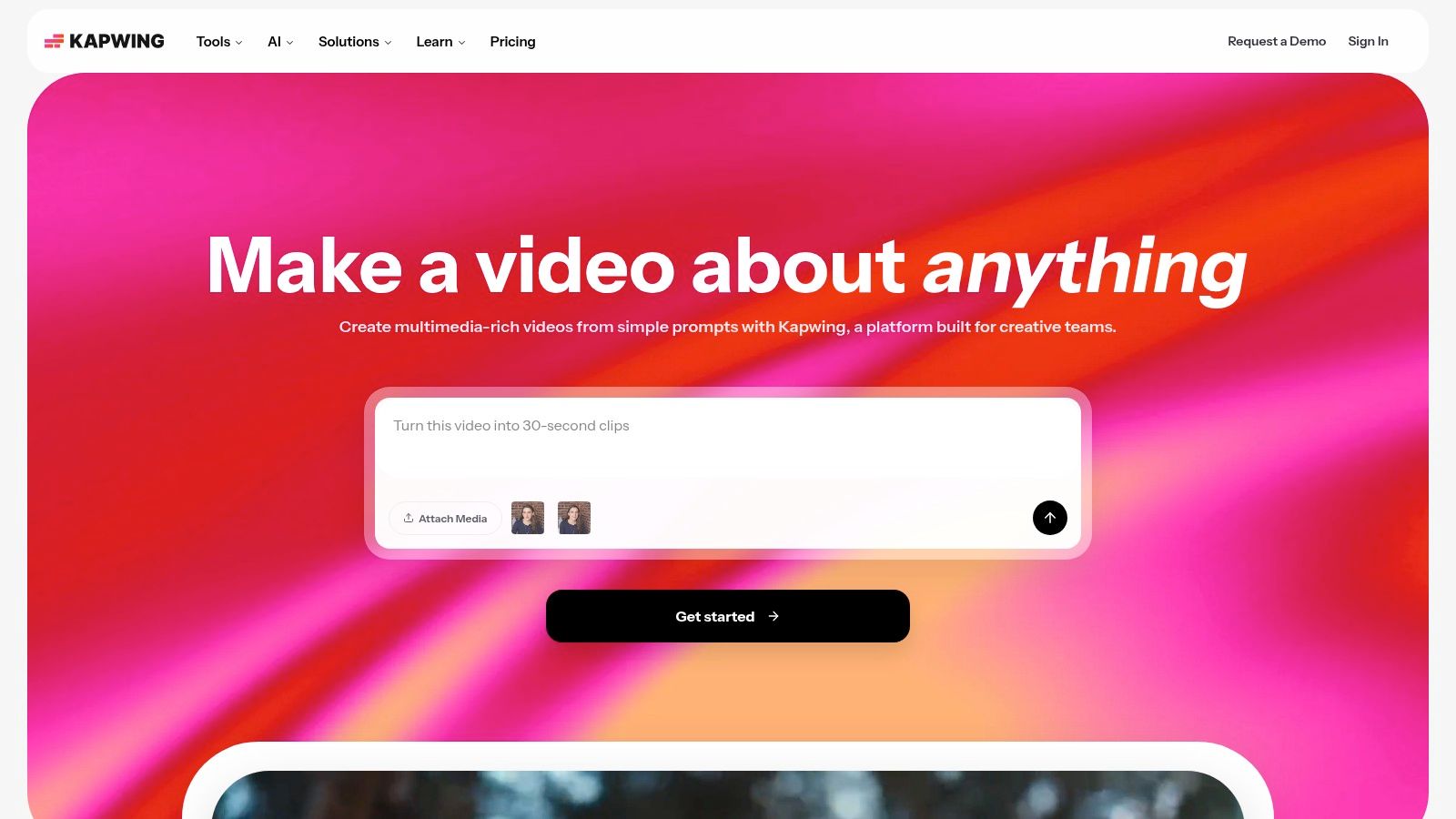
5. Kapwing
Kapwing sits between a caption generator and a collaborative web video editor. It can auto-transcribe uploaded or imported video, translate subtitles, apply visual styles, and export SRT, VTT, transcript text, or a video with burned-in captions. That range helps teams that need both a reusable text asset and a publishable social clip.
Its clearest operational advantage is the relationship between usage and credits. Kapwing exposes a minute or credit mapping for subtitling, which gives teams a more practical basis for budgeting than an editor whose AI allowances are difficult to interpret. The actual economics still depend on the plan and tools used, but the metering is easier to model when a team knows roughly how much video it processes.
Best use case
Kapwing works well for marketing teams, agencies, and creators who produce many short videos in shared workspaces. Cloud storage and team collaboration keep review inside the browser, while SRT and VTT exports allow caption files to move into other editing or accessibility workflows.
The free plan has restrictions around export and video length, and advanced AI tools can consume credits quickly. That means the platform may feel inexpensive during testing but require careful usage planning once translation, resizing, and other AI functions become routine.
Try Kapwing when you want transparent caption budgeting and a flexible browser editor. If your starting point is a public TikTok URL and your ending point is a text or JSON dataset, use this TikTok transcript workflow as a separate comparison point rather than treating Kapwing as an API replacement.
6. Happy Scribe
Happy Scribe is built for transcription, subtitling, translation, and export rather than only stylized social editing. Users can upload TikTok videos and choose between AI transcription and optional human proofreading. The output can include SRT, VTT, DOCX, TXT, or MP4, which gives the same source material several downstream uses.
That format breadth matters for accessibility and documentation. A caption file can support on-platform viewing, while a DOCX or TXT transcript can support review, search, archiving, or editorial handoff. Independent accessibility guidance recommends pairing captions with a full transcript for complex prerecorded video, and University of Michigan guidance explains that caption files such as VTT and SRT can be converted into plain text. University of Michigan accessibility guidance supports the distinction between a timed caption asset and a text-only transcript.
AI versus human review
Happy Scribe's metered pricing and allowance structure make it easier to separate routine AI work from exceptional human-review work. Human proofreading costs more than AI processing, but it addresses a different quality requirement. It's useful when names, technical language, multiple speakers, or publication standards make an unchecked machine transcript unsuitable.
Advanced formats and features may be limited to higher plans. Teams should also test source-language handling before a multilingual rollout because nominal language availability doesn't prove equal performance across accents, code-switching, or mixed audio.
Choose Happy Scribe when exports and optional review matter more than animated caption effects. For a practical auto-caption comparison, see this TikTok caption workflow.
7. Rev
Rev separates fast machine transcription from higher-assurance human services. Users can upload TikTok files, generate AI transcripts and captions, or submit work through an API for automated pipelines. Human transcription and captioning provide a review path when accuracy, certified output, or service-level expectations matter more than the lowest processing cost.
That split makes Rev relevant to organizations with mixed workloads. A social team might use AI for internal search and rough edits, while legal, compliance, or publication teams route selected files to human transcription. Foreign-language subtitle services extend the workflow beyond English captioning, although each language and service tier needs its own validation.
Automation with an escalation path
Rev's API supports submission and retrieval of jobs, which gives developers a route to automate recurring transcription without abandoning human review entirely. That's a different model from a pure editor and a different model from a public-data API. Rev generally begins with media files or an integrated job, then returns a transcription or caption asset through its service workflow.
Pricing and product names can be confusing because the platform offers multiple services and add-ons. Human work is also more expensive than AI processing, so teams should define escalation rules instead of sending every clip to manual review.
Rev is a strong choice when you need both API automation and a human-backed quality option. It's less efficient for researchers who need structured public TikTok extraction at scale and don't need an upload, editing, or human-service workflow.
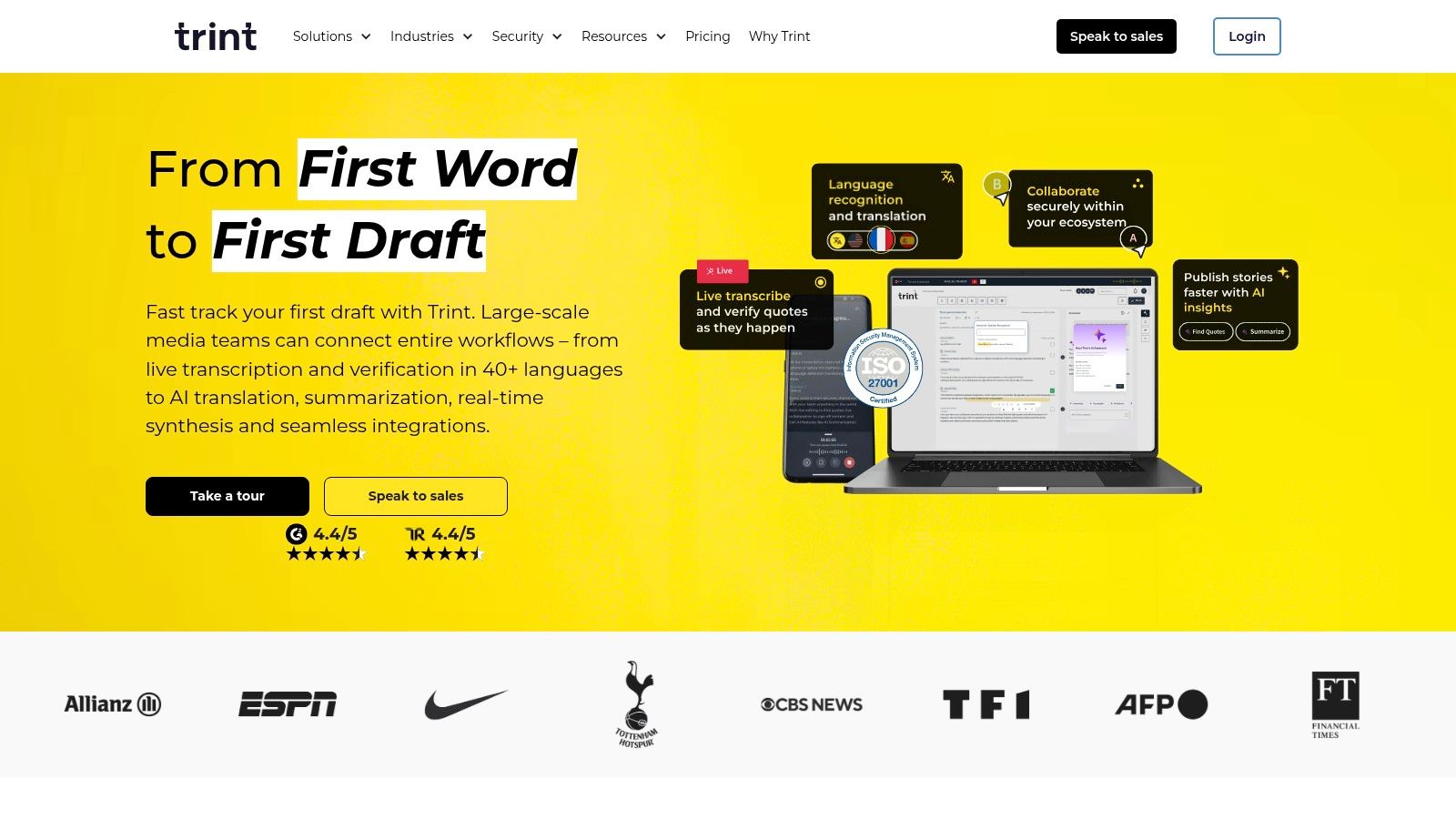
8. Trint
Trint is designed for teams that need transcription inside a controlled editorial process. Its collaborative editor, caption tools, API, enterprise integrations, and security features suit newsrooms, media departments, and organizations that need review and approval rather than a quick creator export.
The caption editor adds controls such as characters-per-second and line-length constraints. Those controls change the quality conversation. A transcript can be textually accurate yet difficult to read when displayed as subtitles, while a caption editor can help reviewers prepare a timed asset that follows consistent presentation rules.
Approval matters more than speed
Trint supports exports including SRT, VTT, STL, and TXT, along with integrations for professional editing workflows. Its API can connect transcription to internal systems, but the platform remains heavier than a creator-focused application when the requirement is to caption one TikTok and publish it.
Public pricing is less transparent and may be quote-based, which complicates small-team comparisons. That lack of a simple self-serve benchmark is a limitation, but it can also reflect a sales-led enterprise workflow where security, integrations, support, and collaboration are part of the purchase decision.
Use Trint when multiple reviewers must inspect, edit, approve, and export transcript or caption assets. Don't choose it solely because you need a TikTok transcript generator. Choose it because your organization needs a repeatable editorial control layer around transcription.
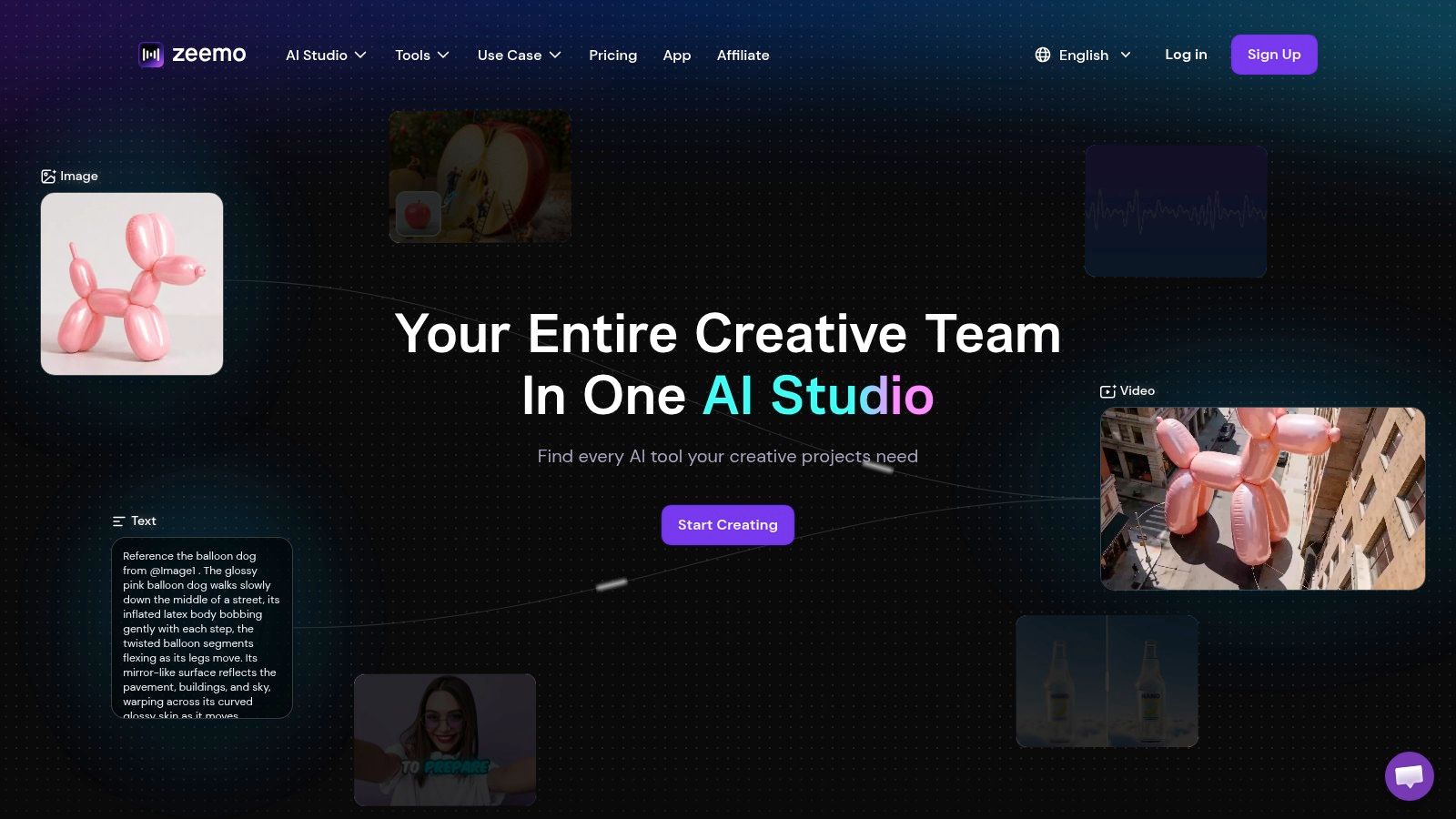
9. Zeemo
Zeemo targets creators who want captions to attract attention, not document speech. Its dynamic templates, custom fonts, animated styles, translation features, mobile and web apps, and batch-upload workflow are designed around short-form production. The product site advertises auto captions in more than 90 languages, so it's worth considering for creators publishing across language markets, provided they test the languages and audio conditions that matter to them.
The difference from Happy Scribe or Trint is visual emphasis. Zeemo helps users turn a transcript into an animated caption layer quickly, which is useful for vertical videos where the subtitle treatment is part of the creative identity. It also exports SRT, ASS, and transcript text, so the workflow doesn't have to end with a burned-in video.
Budget for style, not only speech recognition
Zeemo uses credits and plan limits, so advanced generation and batch production need monitoring. A creator who only wants plain, accurate text may pay for visual capabilities they won't use. Conversely, a growth team may find the templates more valuable than the collaboration controls offered by a heavier enterprise platform.
Zeemo is a practical fit for mobile-first creators, social editors, and teams producing stylized shorts. It isn't the first recommendation for evidence-grade archival transcripts or a normalized research dataset, where plain text, timestamps, provenance, and review controls deserve priority over caption animation.
10. Flixier
Flixier is a cloud editor for teams that want quick subtitle processing without installing desktop software. Its plans define monthly subtitle-minute allowances, which makes capacity easier to estimate before a team starts processing a regular stream of TikTok clips. The platform also supports auto-subtitles, translation, SRT export, collaboration, and hard-burned video output.
That clear minute-based framing is useful for operations managers. Instead of comparing an abstract AI feature allowance, a team can ask whether its selected plan covers the expected subtitle workload. The answer still depends on plan rules and other editor usage, but the unit is easy to explain internally.
Lightweight production, limited free usage
Flixier works well when several people need access to the same cloud workflow or when local hardware is a constraint. Export resolution varies by plan, reaching 1080p or 4K depending on the subscription, while the free plan's subtitle limits may be too restrictive for active creators. Some users also report inconsistent experiences with long renders, so test longer or more complex projects before committing a production pipeline.
Choose Flixier for predictable subtitle-minute budgeting and fast browser-based exports. It's a better editor than transcript archive, API, or enterprise approval system. Teams should confirm whether the exported text and subtitle files meet their accessibility, localization, or archival requirements before treating the output as final documentation.

Top 10 TikTok Transcript Generators: Feature Comparison
| Product | Core features | Quality ★ | Price & Value 💰 | Target 👥 | Unique ✨ |
|---|---|---|---|---|---|
| 🏆 Captapi | Unified social-data REST API: transcripts, comments, metrics, GPT-4o-mini summaries | ★★★★★, sub‑sec cache, Apify-backed, up to 600 RPS | 💰 Free (100 credits) → $9/$27/$90; credit-based; cached hits free | 👥 Developers, AI startups, marketers, researchers, creators | ✨ Single API across 32 platforms; 24h shared cache; no OAuth |
| VEED.IO | Auto-subtitles, translate, style, export SRT/VTT, team brand kits | ★★★★, fast in-browser editor & styling | 💰 Freemium; paid tiers (limits vary) | 👥 Creators, social teams, marketers | ✨ Subtitle styling & brand kits in-browser |
| CapCut | Auto Captions, TikTok templates, mobile/desktop cloud projects, direct export | ★★★★, mobile-first, TikTok-native UX | 💰 Mostly free; CapCut Pro paywalls/region differences | 👥 TikTok creators, casual editors | ✨ Tight TikTok integration & export presets |
| Descript | Text-based video editing, auto-transcript, Studio Sound, filler removal, 4K export | ★★★★☆, powerful edit-by-text + collaboration | 💰 Freemium → paid tiers; media-hour credits on higher plans | 👥 Creators, podcasters, teams, producers | ✨ Edit video by editing transcript; advanced audio AI |
| Kapwing | Auto-subtitle, translation, export SRT/VTT, per-minute credit system, team workspaces | ★★★★, transparent minute/credit mapping | 💰 Freemium; per-minute subtitling credits | 👥 Creators, teams needing scalable captioning | ✨ Clear minute/credit billing; cloud workspace |
| Happy Scribe | AI transcription, subtitles, translations, many export formats, human proofreading add-on | ★★★★, broad language & format support | 💰 Pay-as-you-go; transparent overages; human add-on fees | 👥 Researchers, localization teams, prosumers | ✨ Human proofreading option; wide export support |
| Rev | AI + human transcripts/captions, developer API, certified/legal options | ★★★★, high accuracy with human service | 💰 Pay-per-job; human transcripts costlier | 👥 Enterprises, legal/media teams, API integrators | ✨ Human-certified transcripts + automation API |
| Trint | Collaborative transcription, caption editor (broadcast constraints), API, NLE exports | ★★★★, enterprise workflows & review flows | 💰 Quote/enterprise pricing (less transparent) | 👥 Newsrooms, media teams, enterprises | ✨ Broadcast-ready caption rules & approval workflows |
| Zeemo | Auto captions (90+ languages), dynamic templates, mobile/web, batch export | ★★★★, fast, creator-focused styling | 💰 Lower entry price; credit/plan limits | 👥 Creators wanting stylized, on-trend captions | ✨ Trendy animated caption templates & many languages |
| Flixier | Auto-subtitles, translation, SRT export, defined monthly subtitle minutes, cloud renders | ★★★★, fast cloud rendering; mixed long renders | 💰 Clear monthly subtitle-minute caps per plan | 👥 Teams needing predictable subtitle budgets | ✨ Predictable minute caps; no desktop install |
| Rev (API) | (See Rev) API for automated job submission & retrieval (AI or human) | ★★★★, dependable pipeline integration | 💰 API + per-job pricing; human tiers pricier | 👥 Devs automating caption/transcript pipelines | ✨ API-driven human/AI job orchestration |
Choose the Workflow Before the Tool
There isn't one best TikTok transcript generator because the tools begin with different inputs and produce different kinds of value. Captapi starts with public social data and returns structured information for software. CapCut, VEED.IO, Kapwing, Zeemo, and Flixier start with video editing and help creators produce captioned clips. Descript makes the transcript the editing interface, Happy Scribe combines exports with optional human proofreading, Rev offers AI and human service paths with API automation, and Trint adds collaborative review and enterprise-oriented controls.
Choose Captapi when your requirement is programmatic extraction of public TikTok content or broader social data. Its transcript endpoint can feed RAG systems, analytics, research, competitive monitoring, search, and repurposing workflows. Its unified REST interface is more relevant than visual styling when your team needs normalized responses, timestamps, repeatable requests, and a path across multiple platforms.
Choose CapCut, Zeemo, VEED.IO, Kapwing, or Flixier when the final deliverable is a polished short with visible captions. CapCut is closest to the TikTok creator ecosystem. Zeemo favors animated, stylized captions. VEED.IO and Kapwing offer flexible browser editing and exports. Flixier makes subtitle-minute budgeting straightforward. None should be treated as a substitute for a transcript archive or public-data API without checking how the workflow stores and exports text.
Choose Descript when editors need to cut video by changing the transcript. Choose Happy Scribe when formats, translation, and optional proofreading are central. Choose Rev when an automated pipeline needs a human-service escalation path. Choose Trint when multiple reviewers need structured approval, caption constraints, integrations, and enterprise support.
Run this implementation test before selecting a subscription:
- Use representative audio: Include accents, names, background music, overlapping speech, silence, and the languages your workflow encounters.
- Verify the transcript layer: Confirm whether the result is plain text, timed captions, editable segments, or structured JSON. Those outputs aren't interchangeable.
- Check language handling: TikTok's native caption workflow depends on selected video language and speech recognition. TikTok initially launched auto captions in American English and Japanese, as documented in its 2021 accessibility announcement, while its current guidance explains that creators select a video language and can edit or remove generated captions through the post flow. TikTok's accessibility documentation also makes clear that generated text comes from speech recognition, so review remains important.
- Calculate usage-based costs: Compare credits, minutes, media hours, API calls, translation, exports, and human review. A low entry price doesn't reveal the cost of a high-volume workflow.
- Define data responsibility: Decide who stores downloaded media, transcripts, timestamps, and derived summaries. Public availability doesn't remove the customer's responsibility for lawful, appropriate handling.
- Separate accessibility from convenience: Accessibility guidance recommends captions that match spoken words and a full transcript for complex prerecorded video. A generated caption track may need correction before it supports compliance, archival, or legal review.
The same transcript can become a caption file, plain-text document, search record, or RAG input, but each use demands a different quality threshold. Teams planning product content can also explore how to animate product photos with Nim, then keep transcript generation and caption review as separate workflow decisions rather than assuming one editor handles every requirement.
Captapi offers public TikTok transcript extraction through a developer-first REST API, with timestamped results that can feed RAG, analytics, research, and repurposing workflows. If you need a TikTok transcript generator that connects content extraction to software instead of only styling captions, visit Captapi and test the workflow with representative public videos.