
Social Blade API: Access Social Media Analytics

What is the Social Blade API?
The Social Blade API provides developers and businesses access to comprehensive analytics and statistics for a variety of social media platforms. It offers detailed insights into user-generated content, allowing the tracking of social media growth, engagement metrics, and trends over time. By utilizing the Social Blade API, users can retrieve data from platforms like YouTube, Instagram, and Twitch, among others.
One of the core functions of the Social Blade API is to deliver performance data about individual social media accounts, including follower counts, video views, and subscriber changes. This makes it a valuable tool for competitive analysis, influencer marketing, and social media strategies. The data can be accessed programmatically, enabling seamless integration into custom applications, dashboards, or reports.
For developers looking to automate the tracking and reporting of social media statistics, the Social Blade API supports a range of endpoints. These endpoints typically allow access to data such as channel/user statistics, leaderboard rankings, and social media account health metrics. The API's flexibility in gathering historical and real-time data helps users keep their finger on the pulse of social media dynamics.
- YouTube Channel Statistics
- Instagram Profile Metrics
- Twitch Channel Analytics
Using the Social Blade API can provide significant advantages for those interested in monitoring social media performance. However, understanding its rate limits and data availability specifics is crucial for maximizing its potential in your applications.

Social Blade API Pricing
The Social Blade API offers a tiered pricing model, consisting of various plans tailored to different usage needs. Each plan primarily varies in the number of API requests permissible and the range of data accessible. Social Blade does not have a free tier, so users need to select a plan based on their projected needs. Below is a comparison table summarizing the key features of each plan:
| Plan | Monthly Cost | Requests | Data Access | Additional Features |
|---|---|---|---|---|
| Basic | $9.99 | Up to 5,000 requests | Limited metrics and user data | None |
| Standard | $29.99 | Up to 30,000 requests | Full profile metrics and history | Email support |
| Pro | $99.99 | Up to 100,000 requests | Extended data and trends | Priority support |
| Enterprise | Custom pricing | Unlimited requests | Comprehensive social analytics | Dedicated account manager |
It's crucial to compare these offerings with other APIs to determine which best meets your needs. For instance, Captapi provides a free usage tier allowing 100 credits without requiring a card, which might offer a better starting point for smaller projects or evaluation purposes.
How to Get Started with Social Blade API in Python
To begin using the Social Blade API with Python, you'll first need to obtain your API key from their platform. With the key in hand, the next step involves making HTTP requests to the API endpoints. Below, we will demonstrate how to request user statistics from the Social Blade API using both curl and Python.
First, consider the curl command for making a GET request to fetch user statistics:
curl -X GET "https://api.socialblade.com/statistics/user" \
-H "Authorization: Bearer YOUR_API_KEY" \
-H "Content-Type: application/json"
This request requires your API key as part of the Authorization header. It will return user statistics in JSON format. Here's how to accomplish the same task using Python with the requests library:
import requests

url = "https://api.socialblade.com/statistics/user"
headers = {
    "Authorization": "Bearer YOUR_API_KEY",
    "Content-Type": "application/json"
}

response = requests.get(url, headers=headers)

if response.status_code == 200:
    data = response.json()
    print(data)
else:
    print(f"Request failed with status code: {response.status_code}")
Make sure you replace YOUR_API_KEY with your actual API key. The Python code performs the same operation as the curl command, making an HTTP GET request and processing the response to extract and print the JSON data.
Here's a short snippet of the JSON response you might receive:
{
    "username": "exampleuser",
    "followers": 15000,
    "engagementRate": 3.2,
    "recentPosts": 120
}
With this setup, you're ready to integrate the Social Blade API into your Python projects, enabling you to programmatically access user metrics from supported platforms.
Securing Your Social Blade API Key
Securing your Social Blade API key is crucial to prevent unauthorized access and potential misuse that can lead to unexpected charges or data breaches. Here are some key practices to help you protect your API key effectively.
Firstly, avoid hardcoding your API key directly into your application code, especially repositories that are publicly accessible. Instead, store the API key in a safe configuration file or use environment variables. This practice ensures that the key is not exposed in source code management systems such as Git.
Secondly, limit the permissions associated with the API key. If Social Blade offers options for scoping API keys to specific functionalities or data sets, take full advantage of this. By restricting the API key's access, you reduce the risk of a compromise leading to a full breach of data.
Monitoring usage patterns is equally important. Set up logs and alerts to notify you of any unusual or unexpected behavior, such as a sudden spike in API requests. Rapid response to anomalies will help you address potential security issues before they escalate.
For added security, regularly rotate your API keys. This practice limits the lifespan of a key should it become exposed, preventing prolonged misuse. When rotating, be sure to update the API key in all parts of your application environments to maintain functionality.
- Store API keys securely, using environment variables or secured config files.
- Limit key permissions to essential functionalities.
- Monitor and log API usage for anomalies.
- Implement regular key rotation schedules.
By following these guidelines, you can enhance the security of your Social Blade API key and minimize the risks of unauthorized access.
Comparing Captapi and Social Blade
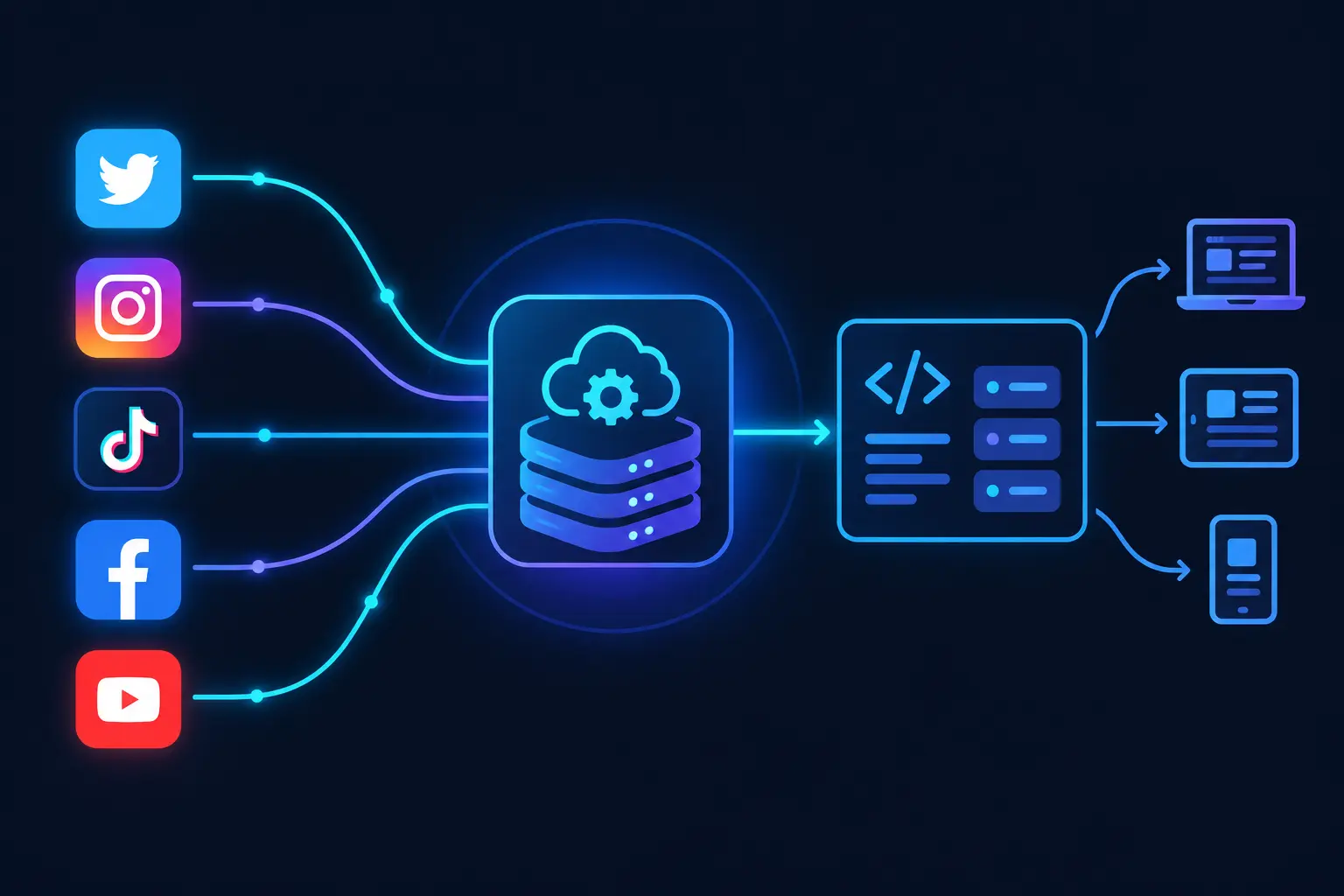
When comparing Captapi and Social Blade, the primary differences lie in data access and platform support. Captapi offers data from 27 social media platforms, including popular options such as YouTube, TikTok, Instagram, Facebook, and LinkedIn. In contrast, Social Blade focuses heavily on YouTube and TikTok analytics, with less extensive support for other platforms. This makes Social Blade more appealing for users specifically interested in comprehensive analytics from these two sources.
Captapi delivers the data in a clean JSON format, which allows developers to easily integrate the API responses into different applications. It provides a variety of social media data types, including profiles, posts, comments, transcripts, and AI-generated summaries. This broad range of data can be particularly useful for developers who need to aggregate data from multiple platforms. On the other hand, Social Blade provides detailed insights, often focused on follower counts, engagement statistics, and projections, mainly tailored for certain platforms like YouTube.
Another key point of comparison is access flexibility. Captapi provides a free tier with 100 credits and requires only one API key to access data across all supported platforms. This single-key approach simplifies integration and management for developers working with multiple social media sources. Social Blade's access model is structured around different subscription levels, which may limit broader platform analysis unless one subscribes to higher tiers.
- Captapi: 27 platforms, JSON format, single API key.
- Social Blade: Focus on YouTube and TikTok, structured insights, multiple subscription levels.
Real-World Use Cases of Social Blade API
The Social Blade API offers developers a way to access detailed statistics and insights from various social media platforms. This capability is leveraged in multiple applications to enhance performance tracking, audience analysis, and marketing strategies. Below are some common use cases:
Businesses and marketers often use the Social Blade API to monitor social media metrics across YouTube, Twitch, Facebook, and more. This includes tracking subscriber count, video views, and engagement over time, allowing analysts to gauge the effectiveness of content campaigns and adjust strategies accordingly. By understanding these trends, companies can optimize content delivery and maximize user interaction.
Another popular use case pertains to competitor analysis. Developers can harness the API to gather data on competitors’ social media activities, providing insights into growth patterns and engagement strategies. Such information is crucial for tailoring offerings and maintaining a competitive edge in the social media landscape.
Social media influencers and talent agencies also rely on the Social Blade API to track the growth and reach of influencers. By examining detailed performance metrics, influencer networks can identify rising stars and negotiate collaborations that align with their marketing objectives.
Additionally, researchers and data analysts utilize the API for sentiment analysis and trend prediction. By aggregating large datasets from different social media channels, they can run machine learning models to predict future social media trends, providing valuable foresight into user behavior and industry shifts.
These diverse use cases highlight the adaptability and value of the Social Blade API in professions focused on digital analytics, marketing optimization, and strategic planning.
Frequently asked questions
How do I access the Social Blade API?
To access the Social Blade API, you need to contact Social Blade directly to inquire about their API services. Typically, you'll need to sign up for an account and potentially discuss licensing or subscription terms depending on your needs.
Is the Social Blade API free to use?
No, the Social Blade API is not free. They offer tiered pricing based on usage and the data you need access to, so you should reach out to them to understand the costs associated with your specific requirements.
What data can I get from the Social Blade API?
The Social Blade API provides various types of social media analytics, such as statistics on view counts, follower counts, and rankings for platforms like YouTube, Instagram, and Twitch. However, specifics may vary, so consulting their documentation or support team is recommended.
How can I use the Social Blade API with Python?
To use the Social Blade API with Python, you will need to use an HTTP client like `requests` to make API calls. First, ensure you have obtained an API key from Social Blade. Then, structure your API requests according to their documentation and handle the JSON response to integrate the data into your Python applications.