
RapidAPI Social Media API: Integration Made Easy
Introduction to Social Media APIs on RapidAPI
The RapidAPI marketplace provides access to a diverse assortment of social media APIs, offering developers a centralized location to discover and integrate social media functionalities. These APIs cater to a wide range of needs, from fetching user profiles and posts to analyzing social media trends and interactions. RapidAPI distinguishes itself by providing a streamlined process for finding, testing, and connecting to a variety of social media APIs with a single API key.
Developers can explore numerous APIs that connect to popular social media platforms such as Twitter, Instagram, Facebook, and LinkedIn. Each API offers specific features, which can include retrieving user data, searching hashtags, tracking engagement metrics, and more. The marketplace simplifies the comparison of different API capabilities, documentation, and pricing plans, aiding developers in selecting the most appropriate APIs for their projects.
Some APIs focus on general data access, while others might specialize in niche functionalities such as sentiment analysis, image recognition, or AI-driven insights. The variety of social media APIs available on RapidAPI ensures that developers can find tools tailored to both general purposes and specialized applications, enabling the creation of robust social media applications or integrations.
- Access to multiple social media platforms
- Centralized API management
- Comprehensive API documentation and support
By leveraging the resources available on RapidAPI, developers can efficiently integrate social media data into their applications, enhancing both the user experience and the functionality of their services. Whether for personal projects or enterprise-level applications, the APIs on RapidAPI provide the flexibility needed to innovate in the social media domain.
Features of Top Social Media APIs
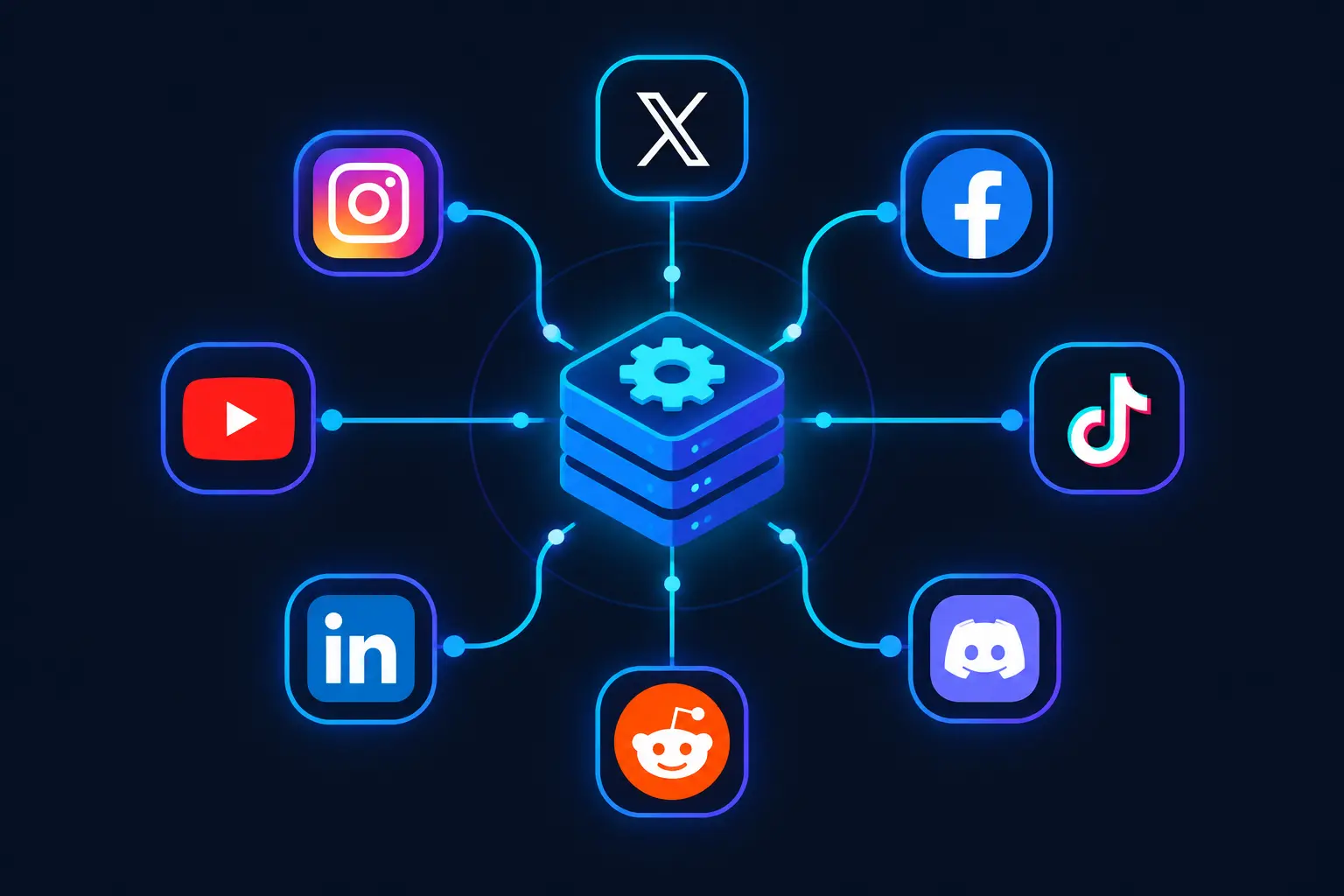
Top social media APIs offer a range of features that are essential for developers working with platform data. One of the key features is data retrieval, which allows developers to access user profiles, posts, comments, and interactions. These APIs focus on extracting structured data from social networks, often providing it in a JSON format for easy integration into applications.
Another essential feature is real-time data access. Many experienced developers prefer APIs that offer webhooks or streaming options to handle live updates. This capability is crucial for applications that require immediate insights or engagement, such as marketing dashboards or customer service tools.
Rate limiting and authentication are additional important components. Effective APIs manage request loads to ensure that the services remain responsive while providing secure data access. Authentication protocols such as OAuth are typically employed to protect user data and maintain privacy across platforms.
Finally, support for multiple platforms is a significant advantage. APIs like Captapi provide access to data across various social media sites from a single endpoint. This multi-platform capability reduces complexity and time spent on integrating different APIs for each platform, streamlining the development process.
- Data retrieval in JSON format
- Real-time data access via webhooks
- Secure authentication with OAuth
- Multi-platform support
Comparing Social Media API Providers
When evaluating social media APIs, key factors include the range of supported platforms, data types offered, and flexibility in integration. While various providers serve similar needs, differences in platform support and data granularity can influence the choice of service. Let's examine several notable API providers in this space.
RapidAPI is a popular marketplace hosting multiple social media APIs under a single interface. Each API varies in its use case, from tracking public sentiments on Twitter to gathering video analytics on YouTube. Some APIs focus on niche platforms or specific data types, offering specialized capabilities that could be limited when compared to more comprehensive services.
For instance, a provider like Social Searcher focuses on tracking mentions across platforms, but it might lack comprehensive data extraction compared to other options. When multi-platform reach and versatile data extraction are crucial, Captapi offers an advantage with its support for 27 platforms and data types like profiles, posts, and comments delivered as clean JSON.
| API Provider | Supported Platforms | Data Types | Special Features |
|---|---|---|---|
| RapidAPI | Varies by API | Varies by API | Marketplace Integration |
| Social Searcher | Facebook, Twitter, Instagram | Mentions, Hashtags | Real-Time Tracking |
| Captapi | 27 Platforms including X, TikTok, LinkedIn | Profiles, Posts, Comments, AI Summaries | Comprehensive Data across Platforms |
| Twylo Data | Tweets, User Data | Advanced Twitter Queries | |
| API Ninja | YouTube, TikTok | Video Insights | Video Engagement Analytics |
While each API provider presents its unique strengths, the choice ultimately depends on specific project requirements regarding platform coverage and data insights needed.
Using a Social Media API with RapidAPI
To integrate a social media API using RapidAPI, start by selecting an API that meets your data requirements. For this example, let's assume you choose an API that retrieves user profile data from a social media platform. Follow these steps to get started:
- Sign up or log into your RapidAPI account.
- Navigate to the desired social media API's page and subscribe to a plan.
- Copy your unique API key provided by RapidAPI.
- Create a request to the API endpoint using your API key. The example below demonstrates a request for user profile information using both
curland Python'srequestslibrary.
# Using curl
curl -X GET "https://exampleapi.rapidapi.com/user/profile" \
-H "X-RapidAPI-Host: exampleapi.rapidapi.com" \
-H "X-RapidAPI-Key: YOUR_RAPIDAPI_KEY"

# Using Python with requests library
import requests

url = "https://exampleapi.rapidapi.com/user/profile"
headers = {
    "X-RapidAPI-Host": "exampleapi.rapidapi.com",
    "X-RapidAPI-Key": "YOUR_RAPIDAPI_KEY"
}

response = requests.get(url, headers=headers)
print(response.json())
This request retrieves a social media user's profile information in JSON format. Below is a snippet of the response:
{
    "id": "12345",
    "name": "John Doe",
    "username": "johndoe",
    "bio": "Traveler and foodie",
    "followers": 2000
}
Ensure your API key is kept secure and handle any response errors appropriately in your implementation.
Captapi Integration for Multi-Platform Data
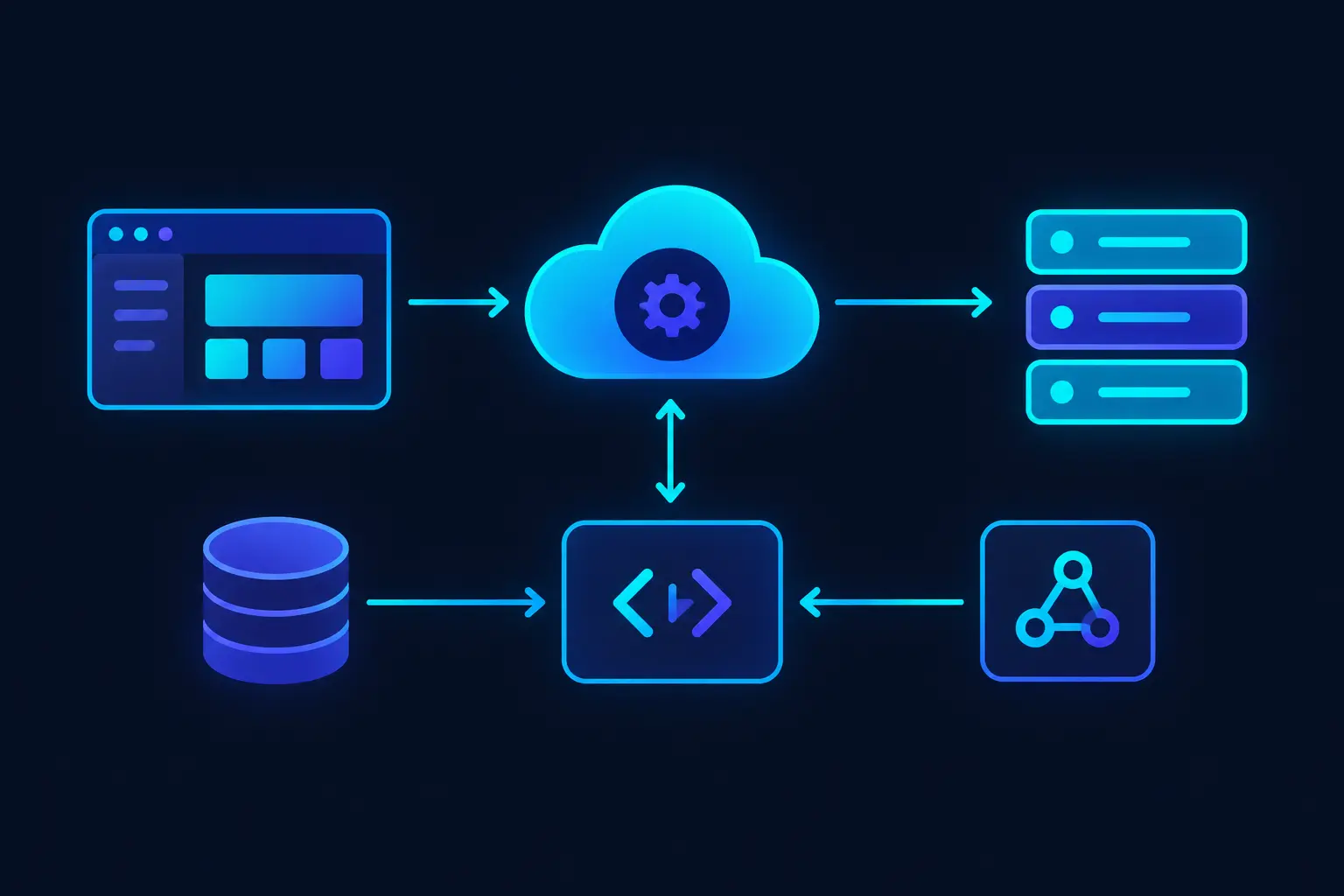
Captapi is designed for efficient access to diverse data across 27 social media platforms. By using a single API key, Captapi simplifies the process of retrieving data such as profiles, posts, comments, transcripts, and AI-generated summaries. This capability is crucial for developers looking to build applications that require aggregated insights from multiple social media sources.
Captapi addresses the need for a unified solution by offering clean JSON responses that standardize data formats across different platforms. This harmonization allows developers to focus more on their application's logic rather than parsing and integrating data from disparate API structures. Captapi's model also eliminates the need for multiple API integrations and the management hassle associated with using distinct API keys and authentication procedures for each social media platform.
The free tier offered by Captapi, which includes 100 credits without requiring a credit card, enables developers to explore the API's capabilities without financial commitment. This is ideal for prototyping and initial testing phases. Furthermore, the detailed documentation available at captapi.com/docs provides developers with the instructions and code examples needed to swiftly integrate Captapi into their projects.
- Access to 27 social media platforms
- Data types: profiles, posts, comments, transcripts, AI summaries
- Single API key for unified access
- Free tier with 100 credits
- Comprehensive documentation
Overall, Captapi presents a powerful solution for developers aiming to harness vast amounts of social media data without the complexity of managing multiple APIs. This makes it a valuable tool for projects involving cross-platform data analysis and reporting.
Deciding on the Right Social Media API
Selecting the appropriate social media API for your project involves assessing specific needs and comparing them against what various providers offer. The primary consideration for developers should be the platforms that the API supports. If your project demands data from a wide range of platforms like YouTube, Instagram, Reddit, and emerging networks such as Threads and Bluesky, you’ll want an API with broad coverage.
Another pivotal factor is the type of data you need to access and the endpoints the API provides. Common data types include user profiles, posts, comments, and media, and increasingly, AI-derived insights like summaries. Ensure the API offers clean, structured data formats, such as JSON, for ease of integration.
Pay attention to pricing models and usage limits, especially if your project scales. Some APIs may offer free tiers but with limited credits or restricted access to certain data types, while others might provide more generous quotas or cost-effective scaling options.
API performance, reliability, and response times are critical for real-time applications. Read through service level agreements (SLAs) or user reviews to understand potential downtimes or limits. Consideration of security aspects, such as encryption and data privacy measures, is also essential when handling sensitive information.
- Platform Coverage
- Available Data Types and Endpoints
- Pricing and Quotas
- Performance and Reliability
- Security Features
Ultimately, the right social media API should align with your technical requirements, budget constraints, and strategic goals. Evaluate each option based on these factors to ensure suitable and effective integration into your application.
Frequently asked questions
How do I find the right social media API on RapidAPI?
To find the right social media API on RapidAPI, start by exploring the 'Social' category within the RapidAPI marketplace. You can filter options by platform, popularity, or pricing. Review the API documentation and user reviews to determine which API best suits your needs and requirements.
Are there free social media APIs available on RapidAPI?
Yes, there are free social media APIs available on RapidAPI. Many APIs offer a free tier that provides limited access, allowing developers to test features before subscribing to a paid plan. Always check the pricing details and limitations under each API's plan on RapidAPI for accurate information.
What is the best way to get started with a social media API?
The best way to get started with a social media API is to read the API documentation thoroughly, focusing on the authentication process and available endpoints. Sign up for an API key, test sample requests in a tool like Postman, and implement incremental functionality in your application to ensure stability and compatibility.
Can I use a social media API for commercial purposes?
Most social media APIs allow use for commercial purposes, but it depends on the terms of service outlined by each API provider. It's important to review the licensing and usage terms to ensure compliance with commercial use cases, as some APIs may have restrictions or different pricing for commercial use.