
Understanding LinkedIn API Access and Costs
Is LinkedIn API Free?
The LinkedIn API is not entirely free to use. LinkedIn offers tiered access to its API, which varies in both features and costs. Basic access to the LinkedIn API is restricted and typically involves applying for LinkedIn's Partner Program. This means that individual developers cannot directly access extensive API features like profile data or posts without going through an approval process.
For developers or organizations accepted into the Partner Program, LinkedIn provides varying levels of access to its APIs based on specific use cases. Some basic features may be offered without additional charge, particularly if the project aligns with LinkedIn's strategic goals and enhances the LinkedIn user experience. However, more comprehensive access, which includes the ability to fetch detailed profile data, post updates, or access analytics, often requires a commercial agreement and may incur costs. This is especially true for enterprises looking to integrate LinkedIn functionalities at scale.
The limited availability and potential costs are due to LinkedIn’s strict control over its data. It aims to protect user privacy and ensure that third-party applications adhere to its platform policies. As a result, developers looking for free or low-cost alternatives may consider using Captapi, especially for social media data aggregation, offered with a free tier of 100 credits. Captapi provides a broader scope in terms of integrating data from various platforms, although it does not substitute for direct LinkedIn API access where specific LinkedIn capabilities are required.
- Basic LinkedIn API usage may be available under specific, approved programs
- Comprehensive access generally requires a commercial agreement
- Data privacy and policy adherence are key considerations for API usage
Obtaining LinkedIn API Access
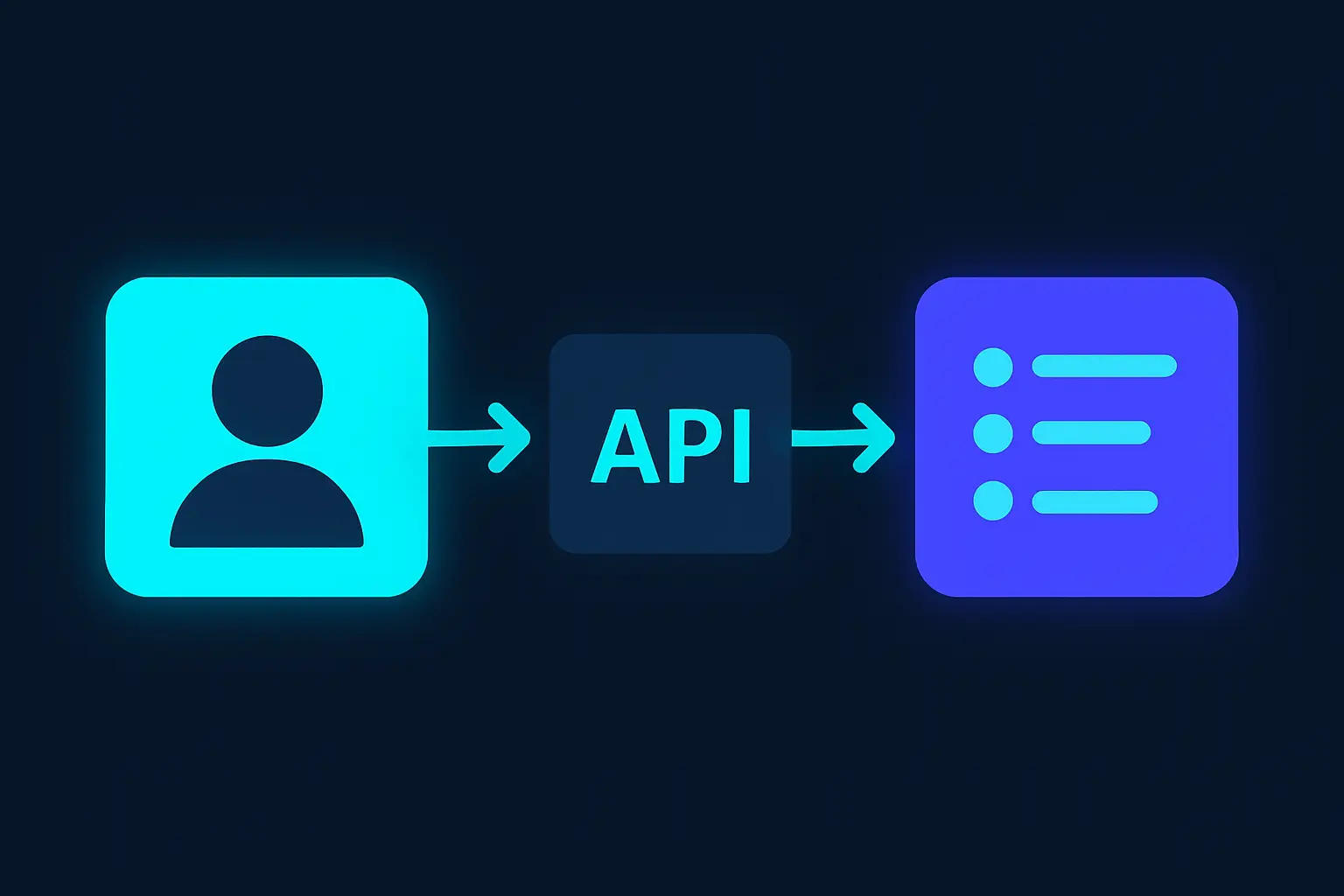
To access LinkedIn's API, developers must first ensure they meet LinkedIn's API program requirements. The key step is to create a LinkedIn Developer application. Visit the LinkedIn Developers portal and log in using your LinkedIn account credentials. Once logged in, navigate to the "My Apps" section and select "Create App."
During the app creation process, you'll be asked to provide essential details such as the app name, description, privacy policy URL, and a company page. This company must be associated with your LinkedIn account, although the level of control varies based on your relationship to the organization (e.g., admin versus member).
After your app is created, LinkedIn's review process comes into play. This can be the most time-consuming part, as LinkedIn evaluates applications for eligibility. Many API products, especially those with access to proprietary data points or marketing APIs, require companies to apply for specific program enrollments. Approval can be stringent, especially for products accessing profile, company, and job data.
Upon approval, you will gain access to an API key, client ID, and client secret. These credentials authenticate your application and authorize it to interact with the LinkedIn platform. Make sure to adhere to LinkedIn's API usage guidelines to avoid usage violations that could lead to access revocation.
- Third-party solutions can supplement official methods by offering additional data aggregation across platforms.
Finally, be prepared for ongoing API developments and version changes that LinkedIn may implement. Regularly review LinkedIn's official documentation for updates on API features and best practices, ensuring compliance and effective integration into your applications.
LinkedIn API Capabilities: An Overview
The LinkedIn API provides a suite of interfaces that allow developers to integrate their applications with LinkedIn's vast professional network. Through these capabilities, businesses can enhance their customer relationship management, recruitment processes, and marketing strategies.
One of the primary functions is retrieving profile data. Developers can access users' profile information, including their work experience, education, and skills, which can be invaluable for recruitment and human resources tools. Another vital capability is managing connections and followers, enabling applications to incorporate social networking features directly within their platforms.
Content sharing and management is also facilitated through the API. Applications can programmatically post updates, articles, and other content types to LinkedIn, broadening their reach and increasing engagement. This is particularly beneficial for content marketing and brand awareness campaigns.
The LinkedIn API also offers extensive analytics features. Accessing engagement metrics, such as views, likes, and comments, allows businesses to evaluate the effectiveness of their content and refine their strategies accordingly. Furthermore, businesses can leverage messaging capabilities to improve communication with potential candidates or partners directly through their applications.
| Capability | Description |
|---|---|
| Profile Retrieval | Access and retrieve detailed user profiles including professional experience. |
| Connections Management | Enable applications to manage LinkedIn connections and social network integration. |
| Content Sharing | Programmatically share updates and articles to LinkedIn. |
| Analytics Access | Retrieve engagement metrics to analyze content performance. |
| Messaging Integration | Facilitate direct communication with users via LinkedIn messaging. |
Using the LinkedIn API for Posts
The LinkedIn API allows developers to fetch and manage posts, facilitating the integration of LinkedIn content into various applications. To work with posts specifically, you need to utilize the "Share and Social Stream" endpoints within LinkedIn's suite of APIs. Accessing these endpoints requires OAuth 2.0 authentication to ensure that user data is handled securely. Once authenticated, you can interact with user-generated content through specific API calls.
To fetch posts, use the GET request on the socialActions endpoint. This requires specifying the URN (Uniform Resource Name) of the desired posts in the request URL. The response will return post data in JSON format, including key attributes such as content text, author identity, and engagement metrics like likes and comments.
To create a post on LinkedIn, send a POST request to the ugcPosts endpoint. The request body should include JSON data with mandatory fields like author, lifecycleState, and specificContent. Optional parameters allow for customization, such as attaching media or targeting specific audiences. Successful requests will return a URN for the newly created post, allowing further management and tracking.
Managing posts involves updating or deleting content. Use the PUT request on the ugcPosts endpoint to update a post. The request body must include the updated content fields. To delete a post, submit a DELETE request using the post's URN. Note that deleting a post is a permanent action and cannot be undone.
- Fetch posts with
socialActionsendpoint - Create posts with
ugcPostsendpoint - Update posts with PUT on
ugcPosts - Delete posts with DELETE on
ugcPosts
LinkedIn API Code Example
To interact with the LinkedIn API, you first need to authenticate using OAuth 2.0. Once authenticated, you can make requests to access data such as user profiles or posts. Below is an example of a request to fetch a member's profile data using both curl and Python. Ensure you replace {ACCESS_TOKEN} with your actual LinkedIn access token.
curl -X GET "https://api.linkedin.com/v2/me" \
    -H "Authorization: Bearer {ACCESS_TOKEN}" \
    -H "X-Restli-Protocol-Version: 2.0.0"
import requests

url = "https://api.linkedin.com/v2/me"
headers = {
    "Authorization": "Bearer {ACCESS_TOKEN}",
    "X-Restli-Protocol-Version": "2.0.0"
}

response = requests.get(url, headers=headers)

if response.status_code == 200:
    data = response.json()
    print(data)
else:
    print("Error:", response.status_code, response.text)
The JSON response from the LinkedIn API will typically include the profile details of the authenticated member. Below is a sample snippet of what the structure might look like:
{
  "id": "abcd1234",
  "firstName": {
    "localized": {
      "en_US": "John"
    },
    "preferredLocale": {
      "country": "US",
      "language": "en"
    }
  },
  "lastName": {
    "localized": {
      "en_US": "Doe"
    },
    "preferredLocale": {
      "country": "US",
      "language": "en"
    }
  },
  "profilePicture": {
    "displayImage": "urn:li:digitalmediaAsset:abc123xyz"
  }
}
Alternatives to LinkedIn's Official API
While LinkedIn offers an official API for accessing their data, limitations and access restrictions often lead developers to explore alternative solutions. These alternatives range from third-party APIs to web scraping libraries.
Third-party APIs, like Captapi, provide a consolidated source for social media data across multiple platforms, including LinkedIn. Captapi allows developers to retrieve LinkedIn profiles, posts, and comments in a standardized JSON format, simplifying integration. This solution is particularly useful for applications requiring data from multiple platforms without the need for managing multiple API keys or dealing with platform-specific limitations.
Web scraping libraries, such as BeautifulSoup or Scrapy, offer another method for extracting LinkedIn data. These libraries can be leveraged to programmatically navigate and extract data directly from LinkedIn's web pages. While web scraping can bypass some of the restrictions of official APIs, it typically requires more maintenance to accommodate changes in LinkedIn's site structure. Additionally, scraping may violate LinkedIn's terms of service, so cautious implementation is advised.
Another method is using automation tools like Selenium with headless browsers to mimic human interaction with LinkedIn's web interface. This approach can effectively access data not available through official channels but is more complex to set up and can face similar legal and ethical considerations as web scraping.
- Third-party APIs (e.g., Captapi)
- Web scraping libraries (e.g., BeautifulSoup, Scrapy)
- Automation tools (e.g., Selenium)
Each alternative has its own set of trade-offs involving complexity, ethical considerations, and maintenance overhead. Developers should carefully assess their needs and the legal implications of accessing data in each manner.
Frequently asked questions
Is LinkedIn API free for developers?
The LinkedIn API is not entirely free. Access requires a LinkedIn developer account, and usage is subject to restrictions, including quota limits and specific permissions. Available features depend on the partnership tier, which ranges from basic access to more advanced features for approved partners.
How do I get a LinkedIn API key?
To obtain a LinkedIn API key, you must create a LinkedIn Developer account and register a new application. Upon registration, LinkedIn provides an API key. Access to certain endpoints and advanced features may require approval or additional permissions from LinkedIn.
What can I access through the LinkedIn API?
The LinkedIn API provides access to a range of features, including basic profile information, connections, and some networking features. Advanced features such as accessing analytics, posting updates, or comprehensive profile details may require specific permissions or partnership with LinkedIn.
Are there alternatives to the LinkedIn API?
Yes, there are alternatives like Captapi, which provides social media data from multiple platforms, including LinkedIn. Depending on your needs, services like Captapi might offer a unified approach to accessing social data from multiple channels with fewer restrictions, although they may not provide complete LinkedIn functionality.