
Effortless IG Follower Export Tool Guide
How to Export Instagram Followers
Exporting Instagram followers can help users analyze their audience for insights into engagement and growth. While Instagram's native app does not offer a direct follower export function, several third-party tools and APIs can facilitate this process. These tools typically scrape data from Instagram using methods that must comply with Instagram's terms of service.
One of the primary methods for exporting followers involves using data export tools that can automate the process of collecting user data from Instagram accounts. Many of these tools offer CSV export capabilities, allowing the collected data to be organized into spreadsheets for easier analysis and manipulation. While selecting a tool, ensure it supports Instagram data export specifically and checks for any limitations, such as the number of followers it can export per session or day.
Some tools might require users to authenticate their Instagram accounts, while others handle data without requiring login credentials. It's essential to prioritize account security by selecting trusted tools and avoiding those that ask for unnecessary access to sensitive information. Exporting data without violating Instagram's terms of use is crucial, as breach could result in account penalties.
- Identify a tool that supports Instagram follower export.
- Authenticate your Instagram account if required.
- Initiate the data export process and download the files in your preferred format, usually CSV.
Exporting Instagram followers using the right tools minimizes the time and effort spent on manual data collection and can significantly enhance audience analysis efforts.
Overview of IG Follower Export Tools
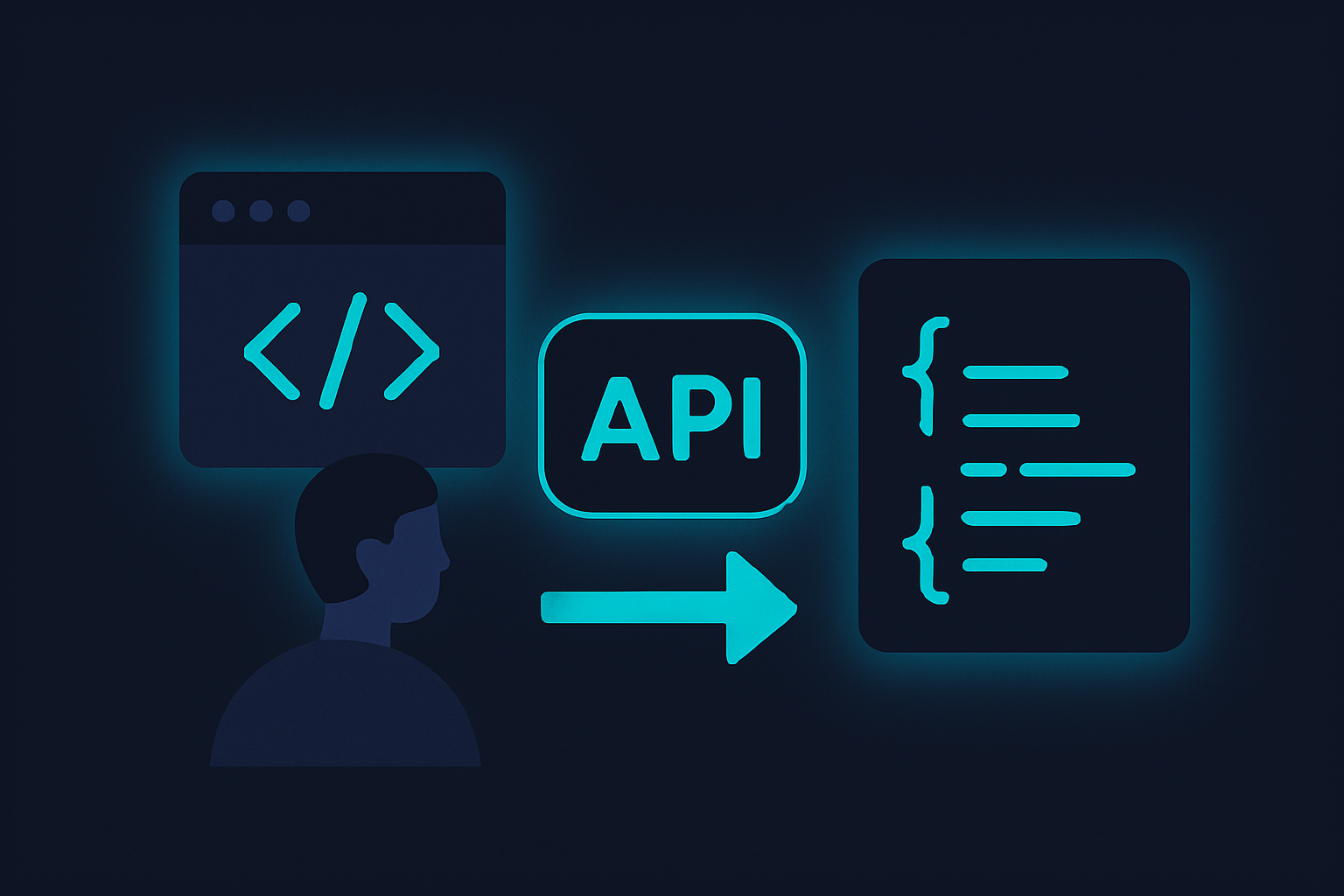
Several tools and APIs are available for exporting Instagram followers, each offering varying features and limitations. For businesses and developers looking to extract detailed follower information for analysis or engagement, it's essential to choose the right tool. Options range from basic spreadsheet exports to more complex API-driven solutions. It's crucial to consider the specific requirements of your project, such as data depth, update frequency, and ease of integration.
Some tools offer direct CSV exports, which are suitable for straightforward tasks but often lack the flexibility needed for more sophisticated projects. For those who need to integrate Instagram data with other platforms or perform extensive data analysis, using a REST API like Captapi can provide more comprehensive and actionable data. Despite these options, users should be aware of Instagram's terms of service when automating data extraction tasks.
| Tool/API | Features | Data Format | Limitations |
|---|---|---|---|
| Captapi | Multi-platform support, JSON output | JSON | Requires API integration |
| Tool A | Direct CSV export, plug-and-play | CSV | Limited data fields |
| Tool B | Scheduled exports, basic analytics | CSV | Limited to CSV format |
| Tool C | Browser plugin, manual export | Excel | Manual usage required |
Using Captapi for Advanced Data Export
Captapi offers a robust solution for exporting Instagram follower data, enhancing the basic data extraction with additional insights. With Captapi, you can gather not only the list of followers but also profile details such as bio, follower count, post statistics, and engagement metrics.
To begin using Captapi, you first need to obtain an API key by signing up at captapi.com. The API allows you to make requests to retrieve follower data in clean JSON format. Captapi provides endpoints specifically designed for Instagram data retrieval, making it efficient to fetch large volumes of data with a single request.
Once you have your API key, the /instagram/followers endpoint is your main tool for accessing follower information. The endpoint supports query parameters for pagination and filtering, which helps in managing the data load especially for accounts with significant follower numbers. Additionally, Captapi's response includes metadata beyond just follower IDs, such as follower bios and public metrics.
- Follower Details: Fetch user bios, follower count, and profile links.
- Engagement Metrics: Obtain engagement rates and activity indicators.
Utilizing these advanced features, businesses can perform deeper analysis on their Instagram audience by blending in this data with other marketing insights. Captapi ensures compliance with Instagram's data usage policies, making it a trustworthy choice for data export tasks. The API documentation at captapi.com/docs provides comprehensive guides to facilitate integration and usage.
Step-by-Step Guide: Export Instagram Followers to CSV
Exporting your Instagram followers to a CSV file allows easy data manipulation and analysis. With Captapi, you can retrieve this information efficiently. Follow these steps to obtain and export your Instagram follower data:
- Sign up for a Captapi account and secure your API key from the Captapi dashboard.
- Read the Captapi API documentation to understand required endpoints and parameters for Instagram data retrieval.
- Create a request to the specified endpoint for retrieving follower data. Use the following curl command or Python script as a template:
curl -X GET "https://api.captapi.com/instagram/followers" \
-H "Authorization: Bearer YOUR_API_KEY" \
-H "Content-Type: application/json" \
-d '{"username": "target_username"}'

import requests

url = "https://api.captapi.com/instagram/followers"
headers = {
    "Authorization": "Bearer YOUR_API_KEY",
    "Content-Type": "application/json"
}
data = {
    "username": "target_username"
}
response = requests.get(url, headers=headers, json=data)
followers_data = response.json()
Example JSON response snippet:
{
    "followers": [
        {"username": "follower1", "full_name": "Follower One"},
        {"username": "follower2", "full_name": "Follower Two"}
    ]
}
- Parse this JSON response to extract follower details such as usernames and names.
- Write a script to format this data into CSV format. Each follower should have their own row in the CSV file.
- Execute your script to download and save the followers' data as a CSV file. Depending on the implementation, this could be automated for scheduled data retrieval.
Common Issues When Exporting Instagram Followers
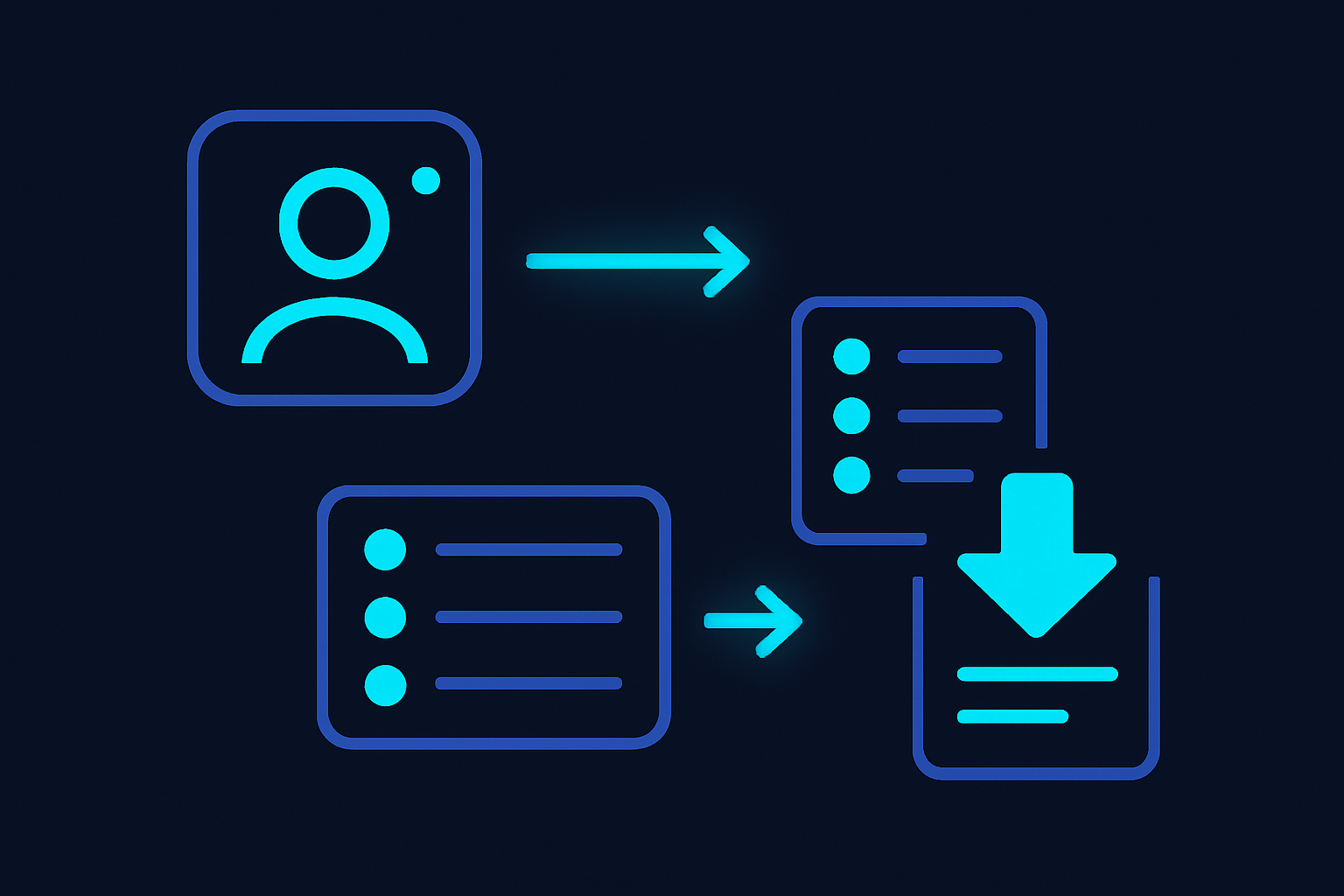
Exporting Instagram followers can be a straightforward task with the right tool, but several issues may arise during the process. Understanding these common problems helps in resolving them effectively.
A frequent issue is authentication errors. When using an API or tool to export followers, proper authentication is crucial. Incorrect API credentials or expired tokens can prevent access to the necessary data. Be sure that access tokens are up-to-date and correctly implemented.
Rate limits imposed by Instagram can also pose challenges. Instagram has strict API rate limits to prevent abuse and ensure server reliability. If the export task involves a large number of followers, the tool may exceed these limits, resulting in errors or incomplete data. To manage this, break down the request into smaller batches and implement proper rate limiting in the application's configuration.
Data inconsistencies are another potential problem. Followers' data might not be entirely accurate or up-to-date due to Instagram's caching and data propagation delays. Regular updates and periodic data refreshes can mitigate such issues.
Compatibility problems with output formats can disrupt the process. Ensure that the tool you are using supports export formats compatible with your data analysis needs, such as CSV or JSON. Some tools may have limited export options, requiring additional processing to convert the data into a usable format.
- Authentication errors
- Rate limits
- Data inconsistencies
- Compatibility issues
By anticipating these common issues, you can more effectively ensure a smooth and efficient export process.
Ensuring Compliance with Instagram's Policies
When exporting Instagram followers using third-party tools, it's essential to comply with Instagram's terms of service and data privacy policies. Failure to do so can result in penalties, including account suspension or permanent ban. As a developer or marketer, understanding these regulations ensures safe and continued access to Instagram's API or scraping services.
Instagram explicitly prohibits automated data collection methods that violate their terms. Therefore, using tools that offer unauthorized scraping or circumvent Instagram's API policies may lead to legal consequences. Always opt for platforms that abide by Instagram's protocols and provide data in a lawful manner.
- Verify that the tool has proper authorization or partnership with Instagram.
- Avoid sharing your Instagram credentials with unauthorized services.
- Respect user privacy and adhere to applicable data protection laws, such as GDPR if you're handling data from EU citizens.
Data privacy isn’t just about compliance; it builds trust. Users whose data you gather may at some point demand information on how their data is used, stored, or transferred. Make sure you have clear privacy policies and mechanisms to manage and possibly limit data usage upon request.
Before integrating any tool, conduct comprehensive due diligence to ensure it meets all legal requirements. Choose providers, like Captapi, that focus on providing API data in a compliant way, thus reducing risk and maintaining your account’s security and longevity on the platform.
Frequently asked questions
Is it possible to export Instagram followers?
Yes, it is possible to export Instagram followers using third-party applications or APIs. These tools access your account data, extract follower information, and format it for export. This is typically provided in formats like CSV or JSON for easy integration into other systems.
How does the IG follower export tool work?
An IG follower export tool interfaces with Instagram's API to retrieve a list of followers from an account. It processes the data, formatting it into a manageable structure like JSON or CSV. The tool requires permission from the account holder to access this information.
How do I download a list of someone's Instagram followers?
To download a list of someone's Instagram followers, you need access to a service or tool that can legally interact with Instagram's API, respecting their terms of service. Typically, you would authenticate through your own Instagram account and select the target user to retrieve their follower data. Directly exporting someone's followers without their consent may violate Instagram policies and privacy terms.
Is there a free IG follower export tool?
Yes, some tools offer a free tier for exporting Instagram followers, although they may limit the number of exports or features available. When choosing such a tool, ensure it complies with Instagram's policies to avoid any legal issues.