
How to Get YouTube Comments Data via API

Fetching YouTube Comments Using the YouTube Data API
The YouTube Data API provides programmatic access to various YouTube resources, including comments. To fetch YouTube comments, you need to interact with the CommentThreads endpoint, which returns comment threads associated with a particular video.
Before you can begin, it's necessary to have an active Google Cloud project with the YouTube Data API v3 enabled. Access to the API requires authentication via OAuth 2.0, which is designed to ensure secure access to users’ private data. You must configure your project's credentials in the Google Developers Console, providing a consent screen and generating OAuth client IDs for your application.
Once authentication and authorization are set up, make an HTTP GET request to the commentThreads endpoint. This involves specifying the part parameter, which determines the fields included in the API response. To get basic comment details, set part=snippet. You need to include the videoId parameter to target the specific YouTube video from which you want comments.
- part: Indicates which properties to retrieve (e.g.,
snippet). - videoId: Unique identifier for the target video.
- key: Your API key for authenticated access.
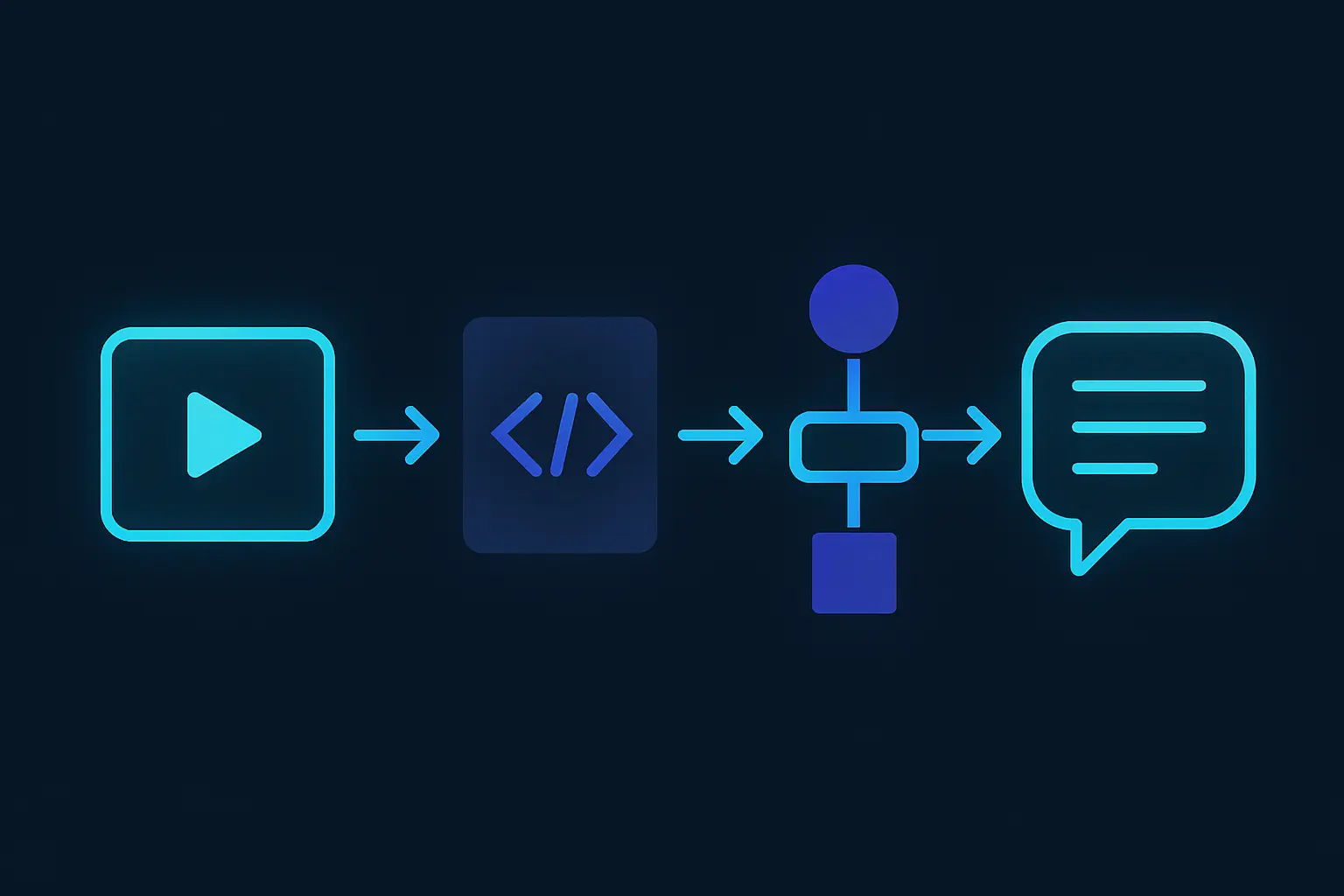
Optional parameters such as maxResults and pageToken help manage the response size and navigate through paginated results, respectively. When executed, the API returns a JSON response containing comment details like the author, text, and publication date. Understanding these basics is essential for integrating YouTube comment retrieval into your applications effectively.
OAuth 2.0 Authentication Setup
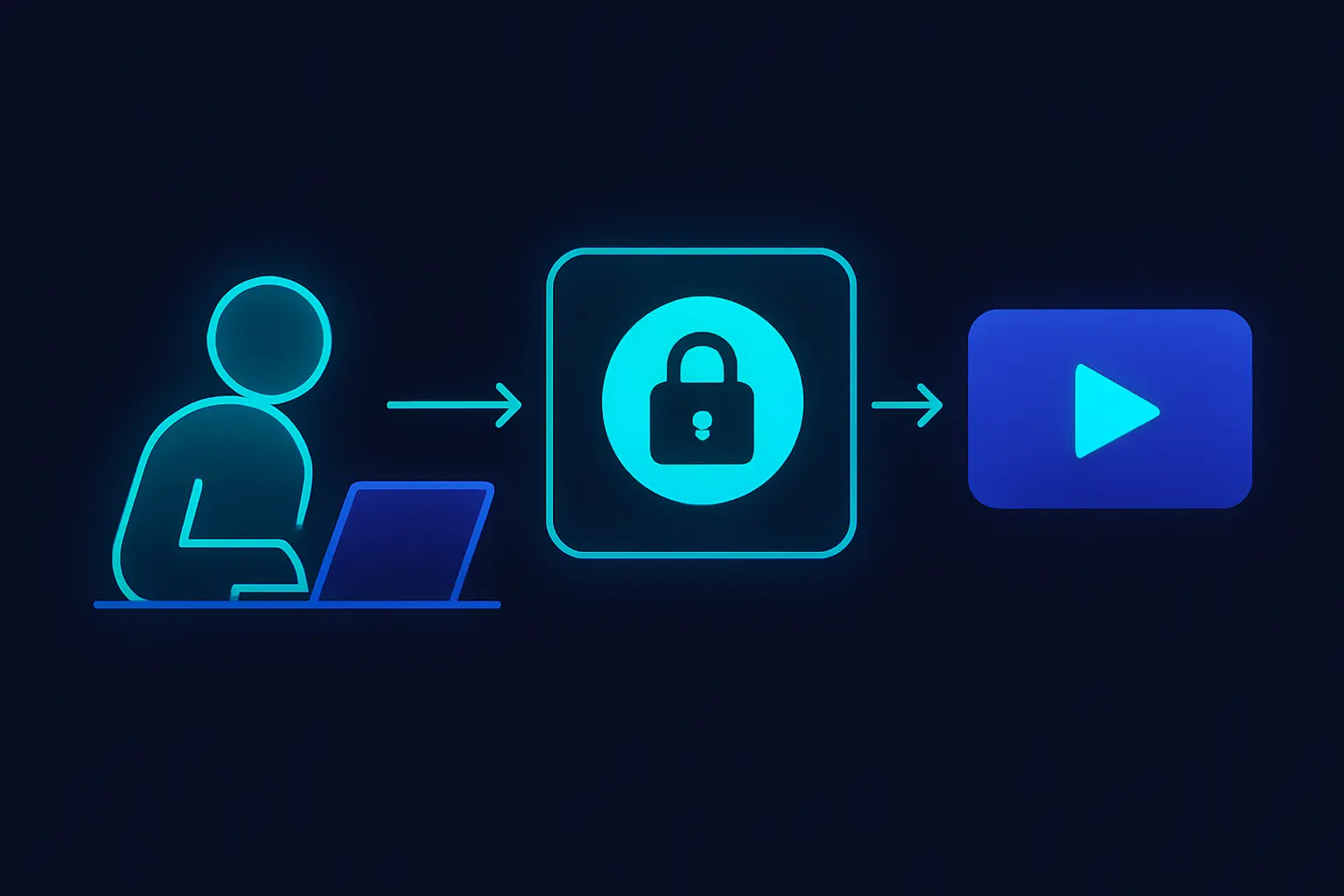
To interact with the YouTube Data API, setting up OAuth 2.0 is essential. OAuth 2.0 is a protocol designed to provide authorization flows for web, desktop applications, and mobile devices. Begin by navigating to the Google Developers Console. Here, you can create or select an existing project to access the APIs.
Once your project is selected, enable the YouTube Data API v3 by searching for it in the library and clicking on "Enable." The next step requires setting up your OAuth consent screen, which is displayed to users granting your application access. Provide necessary information such as the application name, logo, and domain.
Now, proceed to create credentials. Choose "OAuth client ID" and configure the OAuth consent screen as outlined. Select the application type relevant to your use case—web application or desktop application. Upon configuration, you'll receive a client ID and client secret, which are crucial for authentication requests.
The authorization workflow involves redirecting users to Google's OAuth 2.0 server, from which they grant access to your application. After user consent, an authorization code is returned to your application. Exchange this code for an access token by calling the token endpoint with the client ID, client secret, and authorization code. This access token is used in subsequent API calls to access YouTube comment data.
While the set-up process for OAuth 2.0 can appear complex, it's a foundational requirement for utilizing the YouTube Data API efficiently. Alternatively, for streamlined access, consider using tools like Captapi that simplify obtaining YouTube social media data without detailed OAuth configuration.
YouTube Data API v3: Comment Threads
The YouTube Data API v3 provides the commentThreads endpoint, which is essential for retrieving comment data from videos. This endpoint can be accessed via an HTTP GET request and is primarily used to list comment threads associated with a specific video ID. It also allows retrieval of comments for an entire channel. Here, you need to specify the parameters to filter and format the data according to your needs.
Key parameters include:
part: Specifies which properties of the comment thread to return. Common values areid,snippet, andreplies.videoId: The ID of the video to retrieve comments from. This parameter is mandatory when wanting comments from a specific video.channelId: Retrieves comment threads on all the videos uploaded to a specific channel.order: Allows sorting of comments by relevance or time. Default istime.searchTerms: Filters comments that contain the specified string.maxResults: Limits the number of comment threads returned per request, with a default value of 20 and a maximum of 100.
Below is a comparison table highlighting some parameters available for the commentThreads endpoint:
| Parameter | Type | Description |
|---|---|---|
part |
string | Specifies properties to include in the response. |
videoId |
string | Filters comments to those on a specific video. |
channelId |
string | Targets comments across channel's uploaded videos. |
order |
string | Adjusts sorting by time or relevance. |
searchTerms |
string | Filters comments that include specific terms. |
maxResults |
integer | Limits the number of results returned. |
Use these parameters to efficiently tailor the data retrieved as per requirements, ensuring optimal API usage and cost-effectiveness.
Python Example: Retrieve YouTube Comments
To retrieve YouTube comments using Python, you can utilize the YouTube Data API v3. Below, we demonstrate how to perform this task both using the curl command and with a Python script leveraging the google-auth and googleapiclient libraries. This example assumes you have already set up your API key and installed the necessary libraries.
First, here is a curl command to fetch comments for a specific video:
curl \
  'https://www.googleapis.com/youtube/v3/commentThreads?part=snippet&videoId={VIDEO_ID}&key={YOUR_API_KEY}'
The Python equivalent is structured as follows:
from google.oauth2 import service_account
from googleapiclient.discovery import build

# Replace with your service account file path and video ID
SERVICE_ACCOUNT_FILE = 'path/to/your/service-account-file.json'
VIDEO_ID = 'your_video_id_here'

# Create credentials object from service account file
credentials = service_account.Credentials.from_service_account_file(
    SERVICE_ACCOUNT_FILE,
    scopes=["https://www.googleapis.com/auth/youtube.force-ssl"]
)

# Build the YouTube API client
youtube = build('youtube', 'v3', credentials=credentials)

# Fetch comments
request = youtube.commentThreads().list(
    part="snippet",
    videoId=VIDEO_ID
)
response = request.execute()

# Output response
print(response)
The response from executing the above command contains an array of comments with minimal details. A typical response snippet might look like this:
{
  "kind": "youtube#commentThreadListResponse",
  "etag": "abc123_abc123-xyz",
  "items": [
    {
      "kind": "youtube#commentThread",
      "etag": "abc123_abc123-xyz",
      "id": "abcd1234",
      "snippet": {
        "topLevelComment": {
          "snippet": {
            "textOriginal": "This is a great video!",
            "authorDisplayName": "User456",
            "likeCount": 14
          }
        }
      }
    }
  ]
}
By using the YouTube Data API and these code examples, you can efficiently access and handle the comments associated with any given YouTube video, allowing for further processing or analysis in your applications.
JavaScript Example: Retrieve YouTube Comments
To retrieve YouTube comments using JavaScript, you can leverage the YouTube Data API v3. This requires sending an authenticated request to the commentThreads endpoint. The example below demonstrates how to perform this task using JavaScript with the Fetch API. Ensure you have obtained a valid API key from the Google Cloud Console and enabled the YouTube Data API v3 for your project.
The following JavaScript code snippet illustrates making an HTTP GET request to fetch comments for a specific YouTube video:
// JavaScript Fetch API to retrieve comments
const apiKey = 'YOUR_API_KEY';
const videoId = 'YOUR_VIDEO_ID';
const url = `https://www.googleapis.com/youtube/v3/commentThreads?part=snippet&videoId=${videoId}&key=${apiKey}`;

fetch(url)
  .then(response => response.json())
  .then(data => {
    data.items.forEach(item => {
      console.log(item.snippet.topLevelComment.snippet.textDisplay);
    });
  })
  .catch(error => console.error('Error fetching YouTube comments:', error));
To illustrate the equivalent request using curl and Python, see below:
// Curl command
curl 'https://www.googleapis.com/youtube/v3/commentThreads?part=snippet&videoId=YOUR_VIDEO_ID&key=YOUR_API_KEY'

// Python script
import requests

api_key = 'YOUR_API_KEY'
video_id = 'YOUR_VIDEO_ID'
url = f'https://www.googleapis.com/youtube/v3/commentThreads?part=snippet&videoId={video_id}&key={api_key}'

response = requests.get(url)
comments = response.json()

for item in comments['items']:
    print(item['snippet']['topLevelComment']['snippet']['textDisplay'])
Here is a brief example of the JSON response format:
{
  "items": [
    {
      "snippet": {
        "topLevelComment": {
          "snippet": {
            "textDisplay": "This is a comment"
          }
        }
      }
    }
  ]
}

Benefits of Using Captapi for YouTube Comment Data
Fetching YouTube comments data can be cumbersome when using the YouTube Data API directly. With Captapi, developers can streamline this process significantly. One of the primary benefits is the ease of integration: Captapi aggregates data from 27 social media platforms, including YouTube, into a unified format, reducing the need to work with multiple APIs and their respective authentication processes.
Captapi simplifies authentication by providing a single API key to access data across platforms, eliminating the hassle of managing OAuth 2.0 tokens necessary for the YouTube Data API. This allows developers to focus on processing and analyzing the data rather than handling complex authentication workflows.
Another advantage is the structured JSON output that Captapi delivers. Developers receive clean and consistent data without the need to manually parse varying data structures. This consistency accelerates development time and reduces the potential for parsing errors.
Captapi also offers built-in AI-driven summaries, which can help quickly extract insights from large datasets without extensive processing on the client's end. This feature is particularly useful for applications requiring rapid data analysis and reporting.
- Unified access to multiple platforms
- Consistent JSON data output
- Streamlined authentication with one API key
- AI-powered summarization tools
For developers working on applications that require extensive social media data, leveraging Captapi is a pragmatic choice. It enables faster integration and operation with YouTube data while providing additional features that enhance overall data usability. By removing redundant steps and offering comprehensive access, Captapi stands as a robust solution for social media data retrieval.
Frequently asked questions
Is there a way to see all of someone's YouTube comments?
YouTube does not provide a straightforward way to view all of someone's comments. While users can view their own comment history in their account settings, accessing another user's complete comment history is not possible through YouTube's interface or API due to privacy restrictions.
Does YouTube allow data scraping?
YouTube's terms of service prohibit automated data scraping, which includes using tools to extract data without explicit permission. It is recommended to use YouTube's official API to access public data within the guidelines and limitations provided.
How to get YouTube comments data using API v3?
You can retrieve YouTube comments using YouTube's Data API v3 by using the `commentThreads.list` method. This method requires you to specify a video ID and can return comments and replies. You need to handle pagination and YouTube's quota limitations when integrating this API into applications.
How can I download YouTube comments for free?
Downloading YouTube comments can be done for free using YouTube's Data API v3, which has no charge but requires registration for an API key. Alternatively, service providers like Captapi offer free tiers that allow for limited access to YouTube comment data without requiring a credit card, simplifying the process of data retrieval.