
How to Get Instagram Comments with APIs
Getting Instagram Comments Programmatically
To retrieve Instagram comments programmatically, developers commonly use REST APIs. These APIs provide structured data in formats like JSON, making it possible to access and manipulate comments through HTTP requests. Instagram itself offers the Graph API, which allows for access to user media, including comments. However, it requires an access token with appropriate permissions, which necessitates an app review and user authentication.
Using Instagram's Graph API involves setting up a Facebook Developer account, creating an application, and configuring login permissions to gather user data. Once established, you can use the API to fetch comments from media you have authorized access to. This often involves requesting comment fields through specific endpoint URLs and processing the returned data.
Apart from Instagram's official API, third-party APIs such as Captapi offer an alternative method to access Instagram content. These APIs can simplify the process by removing the need for managing OAuth tokens and permissions directly. Unlike the Graph API, they often provide a more straightforward integration by supporting multiple social platforms with a unified interface.
When working with any API, review the rate limits and data access policies, as these can impact the feasibility of certain use cases. It's vital to ensure compliance with Instagram's terms of service, especially regarding data privacy and user consent. Additionally, consider the trade-offs between direct API access and third-party solutions like Captapi, which may offer convenience at the expense of additional cost or fewer customization options.
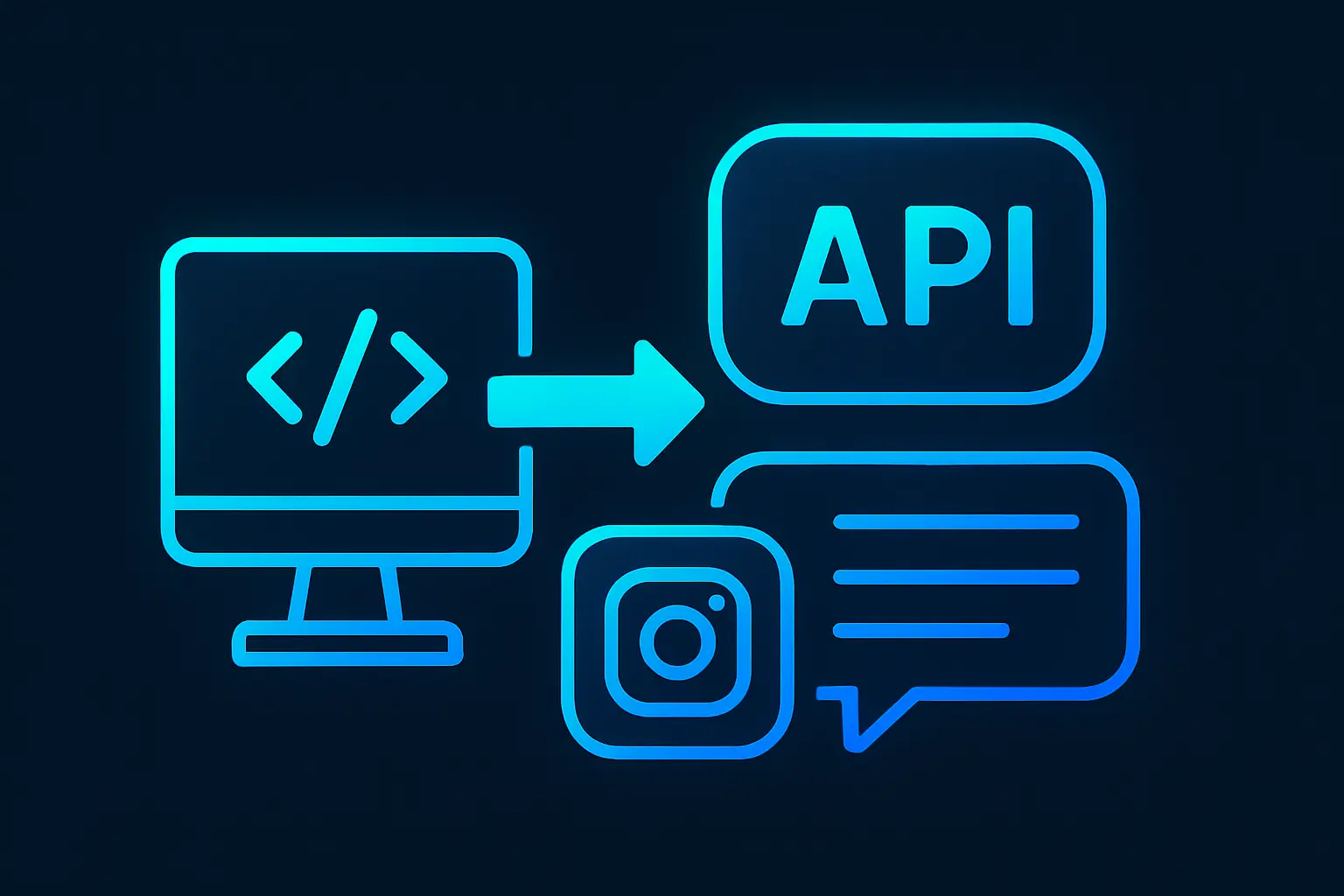
Using Captapi to Fetch Comments
Accessing Instagram comments efficiently is straightforward with Captapi. With a single API key, you can fetch comments from Instagram posts in a structured JSON format. Captapi is designed for streamlined access to social media data, including posts and their associated comments.
To get Instagram comments using Captapi, you'll make a request to their Instagram endpoint. Detailed information about this process is available on their Instagram API page. Captapi returns clean JSON, helping to reduce the data processing overhead by delivering only essential details.
Here’s an example of making a request using curl and Python:
# Using curl
curl -X GET "https://api.captapi.com/instagram/comments?post_id=YOUR_POST_ID" \
-H "Authorization: Bearer YOUR_API_KEY"

# Using Python and requests library
import requests

url = "https://api.captapi.com/instagram/comments"
params = {'post_id': 'YOUR_POST_ID'}
headers = {'Authorization': 'Bearer YOUR_API_KEY'}

response = requests.get(url, headers=headers, params=params)
comments = response.json()
print(comments)
Sample JSON response snippet:
{
  "comments": [
    {
      "id": "1234567890",
      "username": "user123",
      "text": "This is a sample comment",
      "timestamp": "2023-10-01T12:00:00Z"
    }
  ]
}
Integrating this API into your workflow can significantly enhance your ability to analyze user interactions and improve decision-making based on social feedback.
Comparison of Instagram API Options
When selecting an API to access Instagram comments, several factors should be considered, including data comprehensiveness, ease of use, cost, and rate limits. Instagram's own Graph API provides official access to comments but requires individual app approvals and has strict rate limits. Other options like third-party APIs offer different trade-offs. Evaluating these alternatives can help you choose the most suitable for your needs.
The Instagram Graph API is best for applications requiring up-to-date data directly from Instagram, as it provides the most reliable information. However, its use comes with the complexity of setup and dependency on Facebook app permissions, alongside cost implications if scaling is needed.
Third-party options like Captapi simplify access by circumventing these setups and are better suited for those needing a single API key to fetch data from multiple platforms beyond just Instagram. They may offer more straightforward pricing structures and less stringent access approvals.
Below is a comparison of these API options:
| API | Ease of Use | Data Comprehensiveness | Pricing | Rate Limits |
|---|---|---|---|---|
| Instagram Graph API | Complex | High (official source) | Varies, higher at scale | Strict |
| Captapi | Simple | High (multiple platforms) | Free tier, then credits | Variable |
| Third-Party API X | Moderate | Moderate | Subscription-based | Moderate |
Each solution has its distinct advantages and constraints. Your choice should be guided by specific project needs, such as integration complexity, data range, and cost constraints.
Optimizing Requests for User Engagement
When retrieving Instagram comments through an API, structuring requests to maximize data relevancy and utility is crucial. Start by identifying the specific posts you want to analyze, focusing on those with the highest engagement metrics like likes and shares. This targeted approach ensures that you're harnessing data where user interaction is most pronounced.
To optimize the API requests, consider leveraging parameters that filter comments based on criteria such as timestamp, keyword occurrence, or user activity. This can be particularly effective for isolating recent or particularly poignant commentary. Additionally, limit the number of comments retrieved per request to within a manageable size. This reduces processing time and minimizes the risk of hitting rate limits from the API provider.
It's also advisable to prioritize extracting deep engagement signals from comments, such as the frequency of keywords or phrases, and the density of comment replies, which can indicate conversation depth and user interest. Analyzing these factors helps to paint a clearer picture of audience sentiment and engagement behavior.
- Use targeted post selection to focus efforts.
- Filter comments by relevant parameters.
- Limit responses to optimize data handling.
- Extract and analyze deeper engagement signals.
By applying these strategies, you enhance the practicality and richness of the data retrieved, enabling a more nuanced understanding of user engagement on Instagram. This, in turn, facilitates more informed decision-making concerning content strategy and audience interaction dynamics.
Handling and Parsing JSON Responses
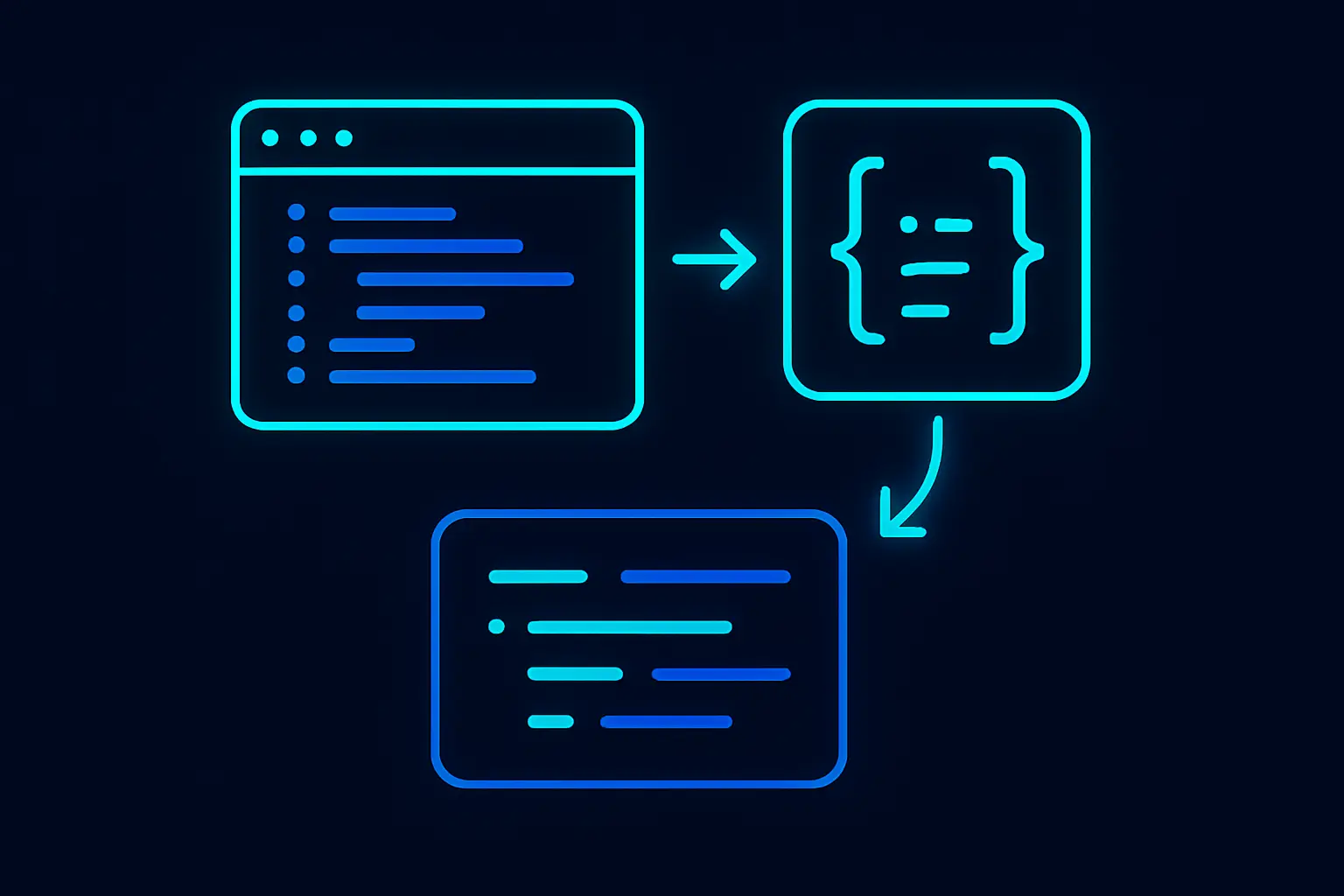
When retrieving Instagram comments via APIs, the data is typically returned in JSON format. Effectively handling and parsing this JSON data is crucial for meaningful data extraction and utilization. JSON responses from Instagram APIs often contain nested objects, arrays, and various data types, making it important to understand the structure before writing any processing logic.
First, inspect the JSON response to identify key components like the comment text, author, timestamp, and any engagement metrics. Most programming languages offer built-in libraries to parse JSON, such as JSON.parse() in JavaScript, json.loads() in Python, or JSON.parseObject() in Java. These functions will convert the JSON string into native data structures — objects for JavaScript, dictionaries for Python, and maps for Java.
Iterating through the JSON structure effectively retrieves the desired elements. For example, if the comments are in an array under a key named "comments", loop through this array to access each comment's details. Ensure error handling mechanisms are in place to manage missing fields or unexpected data types, which may occur due to API changes or data inconsistencies.
- Check for null or undefined values to avoid runtime errors.
- Use optional chaining or default fallbacks for nested elements.
- Validate data formats, especially dates and numbers.
Captapi simplifies this process by delivering a consistent JSON schema across multiple platforms including Instagram. This consistency mitigates the variations that typically require custom parsing logic for each API integration, allowing developers to streamline their JSON handling implementation.
Monitoring Comment Trends and Sentiment
Monitoring the trends and sentiment of Instagram comments can provide valuable insights into audience engagement and brand perception. By analyzing comment data over time, developers can identify shifts in user sentiment and emerging topics of interest. To achieve this, begin by consistently fetching comments using the Captapi Instagram endpoint. Capture data at regular intervals to build a comprehensive dataset over time.
Once you've acquired the comment data, utilize Natural Language Processing (NLP) tools to perform sentiment analysis. Libraries like TextBlob or VADER are straightforward options in Python for determining whether the expressed opinion in a text is positive, neutral, or negative. Analyzing the sentiment scores across comments can help detect trends, such as changes in audience mood following product announcements or marketing campaigns.
For a more detailed trend analysis, aggregate and categorize comments by time frames (e.g., daily, weekly, monthly) and track the frequency of specific keywords or hashtags. This approach helps identify recurring themes and emerging topics in user discussions. Simple data visualization libraries such as Matplotlib or Seaborn can then be used to chart these trends, making it easier to spot patterns and anomalies.
- Regularly collect comment data for ongoing trend analysis.
- Leverage NLP libraries for automated sentiment scoring.
- Visualize data to interpret trends and anomalies effectively.
By continuously monitoring these metrics, developers and analysts can respond proactively to shifts in public opinion and adjust their social media strategies accordingly. This ongoing analysis is crucial for maintaining relevance and fostering a positive brand image in competitive social environments.
Frequently asked questions
How do I programmatically get comments from Instagram?
To programmatically get comments from Instagram, you can use the Instagram Graph API, which requires user authentication and specific permissions. You need to request access to your chosen endpoint along with the appropriate fields and access tokens. An efficient alternative is using Captapi, which provides Instagram comments in JSON format with minimal setup.
Can I use Instagram API to get comments without authentication?
Instagram's API requires user authentication to access most data, including comments. This means you need to authenticate using OAuth and request the necessary permissions. Without authentication, accessing comments directly through Instagram's official API is not possible.
What are alternatives to fetching comments besides Instagram’s API?
Besides using Instagram's official API, you can utilize services like Captapi that aggregate social media data. These services often simplify the process and reduce the need for complex authentication setups. However, always ensure that the method you choose complies with Instagram's data policies.
How can I filter comments by keyword using an API?
To filter comments by keyword using an API, look for endpoints that allow query parameters with filters or advanced search capabilities. Captapi, for example, enables users to filter data, including comments, by keywords directly within the query. Implementing keyword searches requires parsing the returned data and applying additional logic if the API doesn’t support direct filtering.