
Discover the Best Social Media APIs of 2024

Top Social Media APIs of 2024
In 2024, several social media APIs have become essential tools for developers looking to integrate social media functionalities into their applications. These APIs provide access to user profiles, posts, comments, and more, with varying levels of ease and coverage across different platforms.
Meta Platforms continues to offer robust integration possibilities through their APIs for Facebook, Instagram, and Threads. These APIs deliver comprehensive social media data access, including user profiles, media, and engagement metrics, but are somewhat limited by platform-specific restrictions and data usage policies.
The Twitter API, now operating under the brand X, remains a staple for accessing vast amounts of public conversation data. Developers appreciate its rich expansion capabilities and real-time data access. However, challenges often arise with rate limits and compliance with evolving policy requirements.
For video-centric applications, YouTube's Data API offers deep insights into video content and user interaction, making it invaluable for applications targeting content creators and media analysis. Similarly, TikTok provides an API that supports creative applications through data on trending content and user behavior, although accessing data often requires additional validation steps.
LinkedIn's API caters to professional networking applications, with functionalities for fetching user data and learning about companies. This API is indispensable for business-focused tools but can be restrictive in terms of access permissions.
- Reddit API: Popular for community-driven applications.
- Bluesky API: Emerging as a new entrant for decentralized social networking.
- Pinterest API: Favored for visual content integration.
Each of these APIs has its strengths and adapted purposes, making them suitable for various application needs, from building engaging social media features to deriving insights for analysis. Always consider data policy compliance and feature alignment when choosing an API.
Comparing Feature Sets of Social Media APIs
The diverse capabilities of social media APIs can significantly influence the decision-making process for developers and businesses. Each API has its own strengths and offers unique features that cater to different needs, whether you're looking for comprehensive data retrieval or specific analytics insights. Here's a comparison of various social media APIs based on key features they offer:
| API | Platforms Supported | Data Types | Real-time Data | Pricing Model |
|---|---|---|---|---|
| Captapi | 27 Platforms | Profiles, Posts, Comments, Transcripts, AI Summaries | Yes | Free Tier, Subscription |
| Facebook Graph API | Facebook, Instagram | Posts, Comments, Reactions | No | Usage Based |
| Twitter API | Tweets, Replies, Retweets | Yes | Free Tier, Tiered Pricing | |
| LinkedIn API | Profiles, Posts, Analytics | No | Enterprise Plans |
By examining these different features, users can choose an API that best fits their project requirements. For comprehensive coverage across multiple platforms, Captapi offers a versatile solution with its wide range of supported features, such as AI-generated content summaries and real-time data access.
How to Choose the Right Social Media API
Selecting the right social media API involves evaluating your specific needs and the platforms you intend to target. Begin by identifying which social media networks are essential for your application. Not all APIs provide access to every platform, so ensure your chosen API covers your desired platforms. For example, if your application involves detailed analytics for TikTok, you must choose an API that supports it in depth.
Consider the types of data you need. Some APIs focus on user profiles and post data, while others may offer comments, likes, or even AI-generated summaries. Determine whether you require real-time data retrieval, historical data, or both, as this will impact your choice. Real-time capabilities are crucial for applications needing immediate data updates, such as social media monitoring tools.
- Data Types: Profiles, posts, comments, engagement metrics.
- Platform Support: Number of supported platforms.
- Access Levels: API rate limits, historical vs. real-time access.
Evaluate the API's documentation and community support. Comprehensive documentation and an active developer community can greatly enhance integration efficiency. Additionally, check the API's compliance with data privacy regulations like GDPR, especially if you handle sensitive user data.
Finally, assess pricing models. While cost shouldn't be your sole deciding factor, it's important to choose an API that aligns with your budget and offers flexibility for scaling as your needs grow. Free tiers, like those provided by Captapi, can allow for initial exploration without upfront investment. Make sure to balance cost against the breadth and depth of data access offered.
Example API Integration
Integrating a social media API can be straightforward. Here's a step-by-step guide on how to fetch a user profile using Captapi's REST API. This example will focus on retrieving a Twitter user's profile using both curl for command-line access and Python for a programmatic approach.
Using curl
curl -X GET "https://api.captapi.com/social-media/profile" \
-H "Authorization: Bearer YOUR_API_KEY" \
-d "platform=twitter" \
-d "username=twitter_user"
Using Python
import requests

url = "https://api.captapi.com/social-media/profile"
headers = {
    "Authorization": "Bearer YOUR_API_KEY"
}
params = {
    "platform": "twitter",
    "username": "twitter_user"
}

response = requests.get(url, headers=headers, params=params)

if response.status_code == 200:
    profile_data = response.json()
    print(profile_data)
else:
    print("Failed to retrieve profile:", response.status_code)
The following JSON snippet exemplifies a typical response:
{
    "id": "123456789",
    "username": "twitter_user",
    "name": "Twitter User",
    "followers_count": 1500,
    "following_count": 300,
    "bio": "This is an example bio.",
    "profile_image_url": "https://example.com/image.jpg"
}
This integration can be adapted for other platforms supported by Captapi by simply changing the platform parameter. Ensure your API key is kept secure and is never hard-coded in your production code.
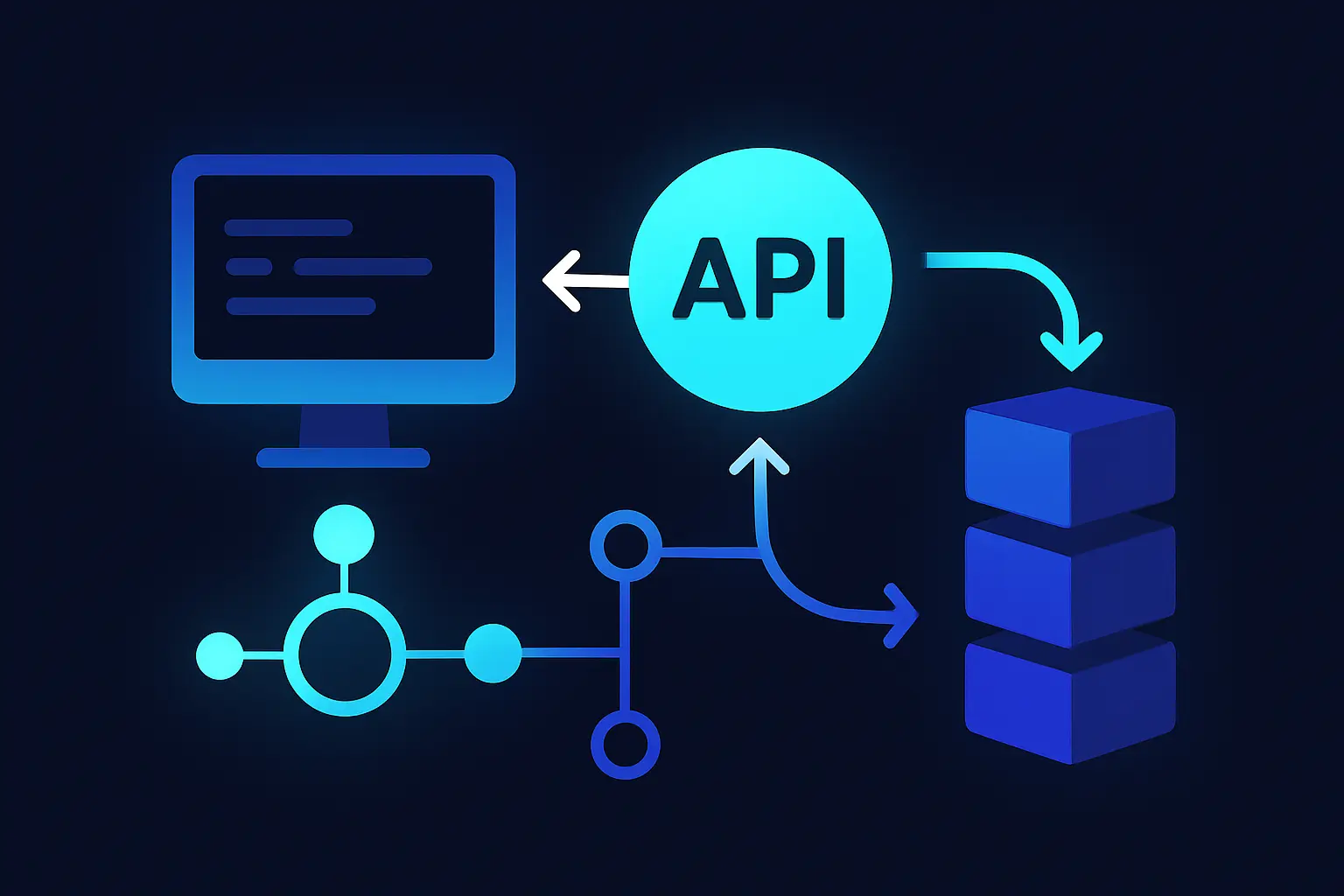
Benefits and Trade-offs of Unified APIs
Unified APIs provide a single platform for accessing data across multiple services, which significantly simplifies development processes. Instead of integrating different APIs from various social media platforms, developers can rely on one standardized API, reducing both time and effort. This consolidation allows teams to focus more on their application logic and less on the nuances of each individual platform's API.
Another benefit is consistent data formatting. Unified APIs like Captapi provide data in a standardized JSON format, ensuring uniformity across all integrated platforms. This removes the pain of handling distinct data structures, making data parsing and transformation easier and more predictable.
Despite these advantages, unified APIs come with trade-offs. Relying on a single provider means you depend on their uptime and data accuracy across all platforms. If the provider experiences disruptions, your access to multiple platforms can be affected simultaneously. Additionally, the range of features and the depth of data provided can vary between these APIs and native platform-specific APIs. Some unified APIs may not support edge cases or intricate platform-specific features due to their need to maintain a broad, cross-platform compatibility.
Finally, using a unified API might incur additional costs as providers generally charge for the convenience and efficiency they offer. Evaluating these costs against potential time savings is crucial. However, for many developers, the streamlined integration process and consistency in data retrieval can provide significant value, often justifying the trade-offs involved.

Captapi: A Versatile API for Social Media Data
Captapi is a robust REST API designed to deliver clean JSON-formatted social media data from 27 diverse platforms, including YouTube, TikTok, Instagram, and LinkedIn. With a single API key, developers can access a wide array of data types such as profiles, posts, comments, transcripts, and AI-generated summaries, making it a powerful tool for a range of applications from analytics to content curation.
One of the core strengths of Captapi is its unified approach, allowing developers to gather data across multiple platforms without the need for individual integrations. This simplifies the process, reducing the overhead typically associated with managing multiple APIs and handling varied data formats. As a result, Captapi provides a streamlined experience ideal for both large-scale applications and smaller projects.
Users of Captapi benefit from a free tier offering 100 credits, allowing developers to explore its capabilities without an initial financial commitment. This makes it a practical choice for testing and prototyping. Comprehensive documentation available at captapi.com/docs guides users through the integration process, ensuring that developers can implement the API effectively and efficiently.
- Access to 27 platforms
- Unified JSON data format
- AI-generated content summaries
In summary, Captapi's versatility and ease of use make it a strong contender for any developer seeking to integrate social media data into their applications. Its support for a wide range of platforms and data types ensures that it can meet complex and varied data demands with relative ease.
Frequently asked questions
Which social media API offers the most platform coverage?
Captapi is known for offering extensive platform coverage, providing data from 27 different social media platforms, including YouTube, TikTok, Instagram, Facebook, and more. Its wide coverage makes it a versatile choice for developers needing data from multiple sources through a single integration point.
What are the cost considerations for using a social media API?
When using a social media API, consider factors such as the number of requests, the need for historical data, and potential overage fees. Pricing models can include pay-as-you-go, tiered subscriptions, or enterprise agreements, and starting with a free tier can help evaluate the service without initial costs.
How do I integrate a social media API with my application?
Integrating a social media API typically involves registering for an API key, examining the API documentation, and making HTTP requests to the API endpoints. Most APIs provide SDKs or code samples in popular programming languages to simplify the integration process.
Are there free options available for social media APIs?
Yes, many social media APIs offer free tiers or trial periods. For example, Captapi provides a free tier with 100 credits, allowing developers to explore its features without a credit card. This can be useful for small projects or initial testing phases.