
Access YouTube Transcript API Free Options
How to Access YouTube Transcripts for Free
Accessing YouTube transcripts without cost is achievable through a range of API services. Most options offer a limited free tier, allowing users to extract closed captions and transcripts programmatically. Here’s a look at some popular choices:
Google YouTube API v3: Google's own API provides a robust way to interact with YouTube data, including video transcripts. Developers can access the captions of a video using the Captions methods. Note that the free tier includes up to 10,000 units per day, but accessing captions might require specific permissions which may not be feasible for all users.
Captapi: Captapi offers a simplified way to retrieve YouTube transcripts by utilizing a unified API key. With the free tier granting 100 credits, developers can pull transcripts easily as part of its broader functionality covering multiple social media platforms.
SerpApi: Known for scraping various search engine results, SerpApi includes YouTube video transcripts in its offerings. Its free version includes limited capacity, which might be extended with paid plans. While effective, it may include data scraping terms which differ significantly from official API usage.
- YoutubeTranscriptApi: A Python library focused on extracting YouTube transcripts directly. As an unofficial method, it bypasses the API call aspect entirely, leading to potential reliability issues when platform changes occur.
Each of these services provides a distinct approach to accessing YouTube transcripts at no cost, with varying levels of ease and ethical considerations. Selecting the right tool depends on specific project needs and comfort with potential API or scraping limitations.
Using Captapi for YouTube Transcripts
Captapi provides a straightforward way to retrieve YouTube transcripts using its API, accessible with free credits upon registration. To begin, sign up on the Captapi website to receive your API key. With the free tier offering 100 credits, developers can test the service without needing to provide payment details.
To fetch a YouTube transcript, construct an API request using the endpoint specifically designed for this purpose. Send a GET request to the URL, including your API key as a header. The required parameter is the YouTube video ID, which you can extract from the video URL. For detailed instructions and request examples, visit the YouTube Transcript API documentation page.
The JSON response from Captapi includes the transcript text segmented according to timestamps. This allows for easy synchronization with video playback or further processing such as text analytics. The clean JSON format ensures effortless integration into various applications, streamlining workflow for developers requiring structured data.
- Sign up on Captapi to obtain your API key.
- Send a GET request with the video ID to Captapi's endpoint.
- Parse the structured JSON response for transcript data.
Captapi's simplicity and free credits make it a convenient choice for developers. By leveraging these free resources, developers can enhance their applications with YouTube transcript capabilities without initial investment.
Comparison of Free YouTube Transcript Tools
Several tools are available to extract YouTube transcripts for free. Each offers unique features and limitations, catering to different needs. Developers need to compare APIs based on the supported platforms, ease of use, data format, and limitations. Below is a comparison of various free tools providing YouTube transcript APIs to assist you in selecting the appropriate solution for your requirements.
| Tool/API | Features | Supported Platforms | Data Format | Limitations |
|---|---|---|---|---|
| Captapi YouTube API | Returns transcripts in clean JSON, supports 27 platforms | YouTube, TikTok, Instagram, more | JSON | Free tier: 100 credits, no card required |
| Google's YouTube API | Official API with robust data access | YouTube | JSON | Quota limits, requires API key |
| DIY Manual Script | Custom scripts using Python | Limited to YouTube | Varies (XML, JSON with implementation) | Requires coding knowledge, maintenance effort |
| Transcripts Grabber | Browser extension for manual transcript download | YouTube | Text | Manual download, limited automation |
| Speech-to-Text Tools | Converts YouTube audio to text | Audio and Video content platforms | Text | Accuracy depends on the audio quality |
Each tool and API comes with its trade-offs, balancing between cost, convenience, and coverage. Understanding these differences can guide developers to choose the fitting solution for accessing YouTube transcripts freely and effectively.
Code Example: Fetching YouTube Transcripts via API
Fetching YouTube transcripts using the Captapi service is straightforward. Below, you'll find examples in both curl and Python to demonstrate how to interact with the Captapi endpoint for obtaining YouTube transcripts. Ensure you have your API key ready to authenticate your requests.
First, using curl, you can fetch the YouTube transcript by making an HTTP GET request:
curl -X GET "https://api.captapi.com/youtube/transcripts" \
-H "Authorization: Bearer YOUR_API_KEY" \
-H "Content-Type: application/json" \
-d '{"video_id":"YOUTUBE_VIDEO_ID"}'
For Python, use the requests library to achieve the same result:
import requests

url = "https://api.captapi.com/youtube/transcripts"
headers = {
    "Authorization": "Bearer YOUR_API_KEY",
    "Content-Type": "application/json"
}
payload = {
    "video_id": "YOUTUBE_VIDEO_ID"
}

response = requests.get(url, headers=headers, json=payload)

if response.status_code == 200:
    print(response.json())
else:
    print("Error:", response.status_code, response.text)
Upon a successful request, the API returns a JSON response containing the transcript data. Here is a truncated example of what the response might look like:
{
    "video_id": "YOUTUBE_VIDEO_ID",
    "transcript": [
        {"start": 0.0, "duration": 5.62, "text": "Here is the start of the transcript."},
        {"start": 5.63, "duration": 3.47, "text": "Continues with more dialog."},
        ...
    ]
}
Replace YOUR_API_KEY with your actual API key and YOUTUBE_VIDEO_ID with the ID of the YouTube video you wish to process.
Technical Requirements and API Limitations
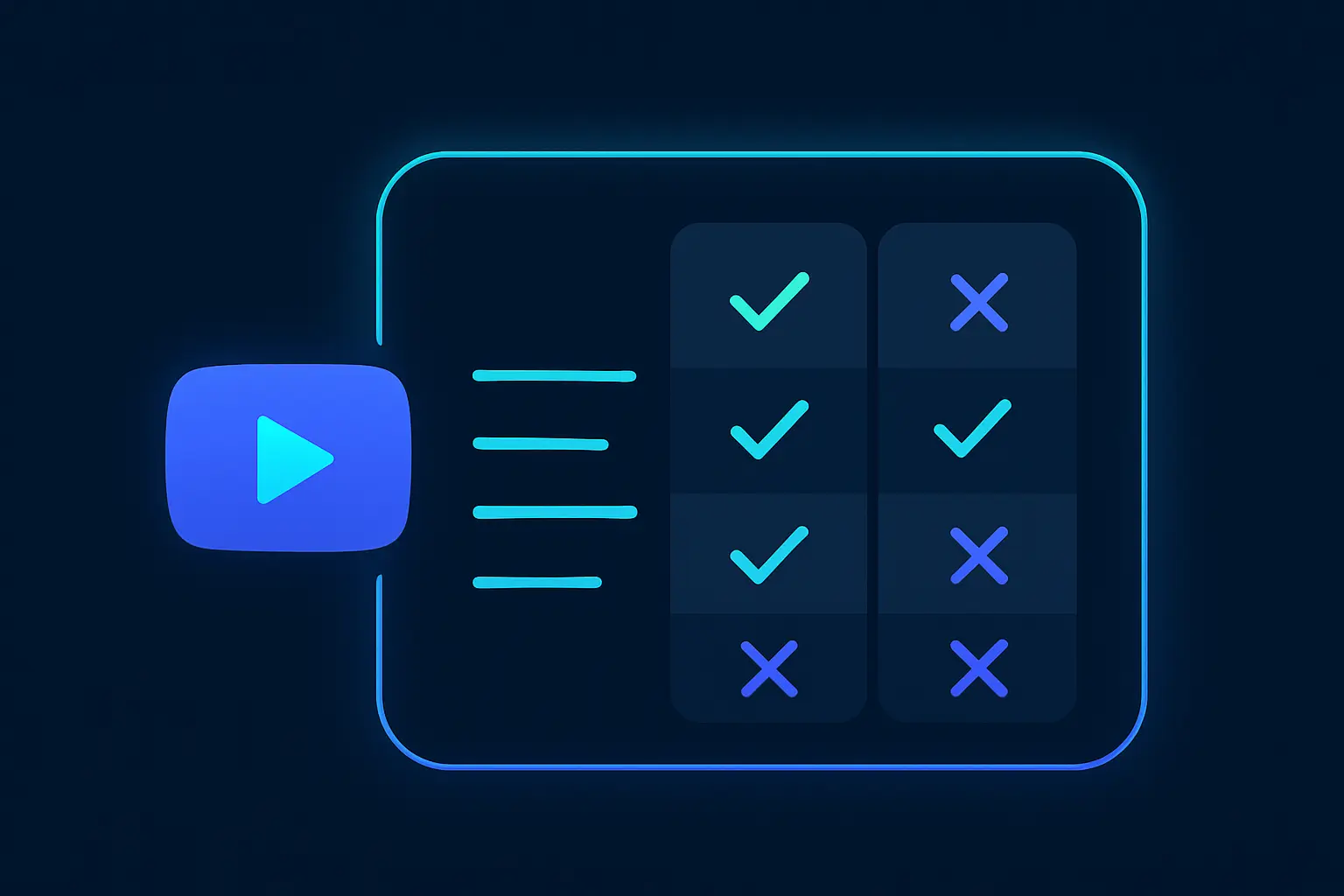
When working with YouTube transcript APIs, certain technical requirements and limitations are common across most providers. Understanding these can help developers plan effectively.
Firstly, API authentication typically requires an API key. Registration with the service provider is a prerequisite to obtaining a key. Captapi offers a straightforward registration process with a free tier that includes 100 credits, allowing initial exploration without financial commitment. Developers should store their API keys securely to prevent unauthorized access.
Quota limitations are another important consideration. Most APIs, including free tiers, impose restrictions on the number of requests you can make within a specific time period. This is to ensure fair usage among all users. The Captapi free tier, for instance, might limit requests to maintain performance across the platform. Understanding these limits can help in managing long-running processes or larger batch operations effectively.
Content accessibility can also be a constraint. APIs may only provide transcripts for videos that have captions available, whether auto-generated or manually provided. Additionally, some APIs restrict data access based on video privacy settings, meaning transcripts of private videos or restricted content may not be retrievable.
- API Key registration
- Request quota limits
- Captions availability
- Video privacy settings
Latency and data delivery speed depend on the API provider’s infrastructure and the requested data volume. Developers should test the service under expected loads to ensure it meets their performance requirements.
FAQs and Common Issues
When accessing YouTube transcripts through APIs, developers often encounter a set of common questions and issues. The following list addresses these frequent concerns.
How can I obtain transcripts for videos without captions?
APIs that retrieve YouTube transcripts rely on existing captions. If a video does not have captions, automatic or manual, a transcript cannot be generated through the API. Check if the video publisher provides captions before attempting transcript extraction.
Why am I experiencing rate limits?
Free versions of YouTube transcript APIs, including Captapi, often impose rate limits to control server load and ensure fair access. To avoid exceeding these limits, consider batching your requests or utilizing paid tiers, which generally offer higher thresholds or unlimited access.
Are multilingual video transcripts supported?
Support for multilingual transcripts depends on the API in use. Captapi can handle transcripts in various languages, provided that the video includes captions in those languages. Ensure that you specify the correct language parameter when making requests.
- Verify API credentials: Incorrect API keys or tokens can result in authentication failures.
- Handle API responses: APIs often return specific error messages that can aid troubleshooting.
- Stay updated with platform changes: YouTube may alter its data policies, affecting API functionality.
By proactively addressing these common issues and adhering to best practices, developers can more effectively interact with YouTube transcript APIs and ensure smoother integration into their applications.
Frequently asked questions
How can I get a YouTube transcript for free?
You can get a YouTube transcript for free by using Captapi's REST API, which provides transcripts from YouTube and other platforms without requiring a payment. The free tier offers 100 credits, allowing you to access transcripts without a credit card.
Is the YouTube API for free?
The YouTube Data API itself is free to use up to a certain point, with a quota system in place that may restrict extensive usage without costs. For simply obtaining transcripts, you can utilize alternative APIs like Captapi within their free tier restrictions.
How to get transcript of a YouTube video API?
To get a transcript of a YouTube video via an API, you can use Captapi by providing your API key and the YouTube video ID. Captapi simplifies the process, returning a clean JSON output that includes the transcript data.
Can ChatGPT transcribe a YouTube video?
ChatGPT does not directly transcribe YouTube videos. However, you can use an API like Captapi to obtain a transcript first, and then utilize ChatGPT to process or analyze the text as needed.